BPswitch Operators Manual
80 / 413
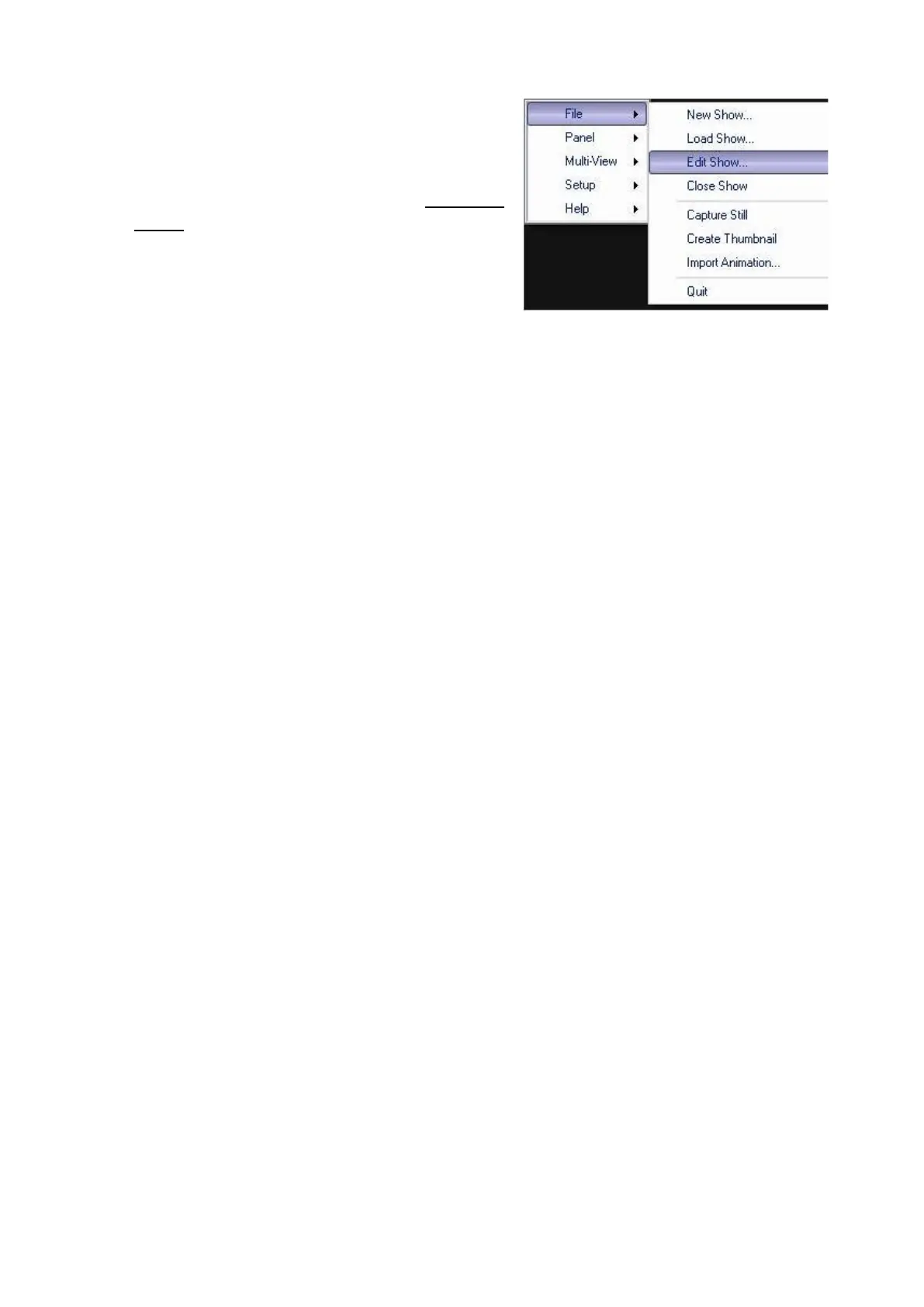
Select the File menu, as shown at the
right, and click on Edit Show.
The show that you have open will now
open in PixMaster, (as shown in Editing a
Show).
Editing a Show
When you select a show to edit, it will open in the PixMaster window for that show.
In the illustration shown below, a show called Sample Show has been opened for
editing. The primary source row for this show will be shown, complete with the
exact PixButtons. In general, there are three things you can do from here:
1.
Select which devices’ content to edit by clicking on its name or PixButton.
2.
Select Edit Show Settings to edit the show’s switcher source assignments,
memories or extra devices assigned to the 3 wildcard buttons in the upper right
corner of the panel.
3.
View and save the content summary for the show.



 To Next Page