BPswitch Operators Manual
136 / 413
knob, or using the numeric keypad.
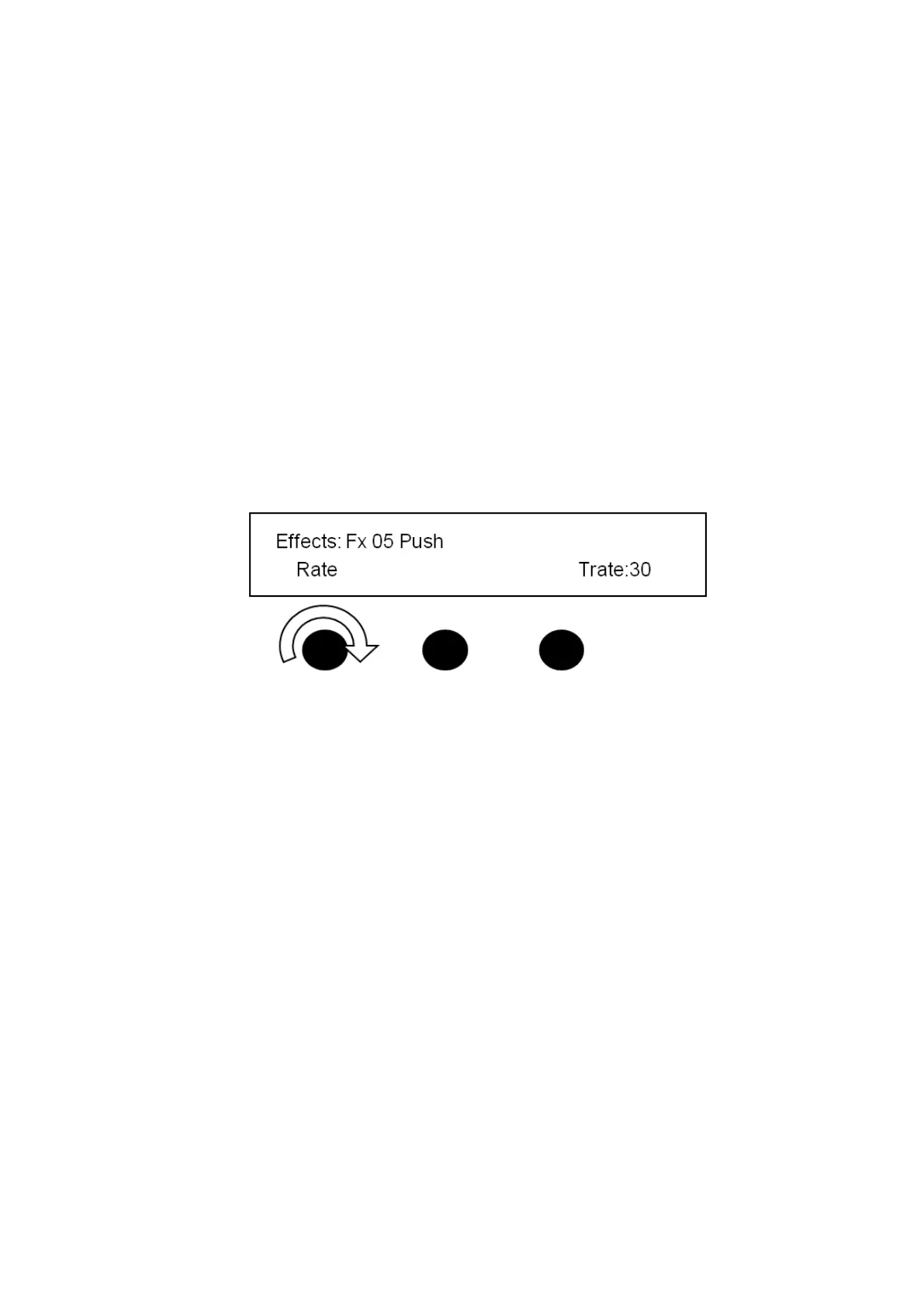
The transition rate is displayed on the lower right corner of the display. For
example, the illustration below shows a rate of 30 frames. Rates are displayed in
frames, with 30 frames being equal to one second in 60Hz and 25 being equal to
one second in 50Hz. The system defaults to 30 frames until another rate is
selected.
To change the transition rate with a knob:
If the Device Controls are not already assigned to effects, press the [Effects
PixButton] in the transition section and the display illustrated below will
appear.
Turn the [1
ST
Knob] to the desired rate. The number of frames will be
shown in the right corner of the display TRate: 30.
This rate will be now be used for all transitions until changed.
To change the transition rate with the numeric keypad:
Press the [Mix] button in the Transition Control section of the panel.
The PixPad in the Device Control section of the panel will change to a
numeric keypad. Enter the desired value in frames.
Press the [Enter] PixButton to save the transition rate.
OR
If the Device Controls are not already assigned to effects, press the [Effects]
PixButton.
Press the [Controls] button on the
effects PixPad, and the following
PixPad will appear:
Press the [Trans Rate] PixButton,
and the following numeric keypad
will appear:



 To Next Page