BPswitch Operators Manual
295 / 413
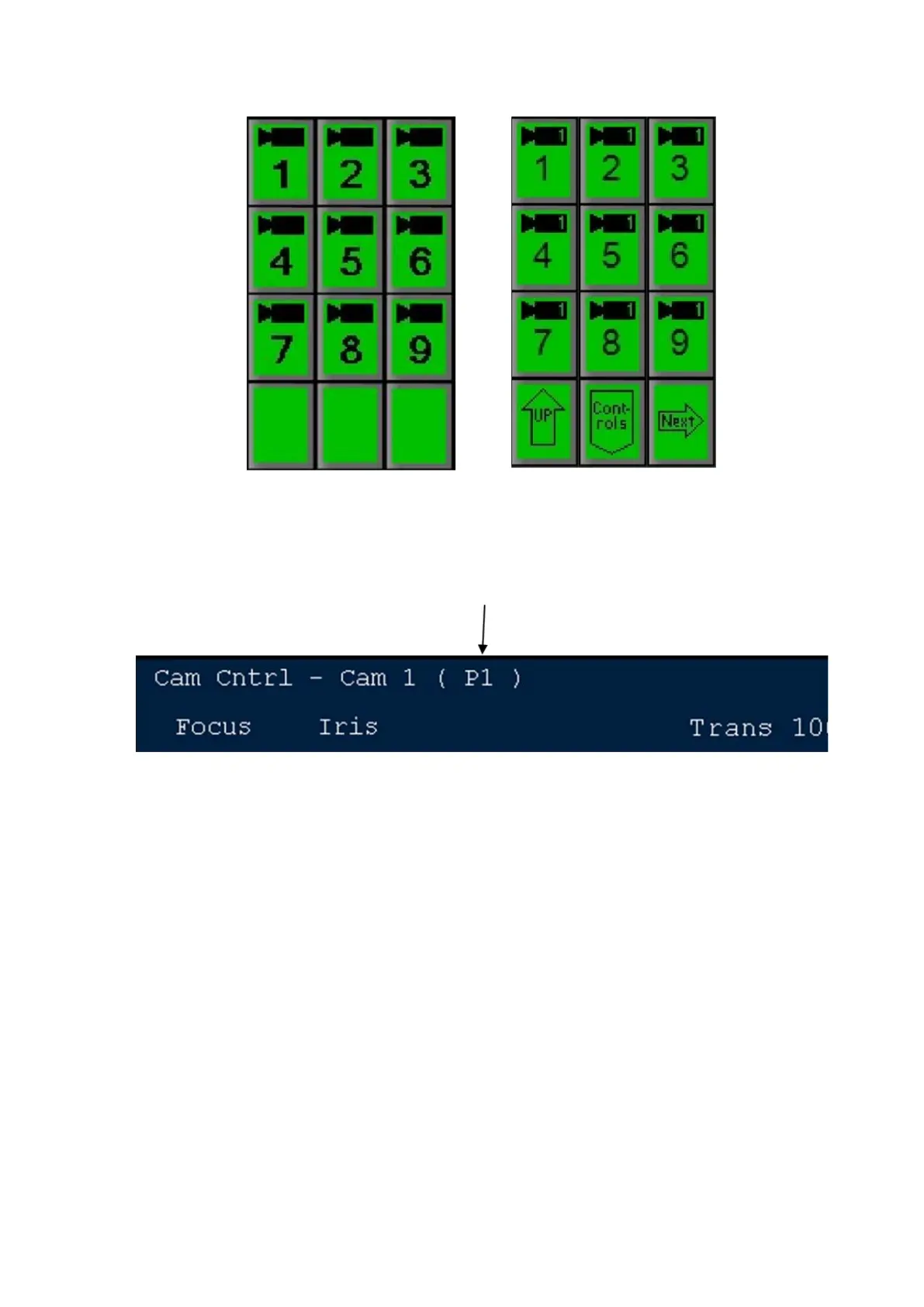
If you want to recall one of the first 9 positions for this camera, press the
desired preset position PixButton and that preset will be loaded, the camera
will move to it, and the large display will show that preset position number as
shown below.
If you wish to recall a preset position that is beyond the first 9, then press the
[Next] PixButton, and the next 9 will appear, as shown below. On Panasonic
& Sony cameras, you may select the [Controls] PixButton then the [numeric]
PixButton to enter a preset number.



 To Next Page