BPswitch Operators Manual
245 / 413
in the upper right corner of the panel will show the DDR as illustrated below.
or
To Control the External DDR:
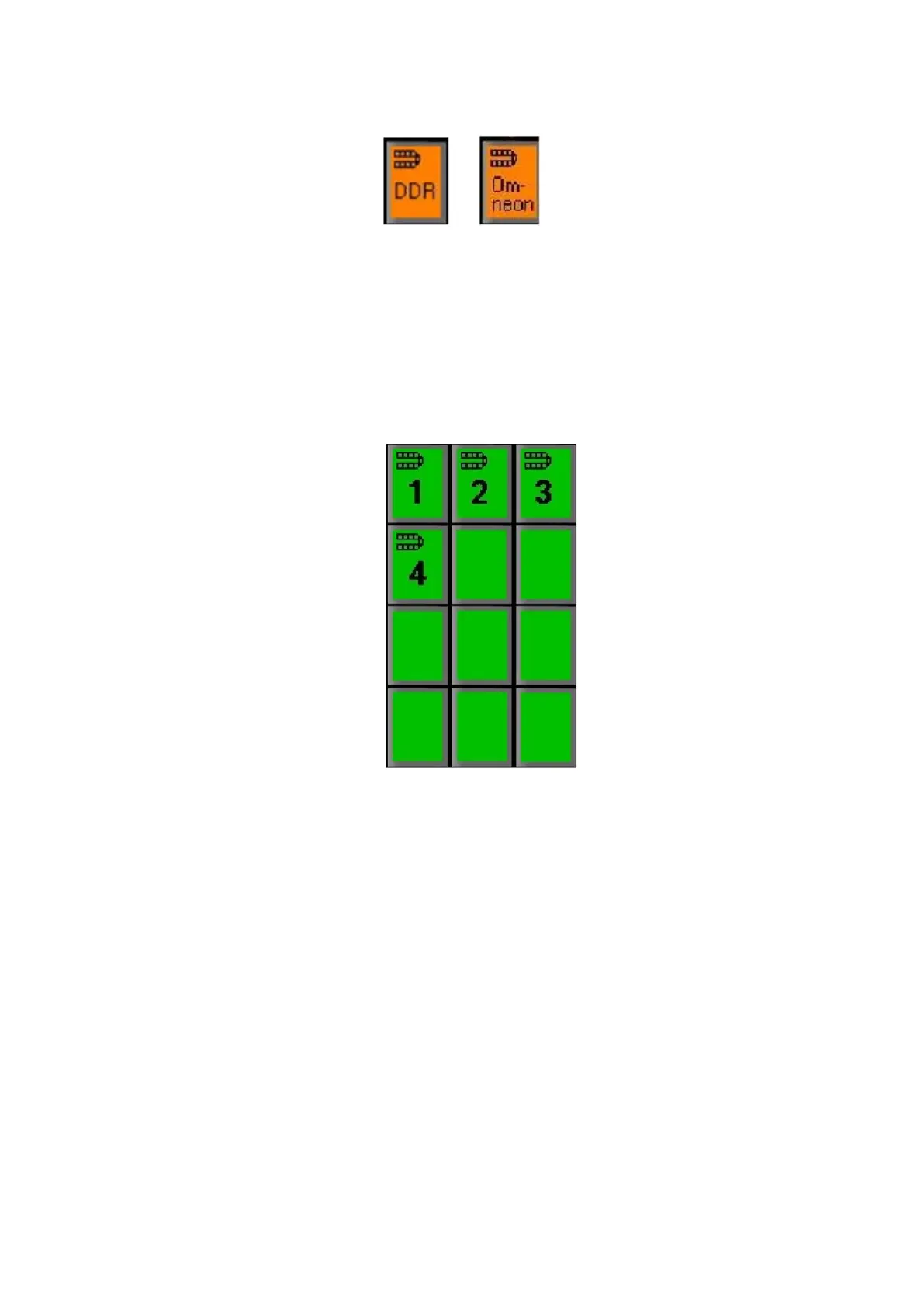
Press the above [DDR] or [Omneon] button in the Device Control and it will
illuminate orange. The devi
ce controls will show the 4 channels for control, as
shown below.
The large display will also say DDR or OMN in its top left corner, to let you
know the device controls are now assigned to this device.
To access the first channel of DDR, press the [1] PixButton, and the PixPad
will change to show the first 9 cli
ps on this channel as shown below, including
the name of each clip on the button.



 To Next Page