BPswitch Operators Manual
20 / 413
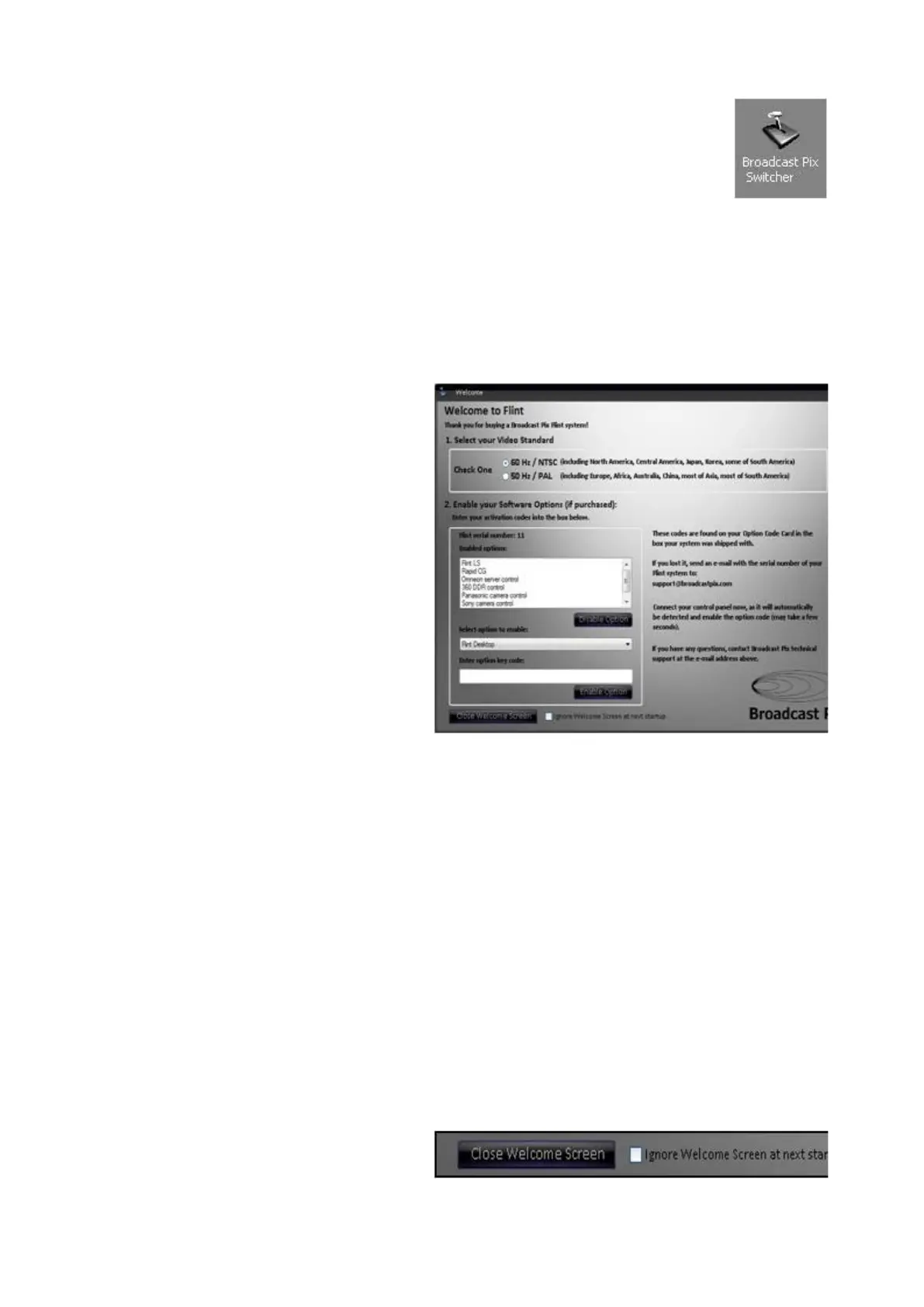
Double-click on the Broadcast
Pix Switcher application on the
desktop, and a Welcome Screen
will appear.
To have the application auto-start
when the Server is turned on, add
the Broadcast Pix Switcher
shortcut to the Windows Startup
folder.
The Welcome Screen is intended
to configure your system the first
time it is started.
Select the Video Standard of your
system, either 60Hz / NTSC or
50Hz / PAL.
If any options have been
purchased, they may be enabled
in the Enable your Software
Options section. Options are
items like camera control and
more keyers.
Refer to the Option Code Card for
a list of purchased options with
their corresponding option code.
Select the desired option from the
Select option to enable: drop
down menu.
Enter the option code in the
Enter option key code: text field.
Click on the Enable Option
button.
To not have the Welcome Screen
appear on each application
launch, place a check mark next
to Ignore Welcome Screen at
next startup.
Click on the Close Welcome
Screen button, as shown on the
right.



 To Next Page