BPswitch Operators Manual
303 / 413
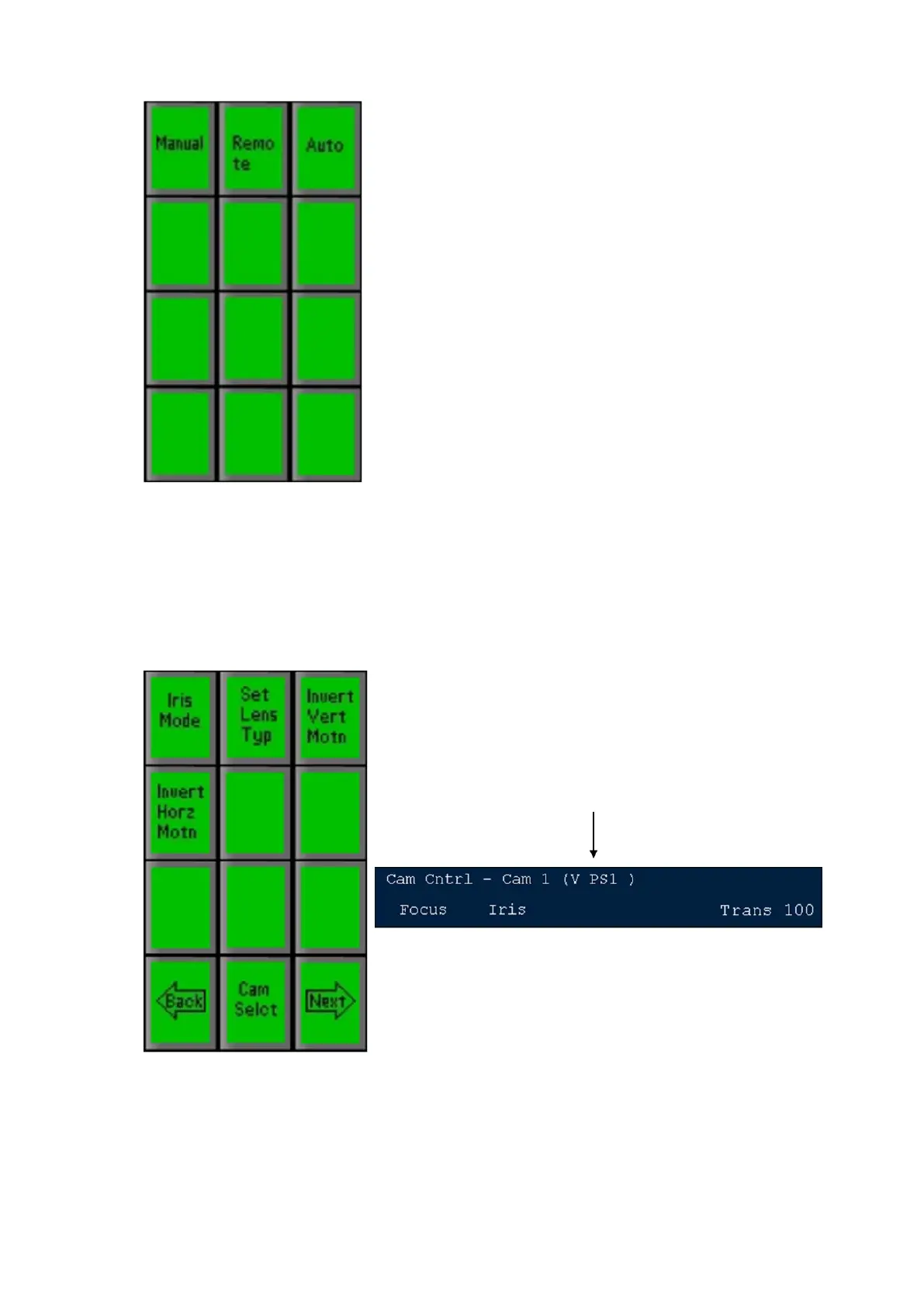
Then select either:
Auto – for the camera to automatically set the Iris
Remote – for the 2
nd
knob on the Broadcast Pix
panel to control Iris
Manual – for manual control of the Iris by the iris
ring on the camera
To Invert Tilt
In some installations that Pan/Tilt head is installed upside down. The inverse
tilt command flips the joystick around so that pushing it up still makes the
camera go up. To Invert Vertical Tilt press the [Invert Vertical Motn]
PixButton, as shown below, and the large display will add the add V, as
shown below.
To Invert Pan
In some installations that Pan/Tilt head is installed upside down. The invert
horizontal command flips the joystick around so the pushing it right still
makes the camera pan right. To Invert horizontal pan press the [Invert Horz
Motn] PixButton, as shown below, and the large display will add the add H,



 To Next Page