BPswitch Operators Manual
278 / 413
the next PixPad press [Next], and you should arrive at the following PixPad:
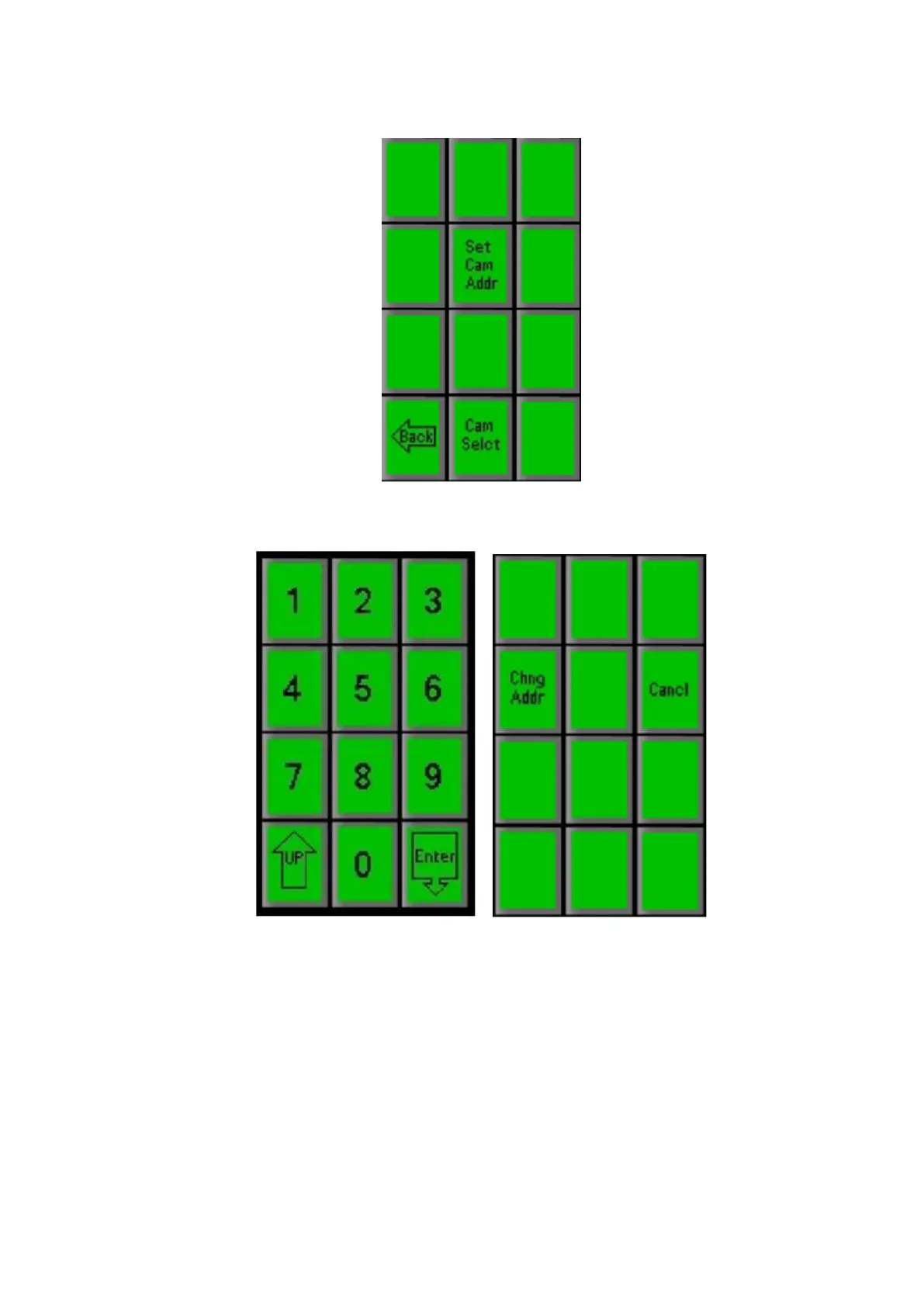
On the PixPad shown above, press the [Set Cam Addr] PixButton, which will
bring up a numeric keypad, as shown below left.
Use the numeric keypad to enter the number you wish to assign to this
camera, either 1, 2, 3, 4, 5, 6, 7, 8 or 9. The address you select will appear
in the large display. If it isn’t correct, press clear and press the desired
number.
Press the [Enter] PixButton, and the PixPad shown in the upper right will
appear.
Press the [Change Address] PixButton and the selected camera number will
be assigned to the head that is not unplugged. (If instead you want to cancel
at this point, press the [Cancel] PixButton.)



 To Next Page