BPswitch Operators Manual
98 / 413
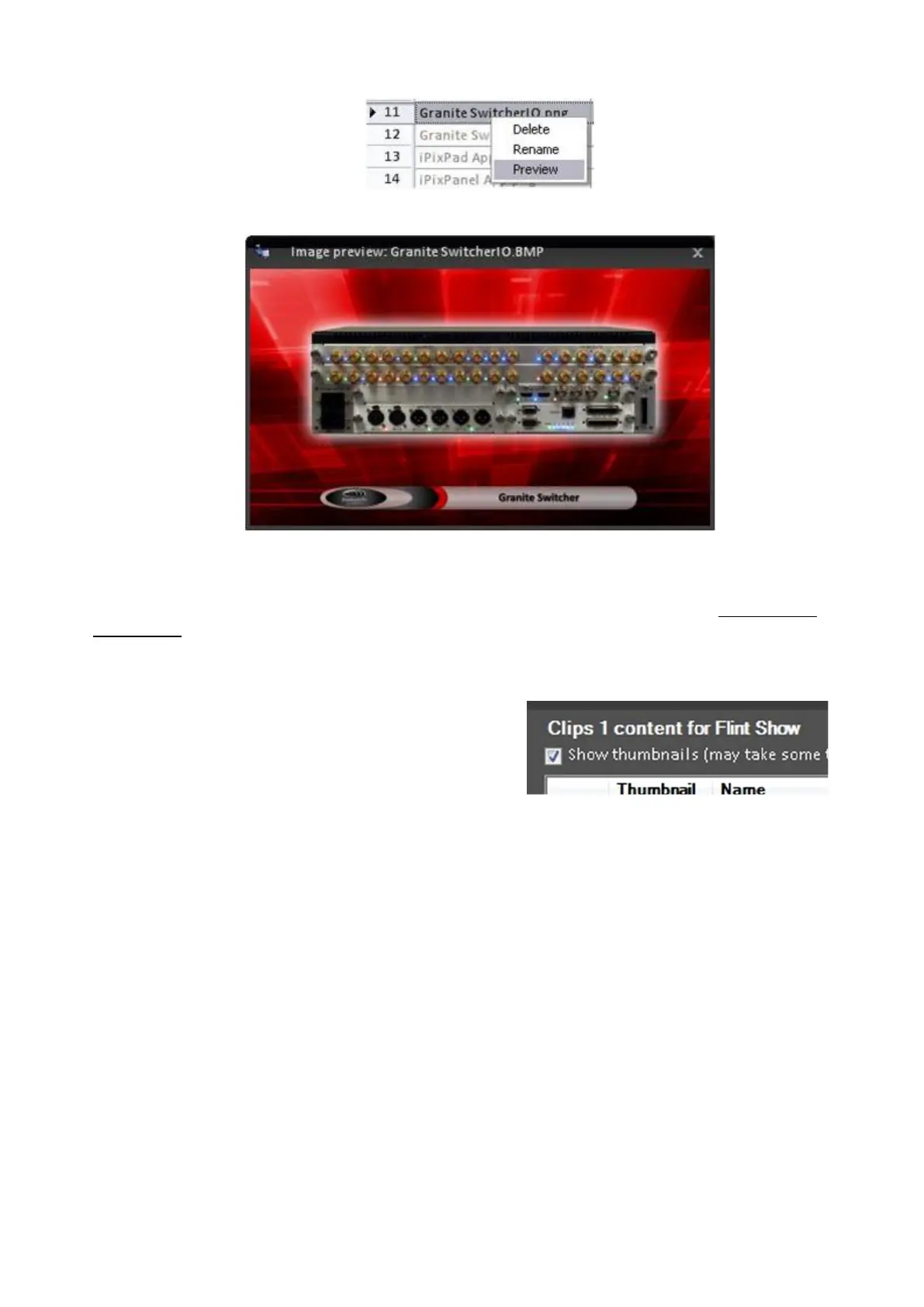
Click on Preview, and a pop-up window with a still image will appear.
To close the still being previewed, click on the X in its upper right corner.
NOTE: If no Preview is shown, then a thumbnail needs to created for that clip, see Creating Clip
Thumbnails
To show all thumbnails:
In the Show Content section, place a check
mark next to Show thumbnails, as shown
on the right.
NOTE: This may take several seconds
depending on how much content is stored
on the system.
Once complete the grid of content will
show a thumbnail for all valid files, as
shown below.
When you close out of each store and re-
enter each store to edit content, this option
must be rechecked, as it is not
remembered.



 To Next Page