BPswitch Operators Manual
113 / 413
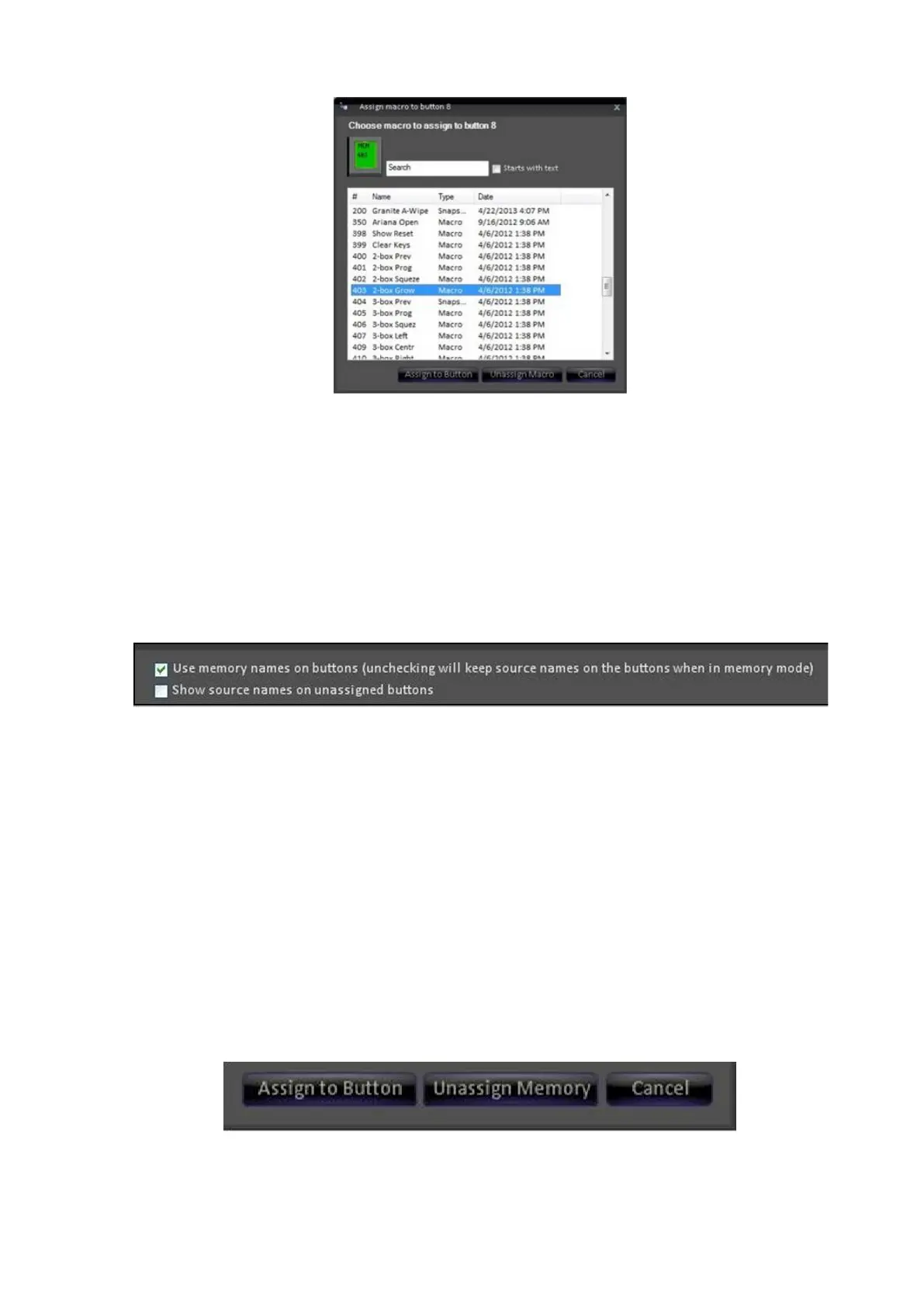
Click on Assign to button, the memory is now displayed on the PixButton in
the window, and a red bar will appear above the button to represent that a
memory is assigned.
To have the memory name/icon visible on the PixButton on the
Panel/SoftPanel, place a check mark next to Use memory names on
buttons.
Deselecting this option will continue to show the source name/icon when in
the memory mode.
To view source names/icons on unassigned memory buttons, place a check
mark next to Show source names on unassigned buttons.
Selecting this option will show a mix of memory icons and sources icons
when in the memory mode.
To apply these changes to the Memory row, click on OK. This will close the
Memory row organizer window.
To unassign a MEM to the Memory row:
Repeat steps 1 through 3 above.
In the Assign memory button window, click on Unassign memory.
Click on OK in the Memory row organizer to apply the changes.



 To Next Page