BPswitch Operators Manual
139 / 413
To execute FTB:
Ensure that the Transition Controls are enabled on the
Multi-View, as described in Switching on the Multi-
View.
Click on the FTB button on the Program monitor, it will
illuminate blue, as shown on the right.
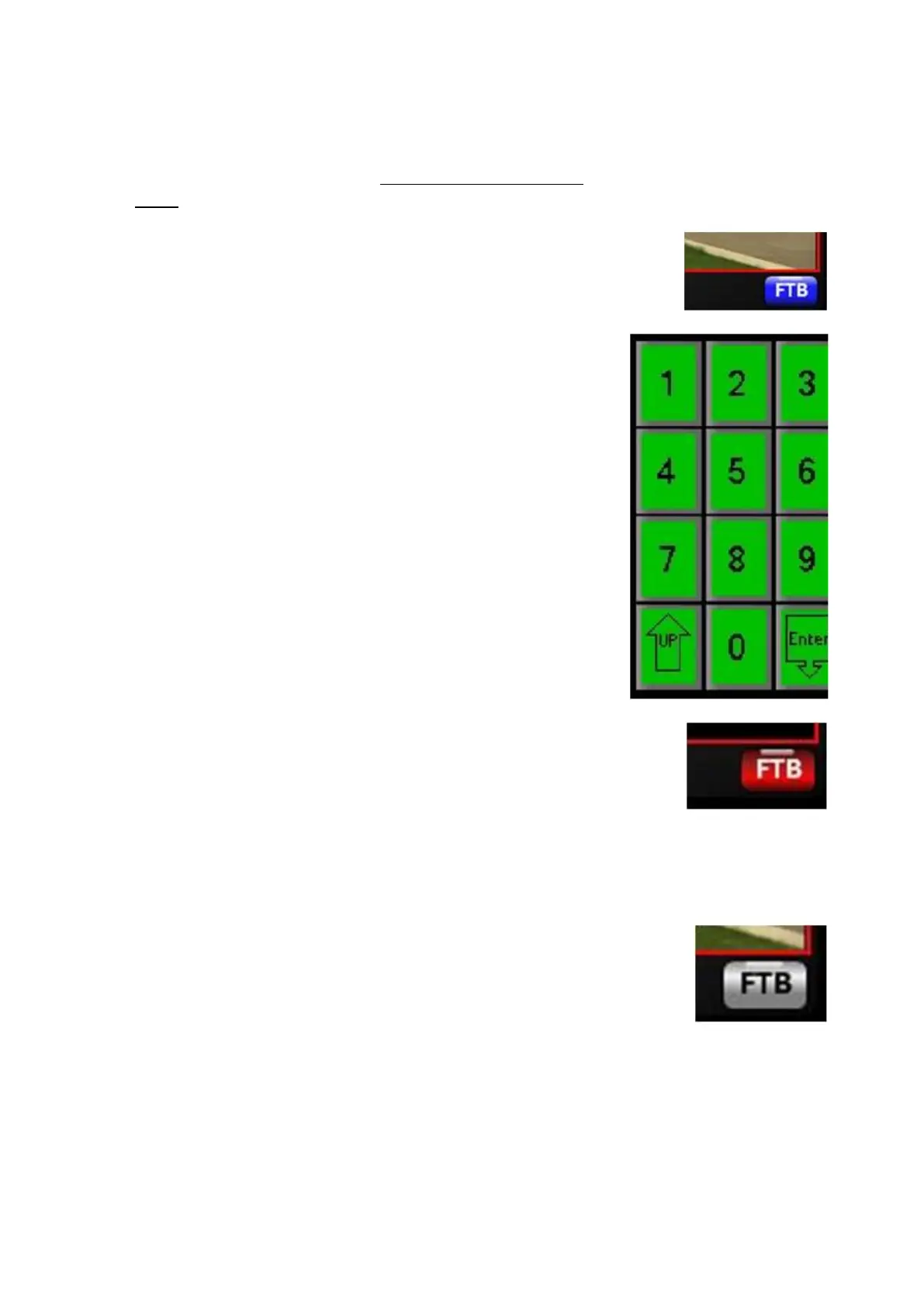
The PixPad will change showing a numeric keypad, as
shown on the right.
Enter the desired fade to black rate with the
[Numbers] PixButtons. As you enter each number it
will appear in the display. The rate is in frames with 30
being 1 second for 60Hz systems and 25 form 50Hz
systems.
Press the [Enter] PixButton.
Click on the Program monitor, and the output will fade
at the selected rate and the FTB button will illuminate
red, as shown on the right.
Tally to external inputs and audio follow commands
will go off, however the panel and Multi-View source
monitors will remain tallied showing what sources are
under black for reference.
To fade from black, click on the Program monitor and
the FTB button on multi-view will turn grey, as shown
on the right
If a physical button is required, FTB may be included
as part of a Macro, then assigned to the MEM device.
To modify the FTB rate on the panel:
Press the [FX] button in the transition section, and it
will illuminate amber.



 To Next Page