BPswitch Operators Manual
283 / 413
This setting is also used to capture
thumbnail images of presets for the
Fluent\-View PixPad.
Under the Baud Rate drop down
menu select either 9600 when
connecting directly to a camera or
when using the STS-12 or 38400
when connecting to the Studio
Software CPC-ST-S.19200 is
reserved for future use.
To adjust the custom joystick speed
to control the
zoom/pan/tilt/dolly/pedestal select 1,
2, 3, 4, 5, or 6 in the Joystick Speed
option. 1 is the slowest and 6 is the
fastest.
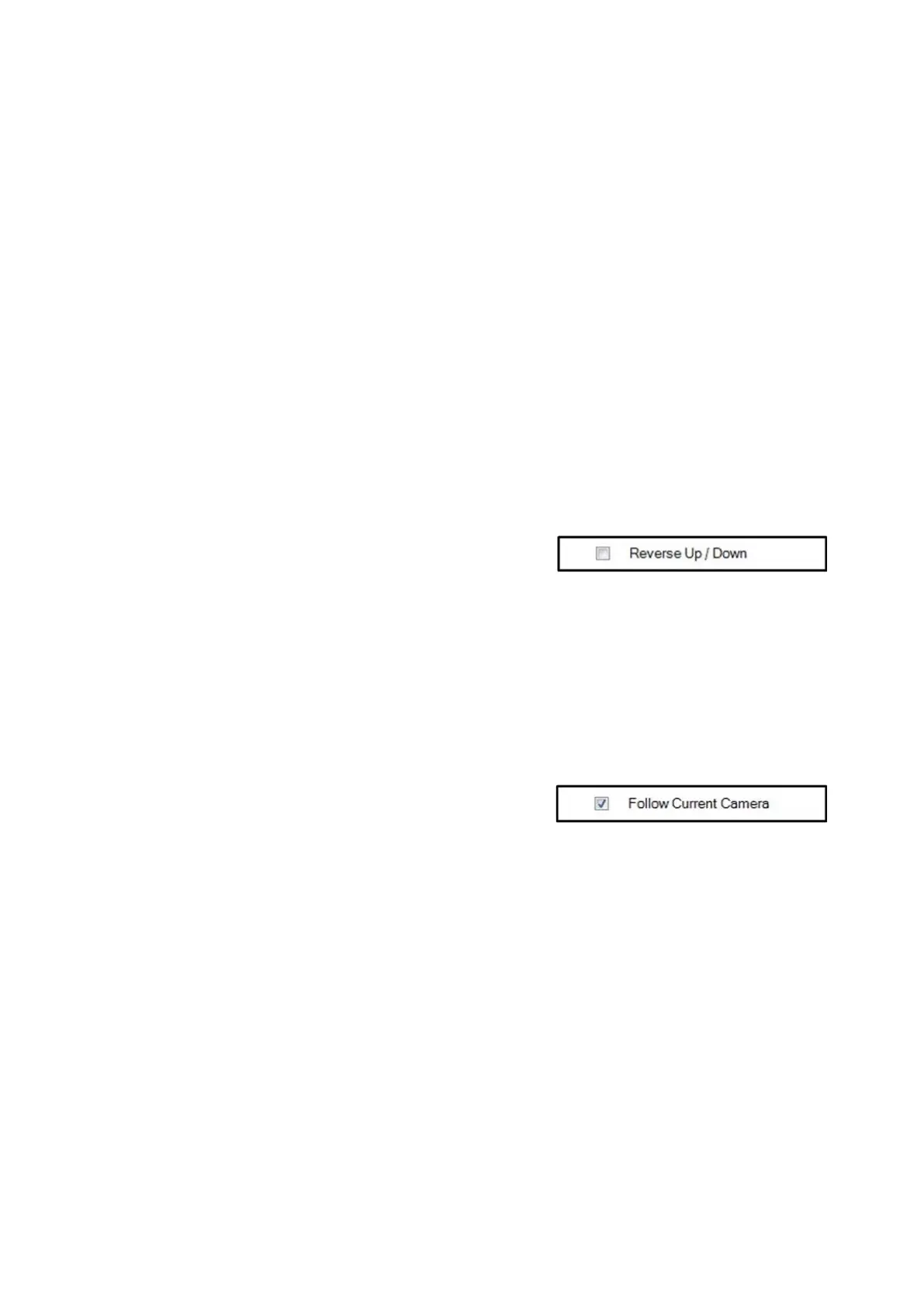
Some operators prefer the joystick
control for tilting to be reversed. To
reverse the Up/Down movement
place a check mark next to Reverse
Up/Down.
In the normal/unchecked mode,
moving the joystick up tilts the
camera up and moving down tilts
down.
When using multiple cameras, the
Camera Control device can be set to
automatically change to select what
camera is being controlled off the
Preview row of the switcher.
If desired, place a check mark next to
the Follow Current Camera option,
as shown on the right.
The Follow Current Macro Camera
option is similar, and follows the
camera when triggered by a Macro.
As you select different cameras on
Preview, the device will follow without
the need of reselecting the correct
camera providing an easier method
of controlling cameras.



 To Next Page