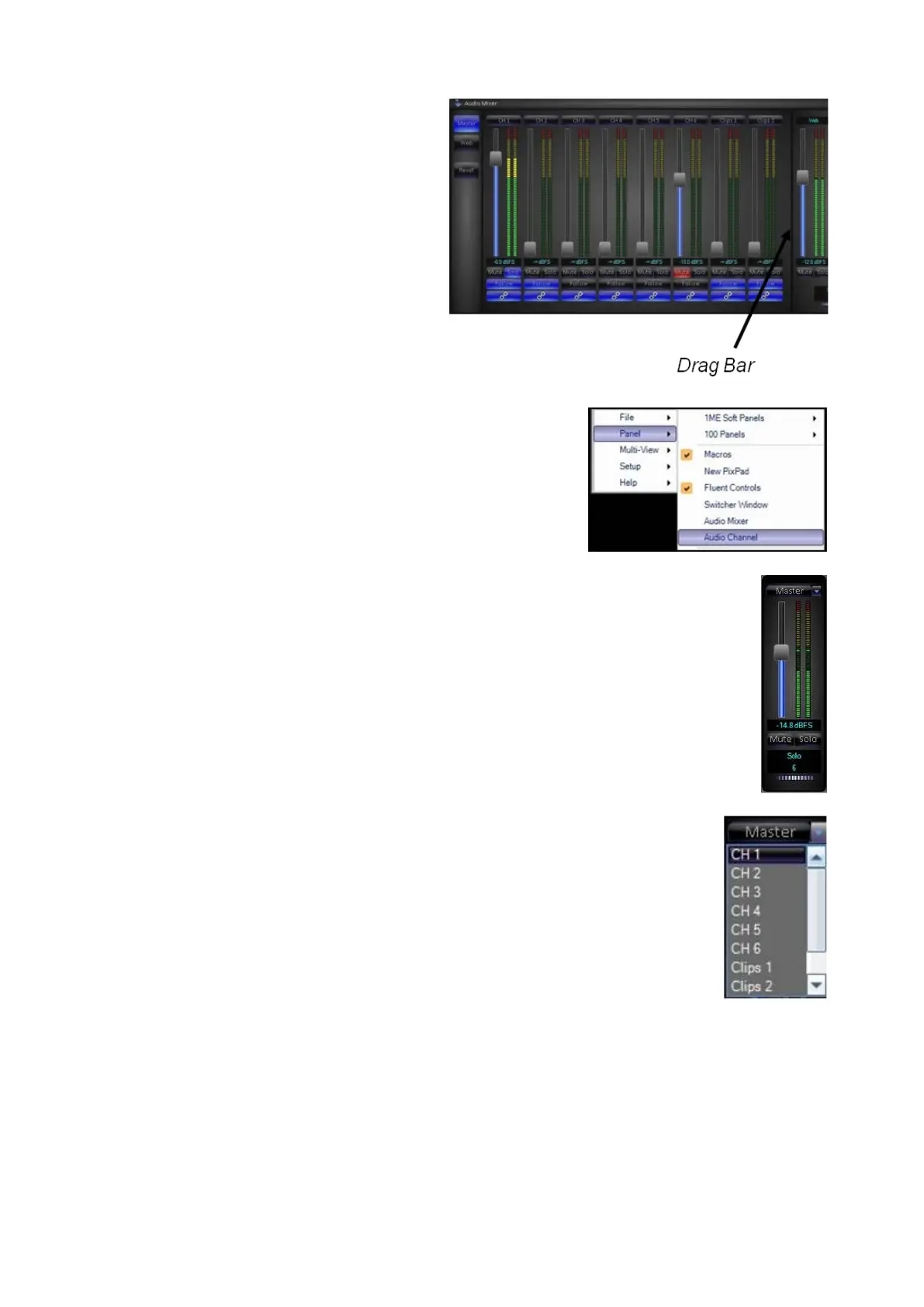
To open individual channels of the
mixer, navigate to the Panel-Audio
Channel menu, as shown on the
right.
To change what input or output the
slider is controlling click on the
dropdown menu next to the label
and a list of the available options
will appear, as shown on the right.
Select the desired channel, now
that the slider is controlling that
specific channel.
You may float as may many
channels as desired and have
multiple sliders contro
lling the same
channel or output.



 To Next Page