BPswitch Operators Manual
378 / 413
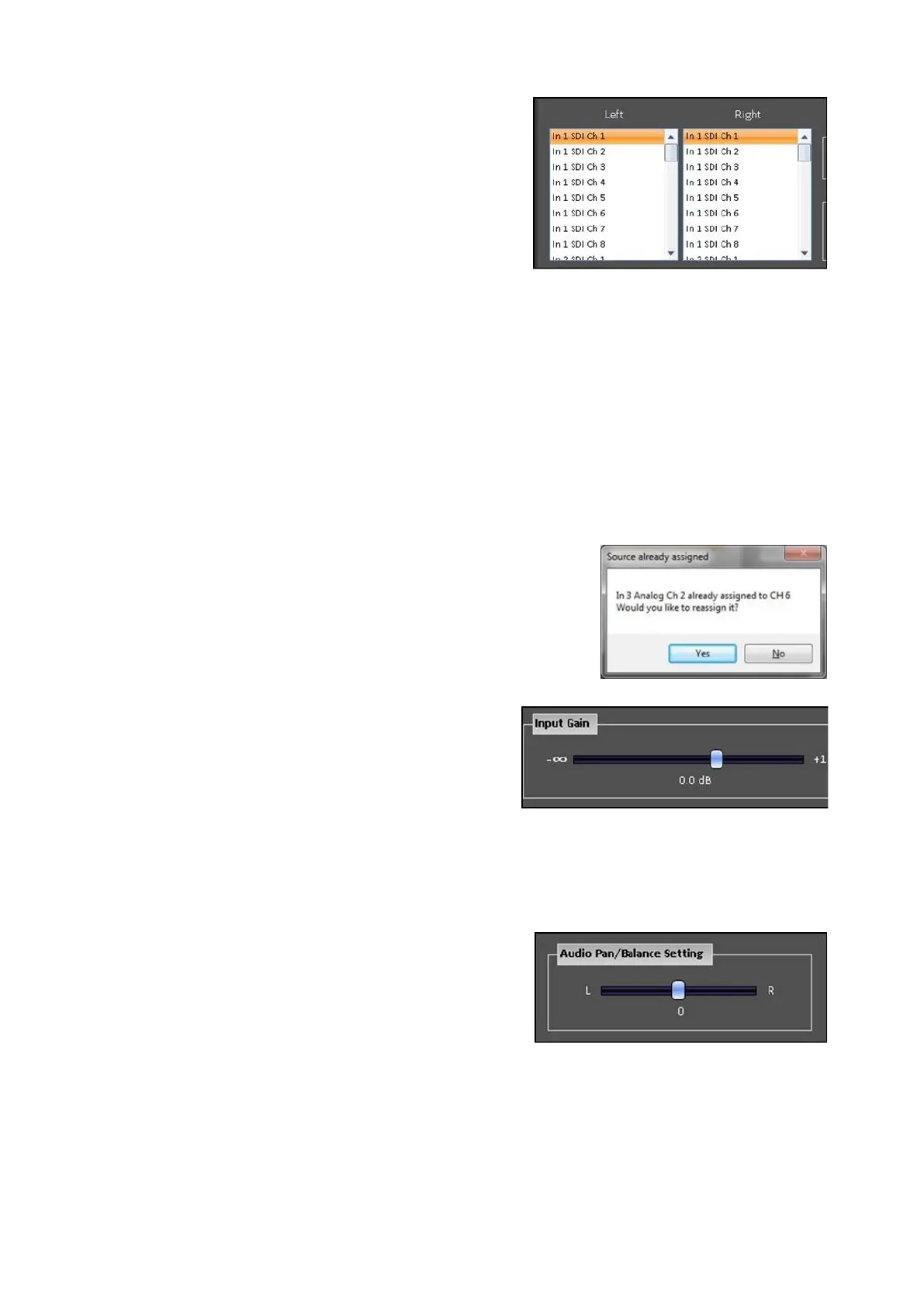
Any audio pair from any external input may
be mapped to any mixer channel. Under
the Left and Right columns, select the
desired Left & Right audio sources for the
selected Input. As changes are made they
immediately take affect.
NOTE: You may freely assign Left & Right
channels from different inputs, however
HDMI audio must be changed/select in a
stereo pair.
Depending on the model different options
may appear. Clip audio is at the bottom of
the list.
When the same channel for both the Left &
Right channels is selected, the audio
source is treated as a mono source.
When selecting a source that has been
previously mapped, a pop warning will
appear notifying that a source is already
mapped and that the source will be
reassigned, as shown on the right. Click on
the Yes button.
If the incoming audio is too loud or not loud
enough, under the Input Gain section, there
is a range of +/- 12 dB of digital gain to
boost or lower the incoming signal. Slide
the gain slider to the desired volume, as
changes are made they immediately take
affect.
The default is 0.0 dB
On mono sources a Pan control is available
to send audio to the Left or Right channel.
On stereo sources a Balance control is
available to only hear the Left or Right
channel of the source.
Under the Audio Pan/Balance Setting
section you may adjust the slide to the L or
R channel, if desired.
The default is in the middle at 0.



 To Next Page