BPswitch Operators Manual
380 / 413
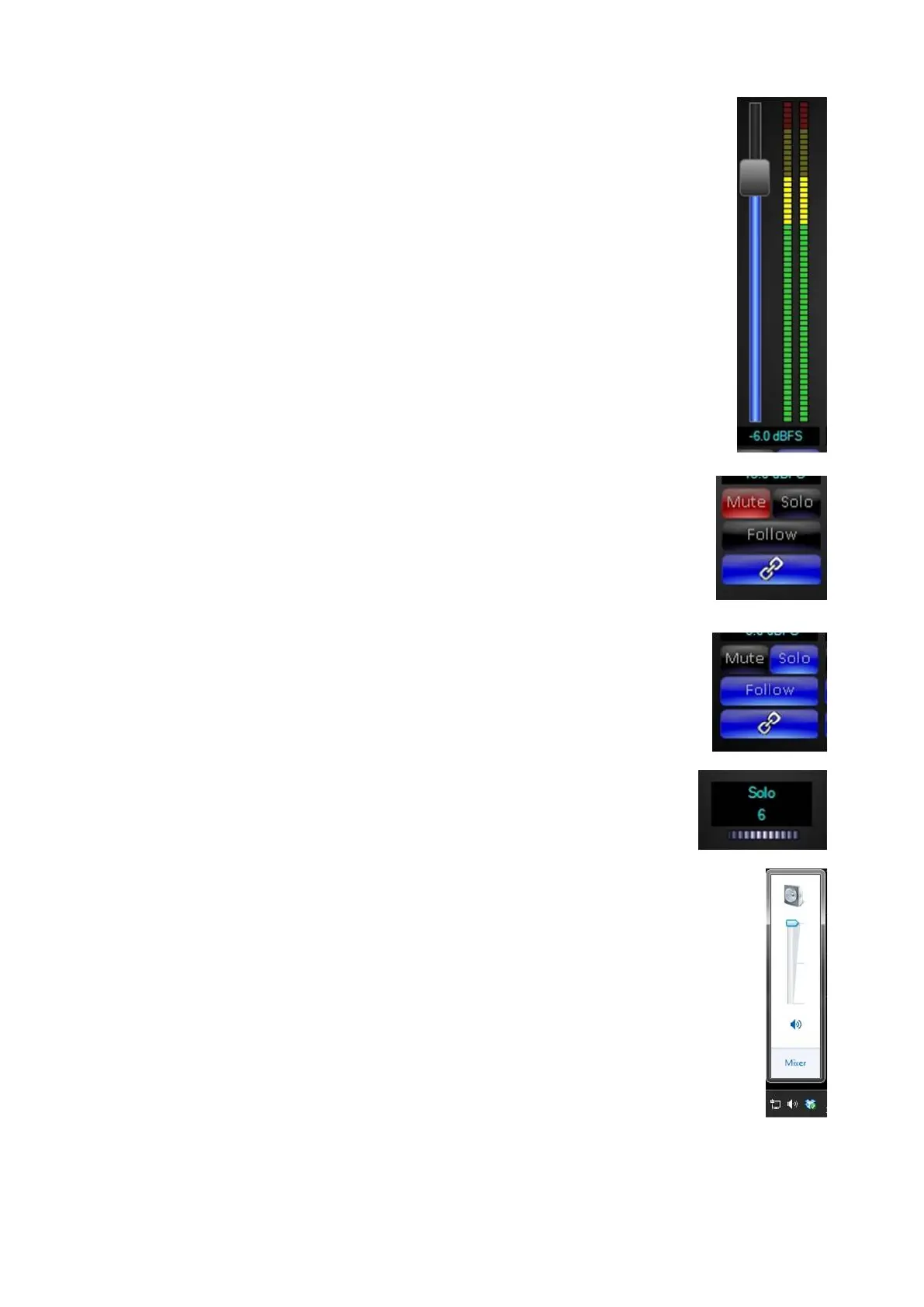
Slide the volume control for each input to the desired level,
keeping in mind that the VU meters are based on 0 dBFS
and not 0 db, if audio reaches 0 dBFS, audio will distort
digitally, which can not be compensated afterwards.
If feeding analog equipment, there are common digital levels
used to correspond to 0 dB on an analog meter:
–12 dBFS: This level is often used for digital audio, and for
projects with compressed dynamic ranges, such as those for
television or radio.
–18 or –20 dBFS: This level is more common on projects
with higher dynamic range, such as professional post-
production workflows.
To abruptly stop audio from going to the mixer, but still have
the volume control at the set level, click on the Mute button,
it will illuminate red, as shown on the right
Audio will no longer be feeding the mixer, until Mute is turned
off/deselected.
To preview what the audio of an input sounds like, click on
the Solo button for any input, it will illuminate blue, as shown
on the right.
The audio will now be sent through the headphone jack and
to any other mapped output.
To adjust the volume of the Solo output, in the output
section, turn the Solo Volume Wheel, as shown on the right.
There is a range from 0 to 10.
If monitoring out of the headphone jack on the Sever, ensure
that the volume for the headphone output is turned up in
Windows by selecting the Speaker icon in the system tray,
as shown on the right.
When a source is soloed the Pre Fader Level (PFL) volume
is outputted, which is the raw unmodified source. More than
one input can be soloed at a time, however only one output
can be soloed at a time.



 To Next Page