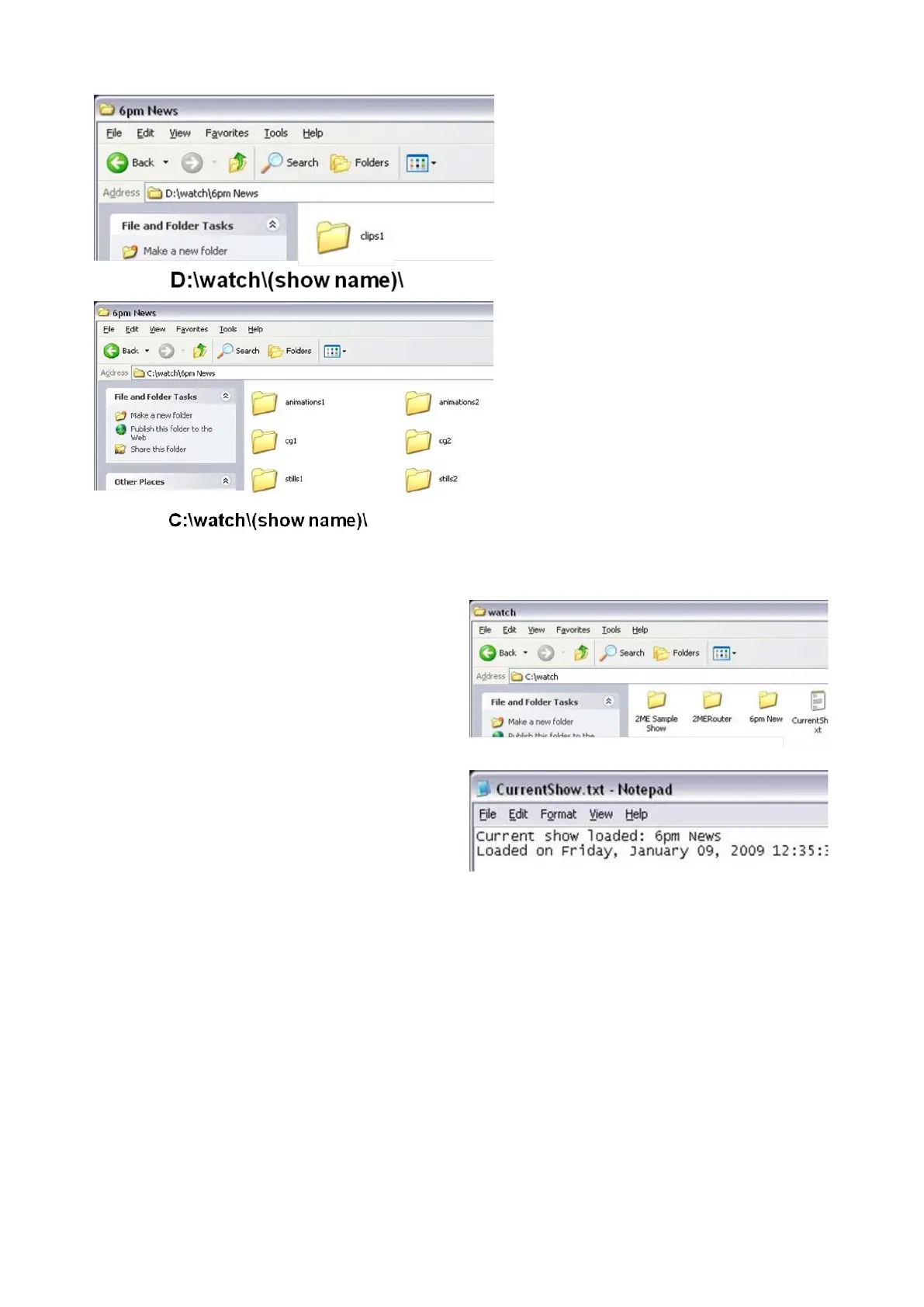
For adding graphics, in Windows,
navigate to C:\watch\, as shown on
the right. For adding clips, navigate
to D:\watch\.
To view which show is running
Broadcast Pix, double-click the
CurrentShow.txt file. The loaded
show will be display, as show
on the right. In this example, “6pm
News” is the loaded show. This text
file is helpful when copying files from
remote/networked computers, that
may not be near the Broadcast Pix
system. This window can be closed
after gathering which show is
running.
Content may be added to any show
which has watch folders enabled.
Copying files to a non-loaded show
will add content when that show is
loaded in Broadcast Pix.



 To Next Page