BPswitch Operators Manual
167 / 413
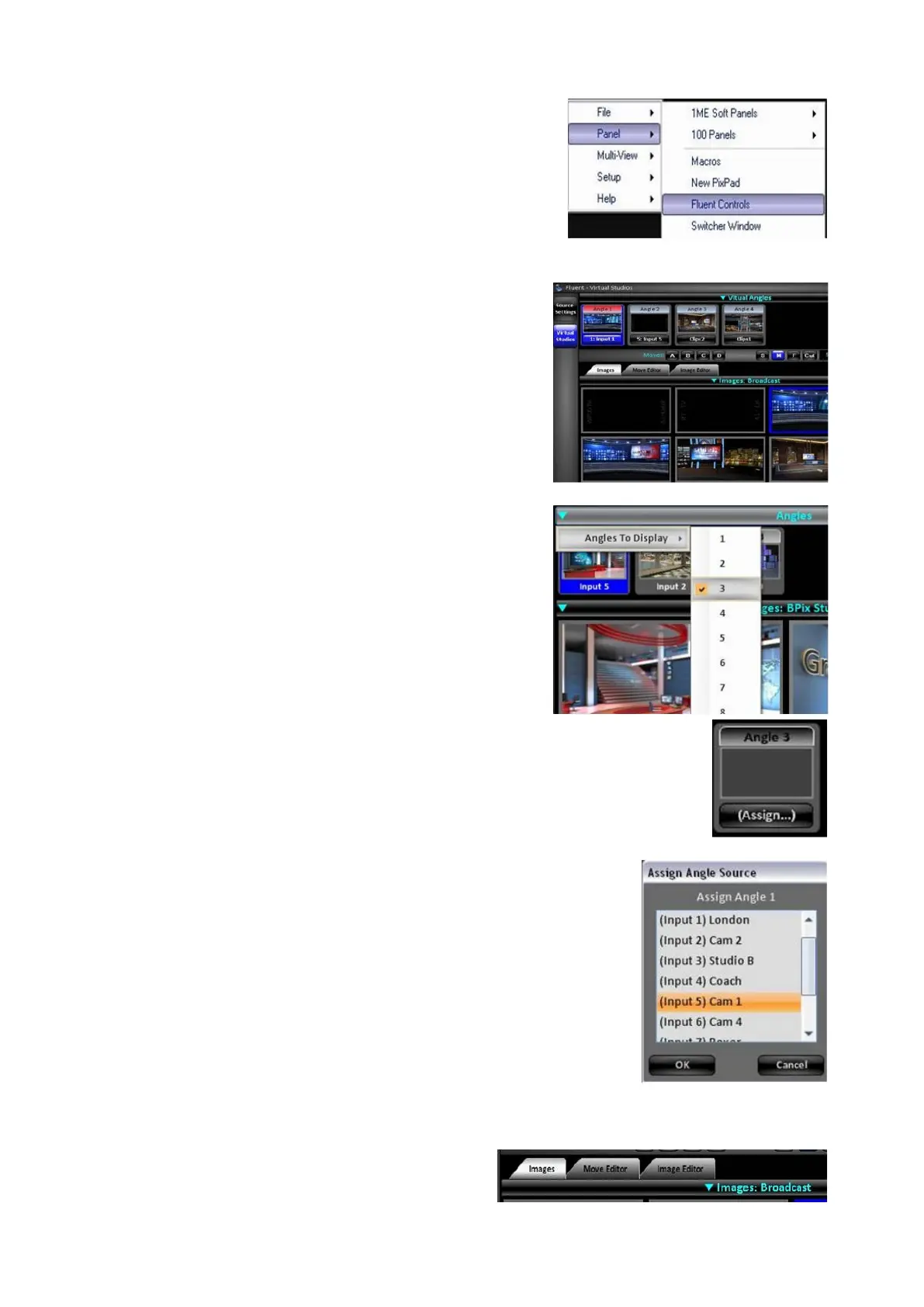
the Panel, Fluent Controls menu from the
Broadcast Pix menu button, as shown on the
right.
Along the left edge of the Fluent Control
window, select the Virtual Studios button, it
will illuminate blue as shown of the right.
The top section, labeled Virtual Angles,
designates how many inputs on the system
will be used as a Virtual Set input.
Click on the Virtual Angles menu bar, and
drop down menu will appear.
In the Angles To Display menu, select how
many inputs to show and use for Virtual Sets,
either 1, 2, 3, 4, 5, 6, 7 or 8, as shown on the
right.
A thumbnail for each angle will appear along
the top strip of angles. Some thumbnails may
appear grey, these are unassigned angles.
To assign a switcher input to an angle, click on
the (Assign…) button on the bottom of the
thumbnail and a pop up window will appear,
as shown on the right.
In the Assign Angle Source window, select
which switcher input, Clip 1 or Clip 2, will be
used, as shown on the right.
Click on the OK button.
The source is now married with an angle.
To assign a background image:
Click on the Images tab, as shown on
the right.



 To Next Page