BPswitch Operators Manual
173 / 413
adjust moves and positions smoothly with the joystick.
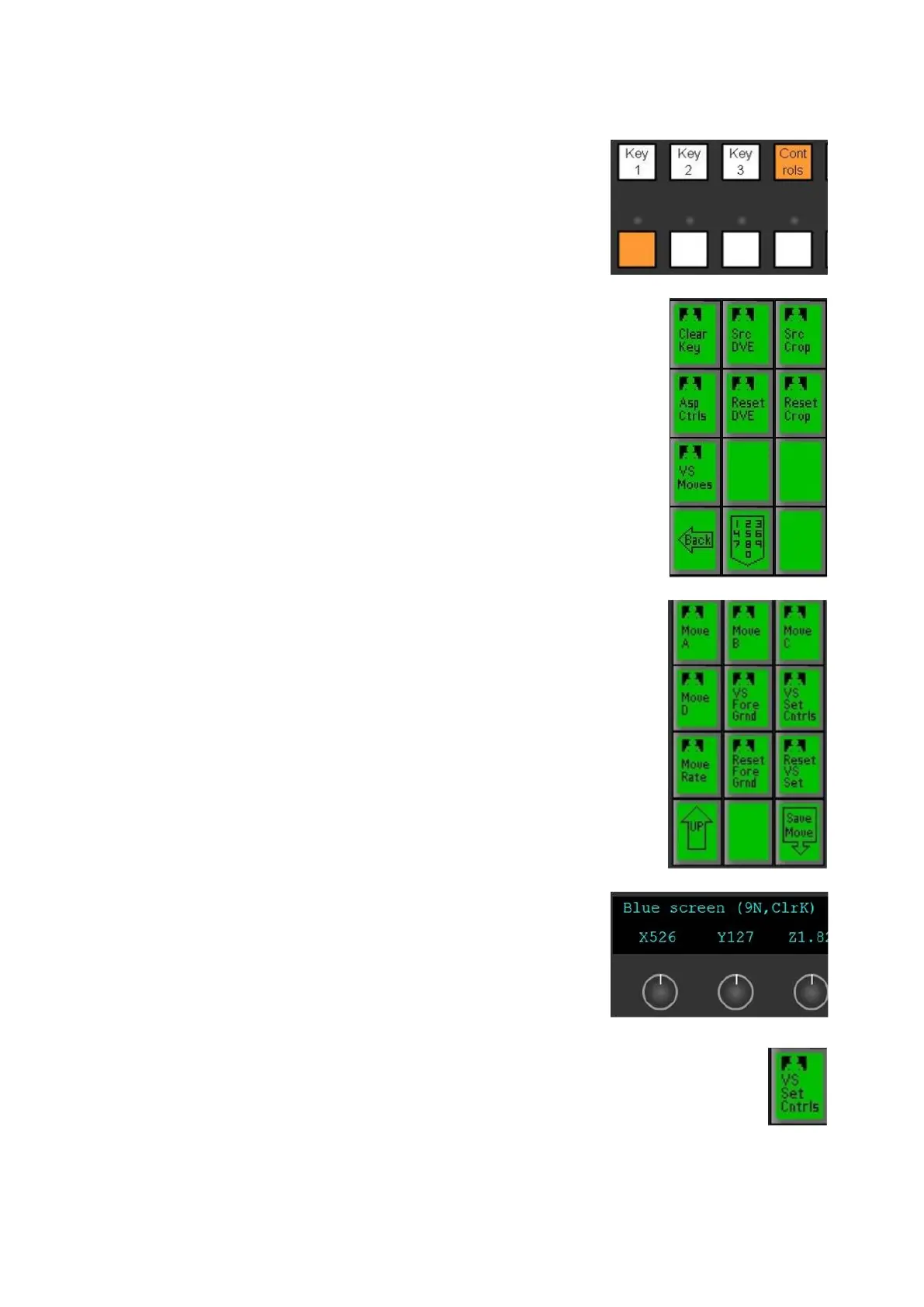
Activate the source controls of the desired source,
select the [Controls] button in the destination row,
and select the desired source in the source row, as
shown on the right.
The PixPad will change showing the available
controls, press the [VS Moves]
PixButton, as shown
on the right.
The PixPad will update showing the Virtual Studio
controls.
To adjust the foreground video, press the [VS
Foreground] PixButton, as shown on the right.
The display will update showing the X, Y Z controls,
similar to the Move Editor.
Adjust the [Knob] controls to reposition and scale
the foreground, as shown on the right.
The joystick can also be used, either on the panel or
Multi-View PixPad to adjust the scale and
positioning.
Once the foreground it set, or to manually
adjust/tweak the Virtual Set press the [VS Set
Cntrls] PixButton, as shown on the right.
The display will update showing the Pan, Tilt and
Zoom controls, similar to the Move Editor.



 To Next Page