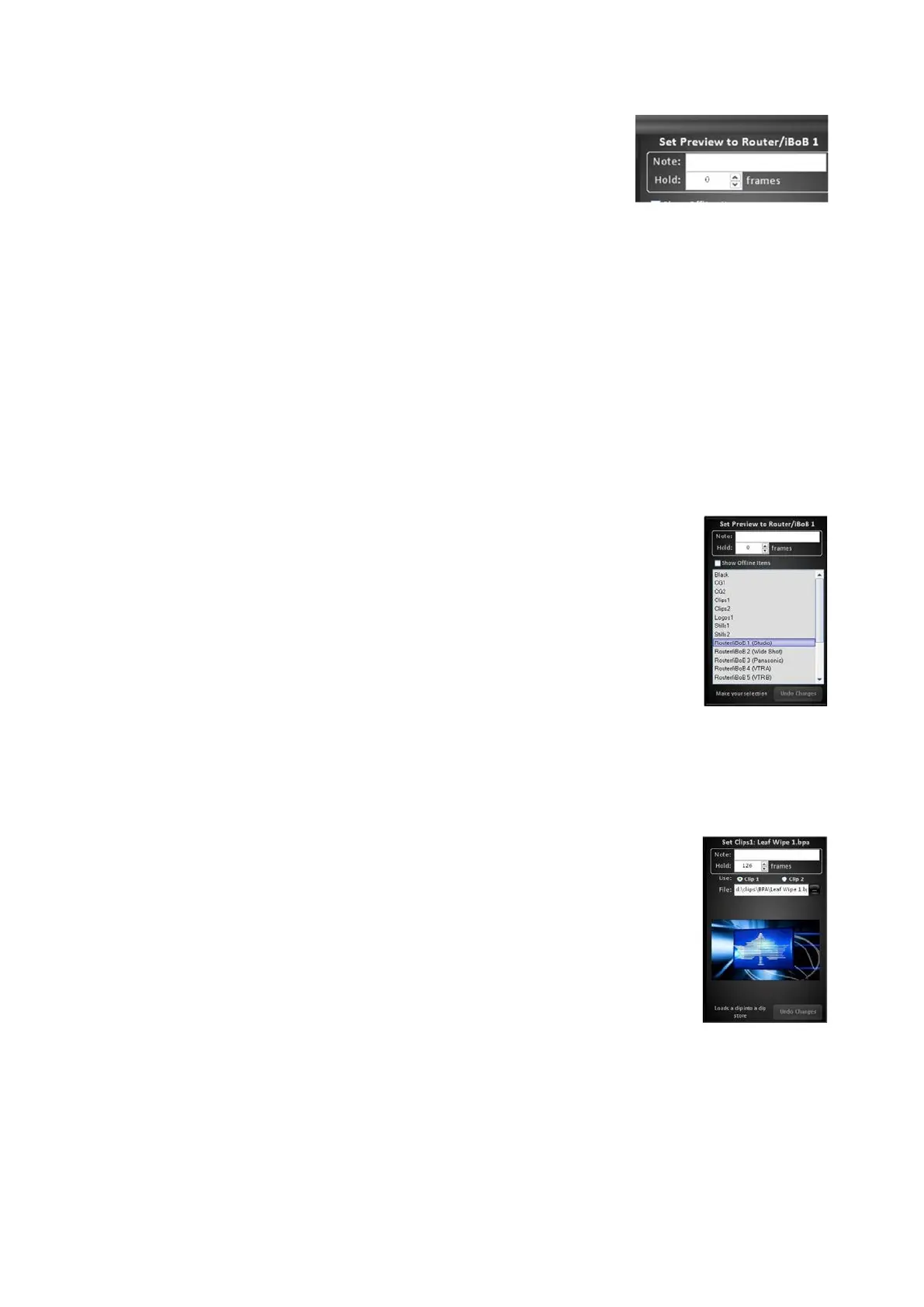
Modify the top timing information in the Details Panel.
The top portion of the Panel is the same for every
command, as shown on the right.
Non-editable command name, which appears in the
Action field of the Action list
Editable Note field, which appears in the Note field of
the Action List. This field is useful for adding cue points
and reminders in a longer macro.
Editable Hold frames field, which represents the
amount of frames the selected action/command will
wait until triggered by the macro. 0 (zero) frames
signifies the command will happen instantly, if multiple
commands are all set to zero, they all will occur
simultaneously similar to a SnapShot memory.
Depending on what action/command is selected, one
of the three main groups of Edit Windows will be
available to edit. Modify the desired effect, as
described below.
Switcher selector: displays a drop down list for
changing preview, Program, key and aux assignments
and for modifying transitions.
To select a different source or cross-point select it in
the drop down menu.
Content selector: displays a thumbnail and address bar
for changing which clip or graphic is loaded in a
specified store.
To select a different clip or graphic click on the
Thumbnail or … Browse button to open the Open
window.



 To Next Page