Source Border Color Solo: Allows a Macro to highlight
the window frame color of just the specified source on
the Multi-View.
Source Border Width: Allows a Macro to change the
default border size of multiple sources on the Multi-View.
Source Border Width Solo: Allows a Macro to change the
default border size of just the specified source on the
Multi-View.
Load Show: Allows a Macro to automatically load a
show. Note this is intended for advanced users.
Load Layout: Allows a Macro to load a layout. Note this
is intended for advanced users.
Load Default Layout: Allows a Macro to load the default
system layout.
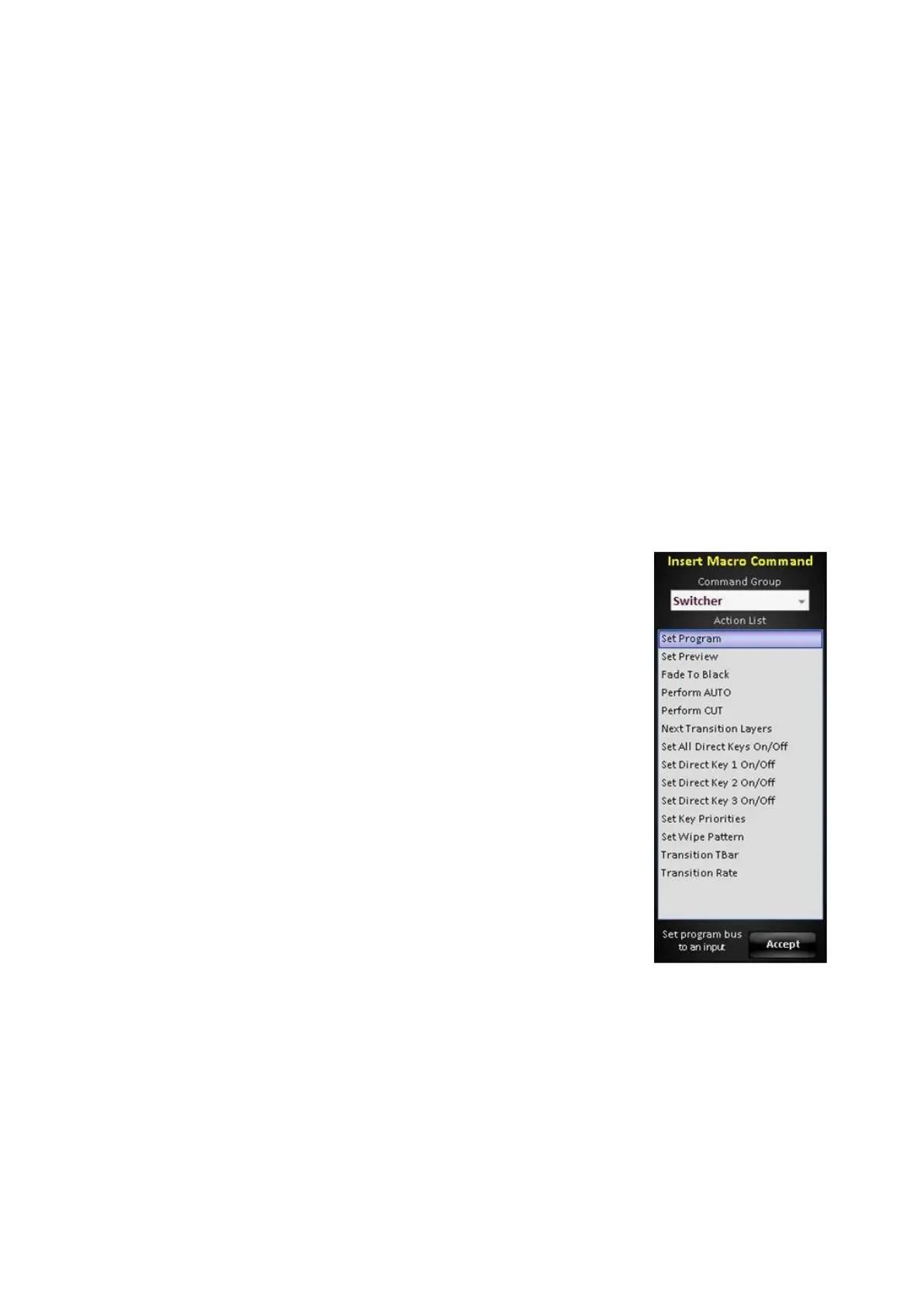
The Switcher command group allows for basic switcher
functionality such as selecting sources on
Preview/Program, turning on/off Direct Keyers and
setting transition styles, as shown on the right.
The Switcher ME 1 command group does the same
functionality specifically for the ME. Only available on
2ME systems.



 To Next Page