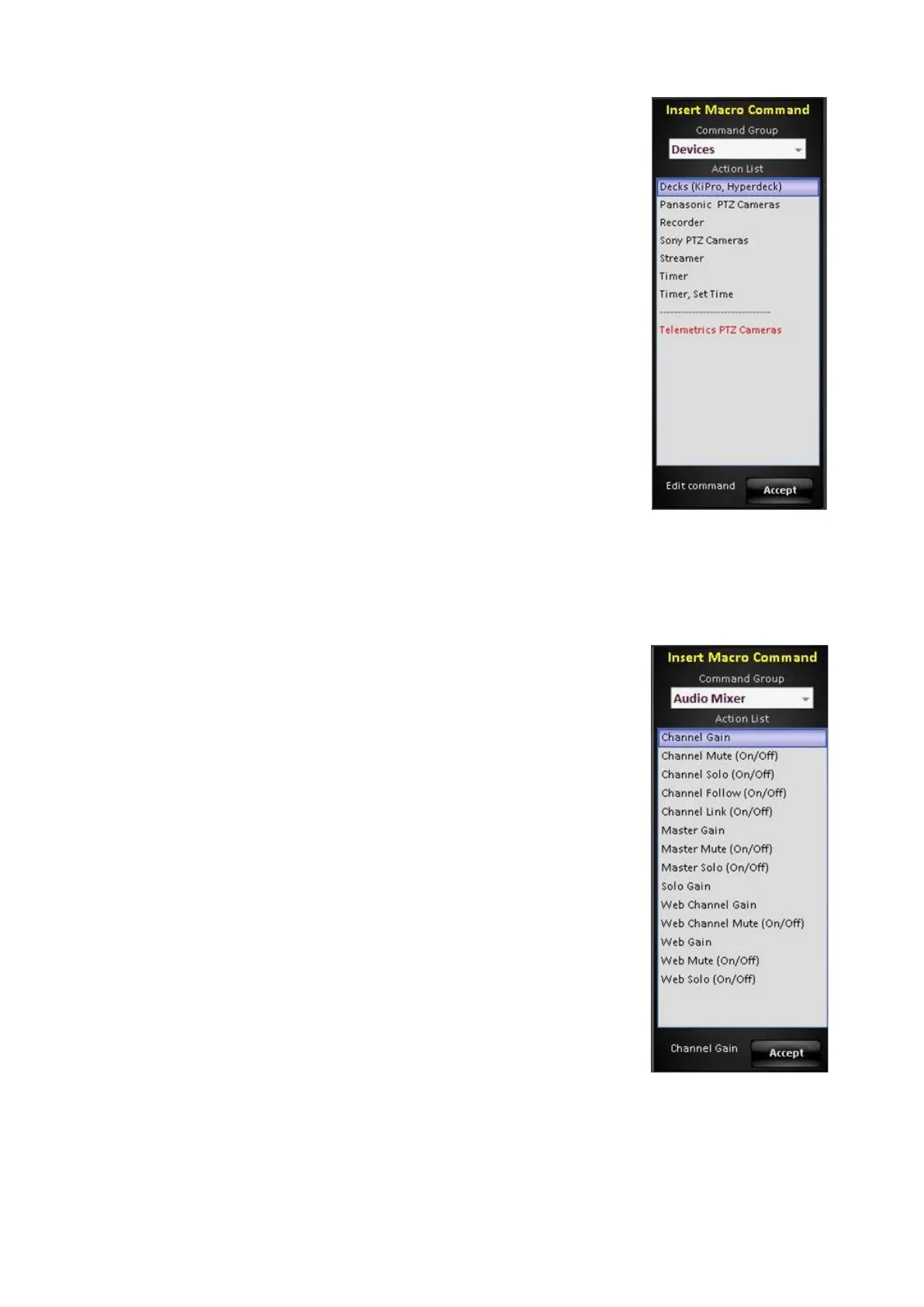
The Devices command group allows for control of any
Device assigned to the show, such as a camera control,
as shown on the right.
Decks: Allows deck control of AJA KiPro and BlackMagic
HyperDecks and clip selection by filename, as well as
control of PixPlay.
Panasonic, Sony, Telemetrics PTZ Cameras: Allows
camera control as well as preset position recalls
Recorder: Allows for start and stopping of the internal
FX/RX Recording, using the currently selected file name
and path.
Streamer: Allows for start and stopping of the internal
FX/RX Streamer or external Matrox Monarch, using the
currently selected streaming settings.
Timer: Changes the Multi-View timer to count up or down
and triggers play/pause/stop commands.
Timer, Set Time: Sets the time in HH:MM:SS for the
Multi-View count down timer.
The Audio Mixer command group allows control of the
internal Audio Mixer in FX/RX, as shown on the right.



 To Next Page