BPswitch Operators Manual
206 / 413
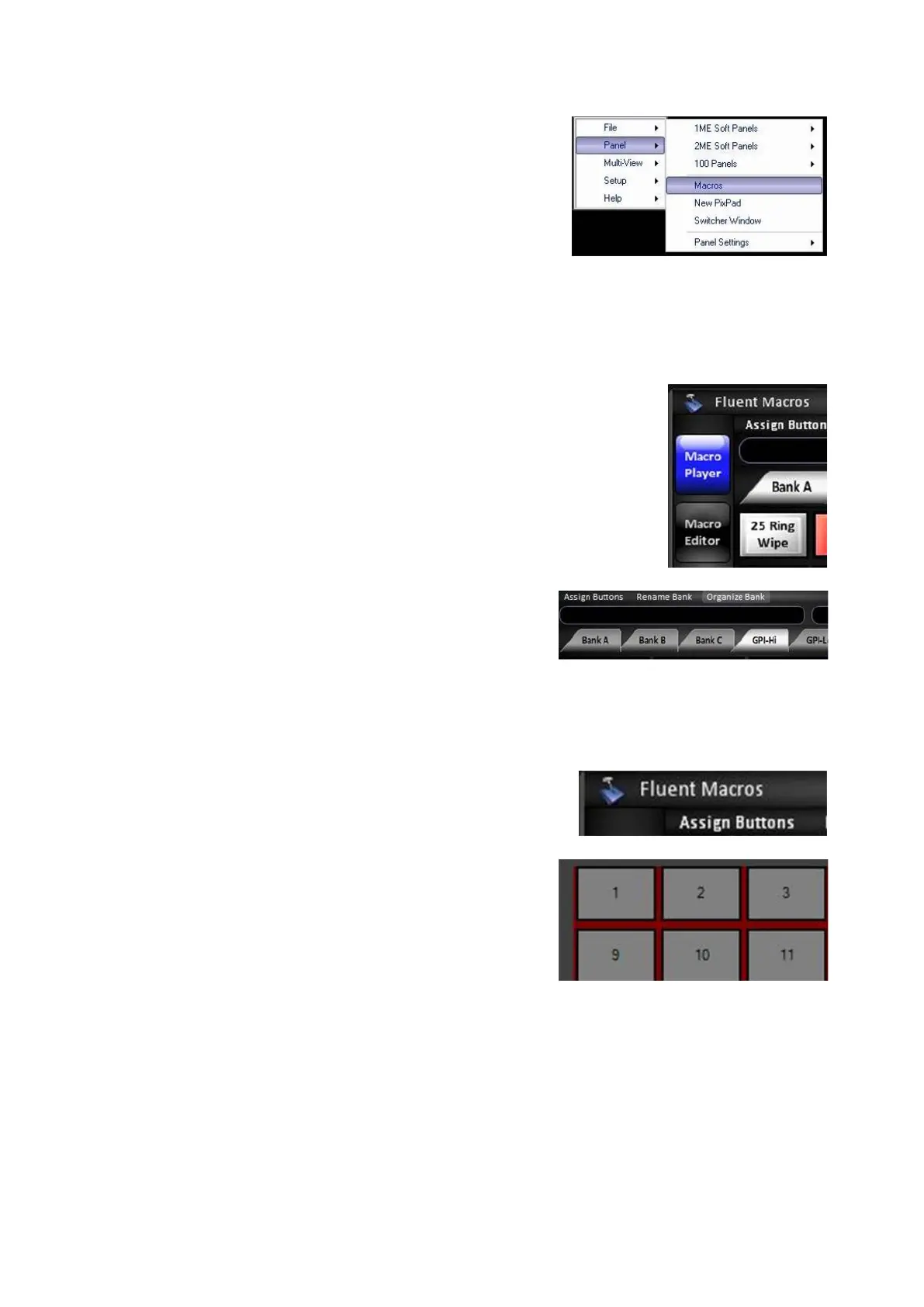
If the Fluent Macros window is not already
open, in BPswitcher select the Panel drop
down menu.
Select Macros, as shown on the right.
The Macros window will open.
With the mouse, select the Macro Player
button, it will illuminate blue, as shown on the
right.
In the Menu Bar, select the desired Bank,
either Bank A, Bank B, Bank C, GPI-Hi or
GPI-Lo. The button will illuminate white.
The GPI Banks are used for external devices
(like a button) to trigger a specified Macro with
the external USB tally boxes.
Click the Assign Buttons button, in the
Toolbar.
The Macro Bank will display the available
button numbers, click on the desired button
1-100.
The select Macro window will open.
Select the desired .tln Macro file or .bpm
SnapShot MEM file and click on Open.
The Assign Button X window will appear.
The Assign Button window allows you to:
Reassign a different macro, click on the …
browse button.



 To Next Page