BPswitch Operators Manual
281 / 413
RP655, place a check mark next to
Cams 1 to 5 thru Remote Panel
option.
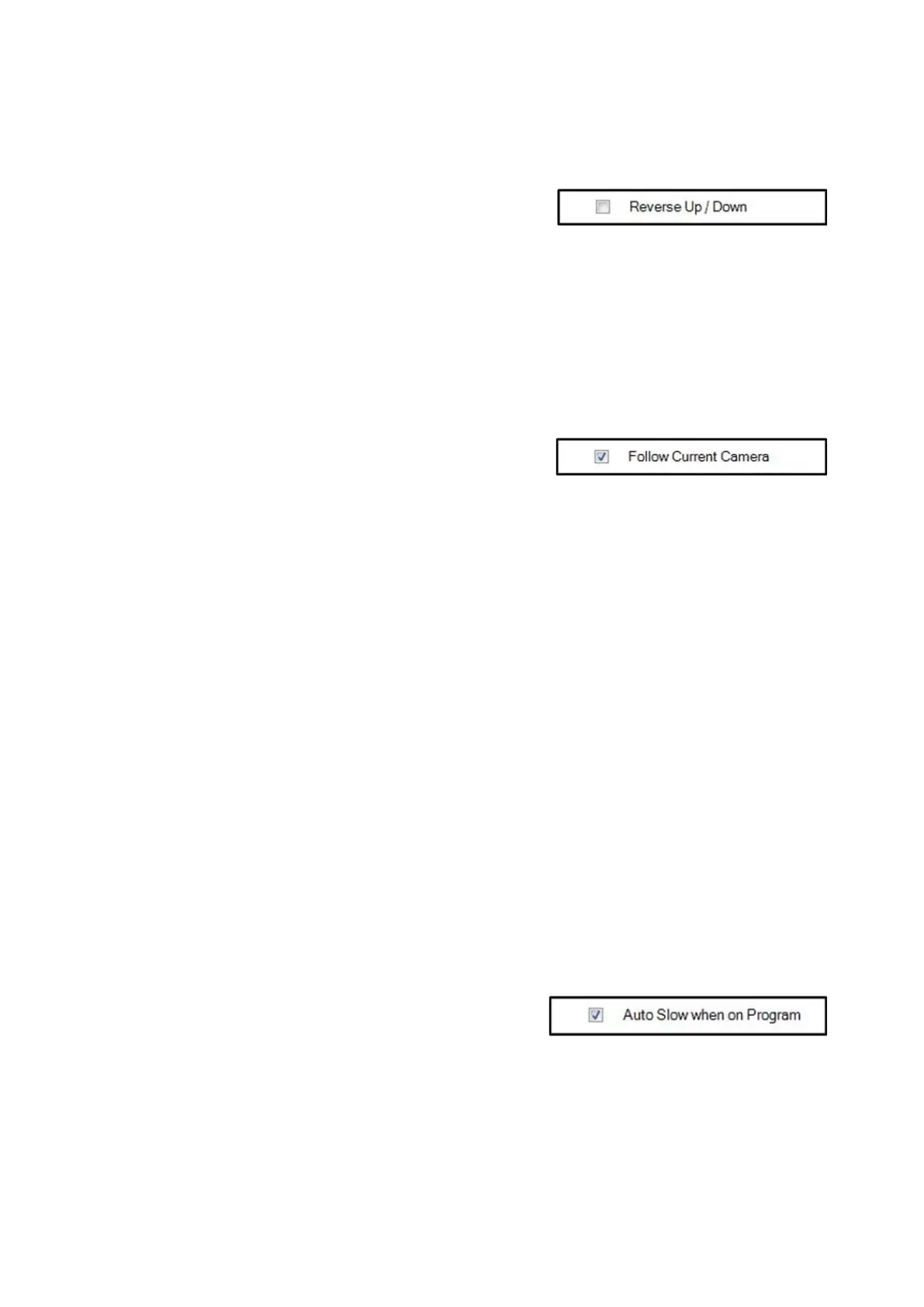
Some operators prefer the joystick
control for tilting to be reversed. To
reverse the Up/Down movement
place a check mark next to Reverse
Up/Down.
In the normal/unchecked mode,
moving the joystick up tilts the
camera up and moving down tilts
down.
When using multiple cameras, the
Camera Control device can be set to
automatically change to select what
camera is being controlled off the
Preview row of the switcher.
If desired, place a check mark next to
the Follow Current Camera option,
as shown on the right.
The Follow Current Macro Camera
option is similar, and follows the
camera when triggered by a Macro.
As you select different cameras on
Preview, the device will follow without
the need of reselecting the correct
camera providing an easier method
of controlling cameras.
Note: This setting only functions
when the Panasonic Camera Control
device is selected in the Device
Controls section.
During a production, live on-air
movement may be necessary. To
reduce any unwanted fast movement,
the Slow speed setting can
automatically be turned on when that
camera number is switched on
Program.
If desired, place a check mark next to



 To Next Page