BPswitch Operators Manual
341 / 413
system must be networked together in order for the Macros to be triggered.
Prior to configuring the VOX unit, it is important to create the Macros used for the
production, as described in Fluent Macros. Macros may need to be refined to
ensure that each switch is perfectly timed.
To verify communication:
Ensure that the BPSwitcher
application is running, and that a
show is loaded, as described in
Running a Show.
Launch the VOX Editor by double-
clicking on the desktop icon, as
shown on the right.
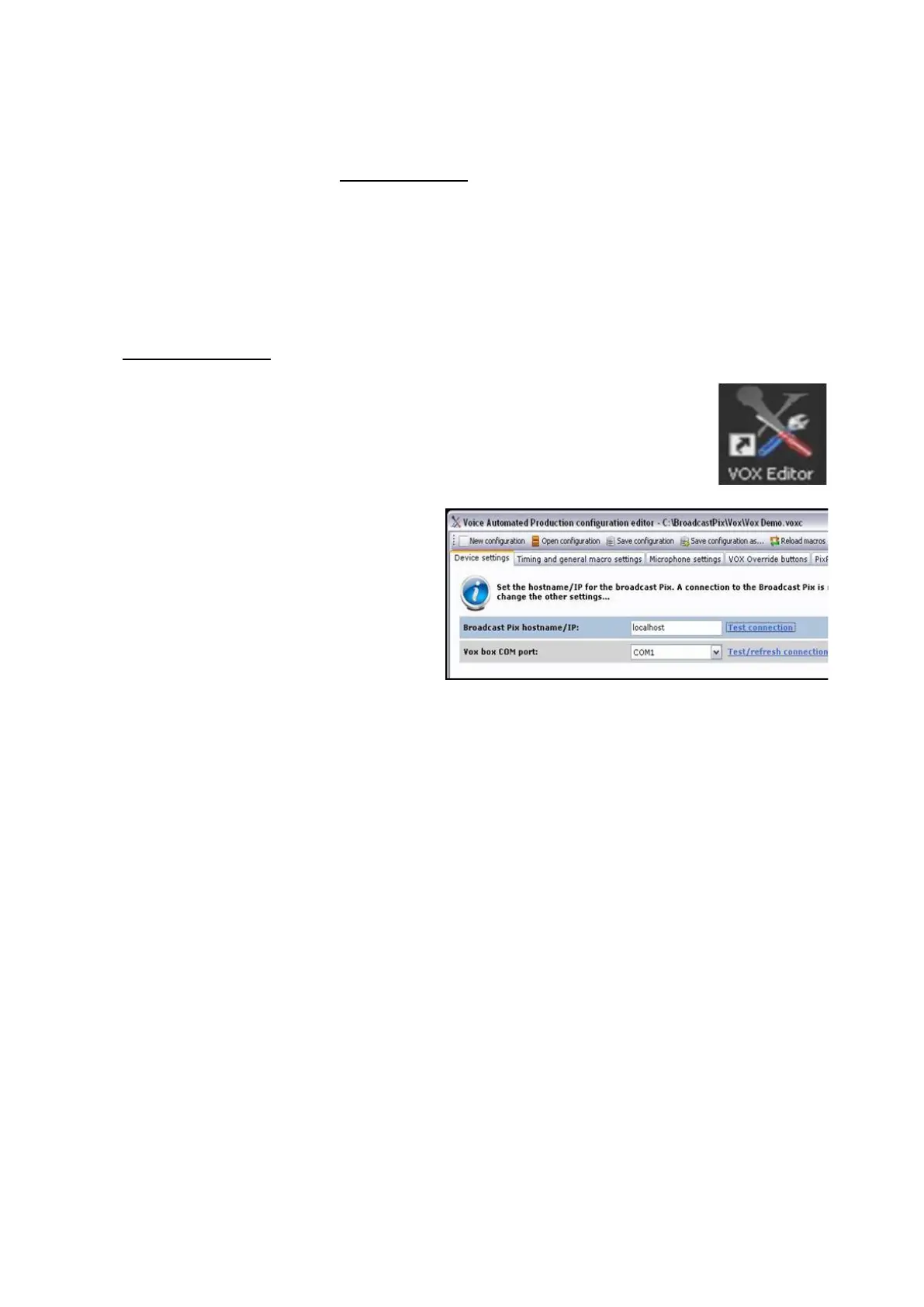
The VOX Editor window will
appear, select the
Device settings
tab, as shown on the right.
In the Broadcast Pix hostname/IP
text field, enter the IP address of
the system. If the software is
installed locally on the Broadcast
Pix system, enter the word
localhost.
In the VOX box COM port: drop
down menu, select the connected
COM X port, in this example COM
1.
To test each connection click on
the Test Connection
link, a pop up
message will appear if the
connection failed or is successful.



 To Next Page