BPswitch Operators Manual
344 / 413
than ones with a higher number. This allows for the host, for example to interject
and have their macro run. The default mic priority is 1 to 8, with mic 1 having the
top level of priority.
Click on the Microphone settings tab on the
top of the window.
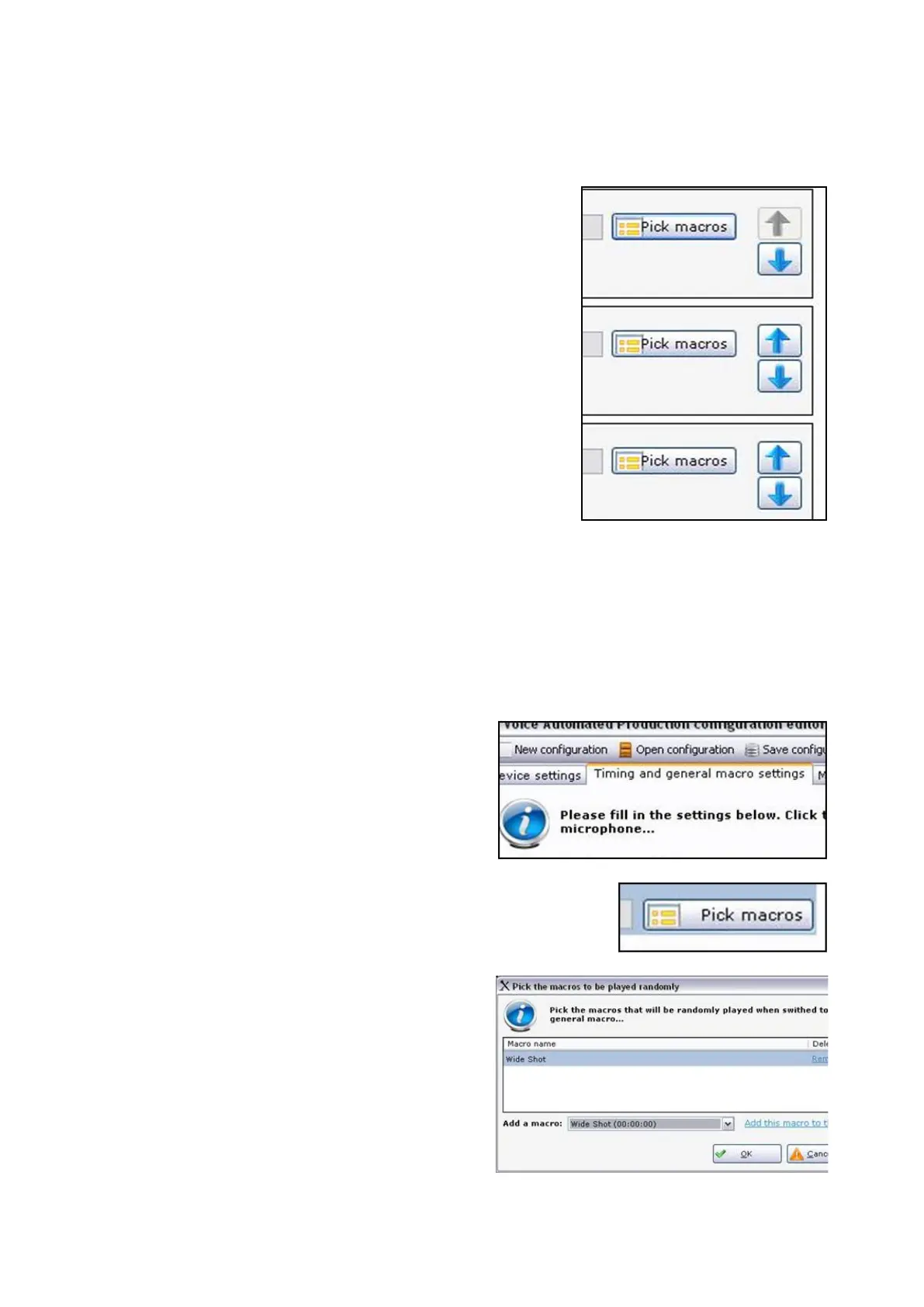
To the right of each input, select the Down
Arrow button to move the mic to a lower
priority, as shown on the right.
To the right of each input, select the Up Arrow
button to move the mic to a higher priority.
To assign Macros as General Macros:
When microphone inputs are activated the assigned mic macros are triggered, as
described in the above section. When no input is active or when an input has been
active for too long, a General Macro can be triggered to give a more realistic
production feeling. Usually these General Macros are ‘wide shots’ or ‘cover shots’,
but they can be any macro from the system.
Click on the Timing and general macro
settings tab at the top of the window, as
shown on the right.
Under the General macro file(s): section,
click on the Pick Macros button, as
shown on the right.
In the Add a macro: drop down menu,
select the desired macro, in this
example Wide Shot, and click on the
Add this macro to this list link.
There is not limit on the amount of
General Macros that may be assigned,
however at least 1 macro must be
assigned.



 To Next Page