BPswitch Operators Manual
346 / 413
are triggered. There are settings for when the mic and general titles are repeated,
as well settings for how frequent the various Macros are triggered. Adjusting these
settings will set the pace or tempo of the production. For quick switches, for a
radio broadcast, the timing will be short, for slower productions, like for a
government
meeting the timing will be longer. Note that no matter what the time settings are
set to, each assigned macro must completely finish running prior to switching to
another macro. It is important that every macro has been carefully created and
varied to ensure proper timing.
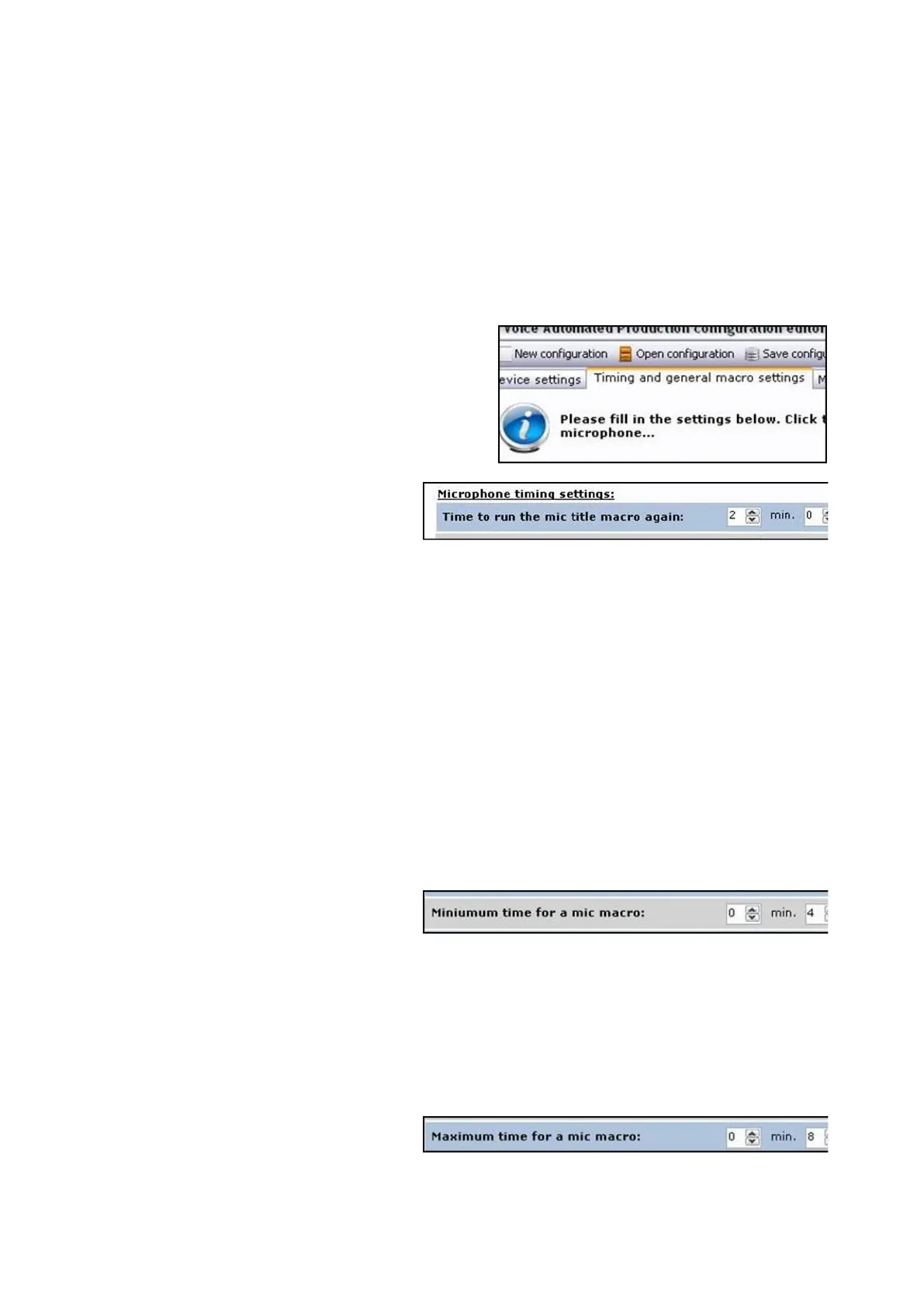
Click on the Timing and general
macro settings tab at the top of
the window, as shown on the
right.
Under the Microphone timing
settings: section, enter the
minutes and/or seconds for
when the title macro for the mics
are repeated in the Time to run
the mic title macro again text
box, as shown on the right.
Under the Microphone timing
settings: section, enter the
minutes and/or seconds for
when the macros for the mics
are executed.
The Minimum time for a mic
macro, as shown on the right, is
how long a source stays on air
after another mic input is
activated. This setting is the
shortest amount of time (after
the macro finishes playing) that a
source stays on air. If macros
are not being executed fast
enough when an input interrupts
another input, then this setting is
too high.
The Maximum time for a mic
macro, as shown on the right, is
how long a source stays on air
when there is no other mic
activation and one mic continues
to speak for a longer period of



 To Next Page