BPswitch Operators Manual
347 / 413
time without any pause or
interruption. This setting is the
longest amount of time (after the
macro finishes playing) that a
source stays on air. After the
specified time another mic or
general macro is randomly
triggered. If switching is not
happening fast enough, then this
setting is too high. If the mic
stops picking up sound for more
than 2 seconds, like when a
someone talks a breath or
pause, a new macro will run after
the minimum time.
The difference of 1 or 2 seconds
in either direction can impact the
pacing of the production, it is
important to test these settings
with the VOX unit once
configuration is complete.
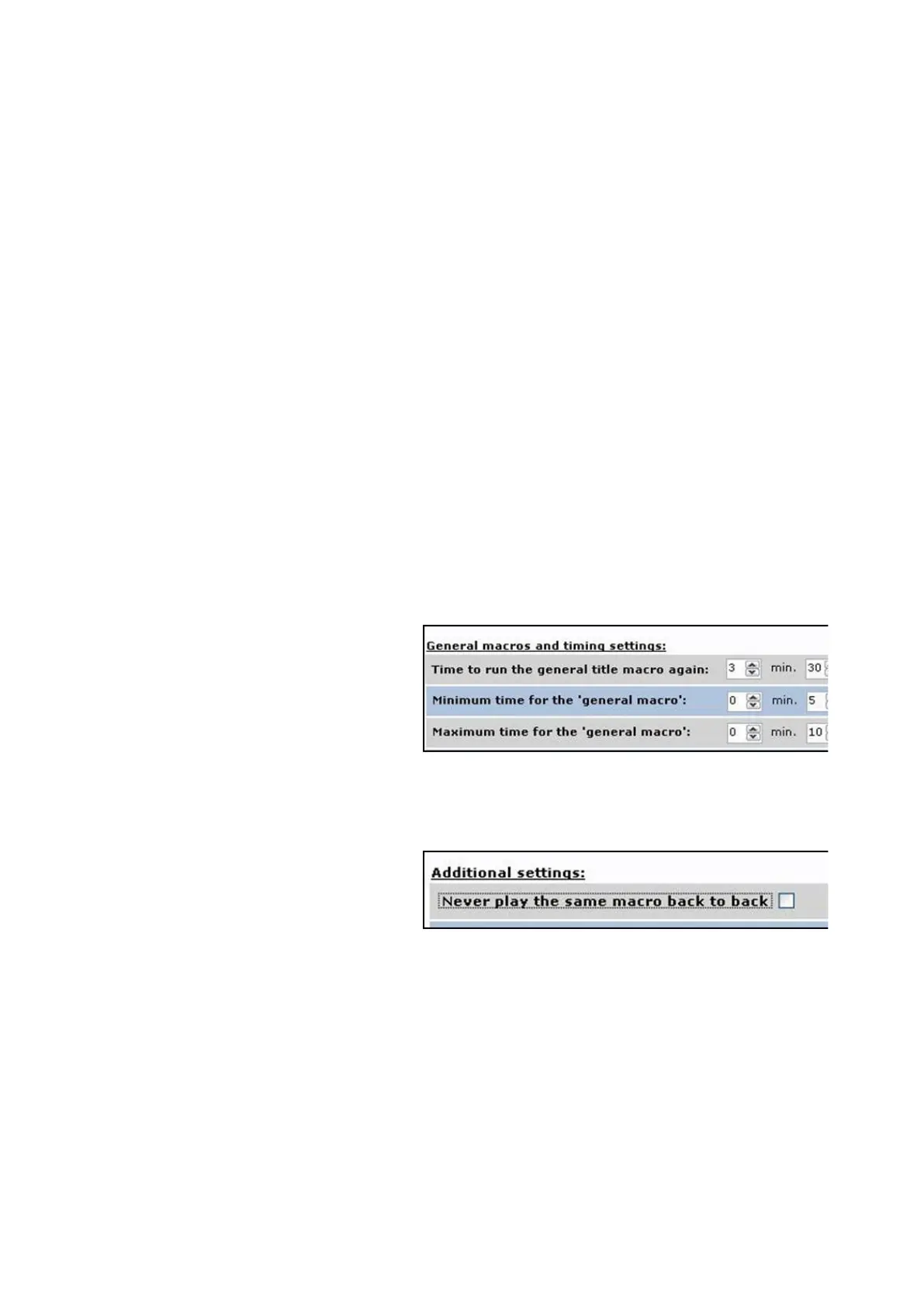
Repeats steps 1-3 above for
adjusting the timing for the
General Macros, as shown on
the right.
Since the General Macros are
usually wide shots, these
numbers may be slightly longer
than the microphone macros.
When multiple Macros are
assigned to an input, there is an
option to not play the same
Macro back to back. This option
allows for unique Macros to be
triggered with every switch giving
a more natural look to the
production, and not one from an
automated system.
Under the Addition settings:
section, place a checkmark next
to Never play the same macro
back to back, as shown on the
right.



 To Next Page