BPswitch Operators Manual
348 / 413
When multiple Macros are
assigned to an input, there is an
option to switch after the defined
minimum time. This option adds
a more dynamic and lively look
to the production.
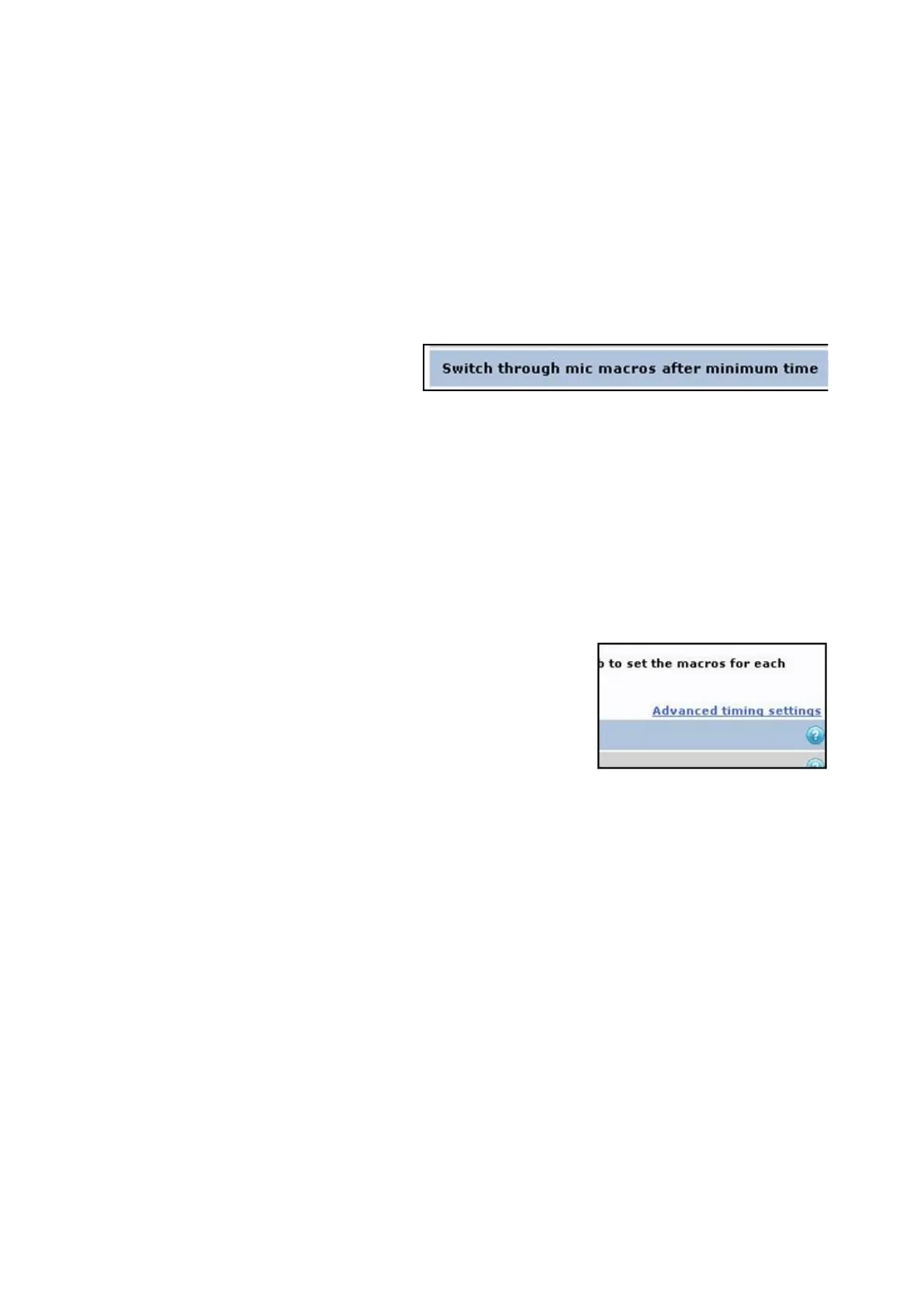
Under the Additional settings:
section, place a checkmark next
to Switch through mic macros
after minimum time, as shown
on the right.
Note: if a Macro is using Camera
Control to move cameras, having
this option checked may show
on-air camera moves, if the
Macro is not written correctly. To
avoid on-air moves, ensure that
the Macro first switches to a
known good/static source, then
move the camera and finally
switch to the camera input.
To prevent accidental switches
when a cough or short response
is spoken there are advanced
timing settings that filter out the
short answers. These settings
can be modified under the
Advanced timing settings
section. It is recommended to
use the default settings.
To assign Override Macros:
In some installations it may be necessary or handy for the presenter/host to trigger
other ‘special’ Macros manually. This is ideal for running a show open/bumper,
going to a commercial break/recess page or for disabling/enabling the automation
to take over manual control. There are 4 General Purpose Inputs (GPIs) per VOX
unit that are connected through a 15-pin connector, a basic Host Override panel is
also provided, but a custom box may also be used.
The LEDs also provide feedback for the panel. When no LED is illuminated then
no Macro has been assigned to that GPI button. When the LED is illuminated solid
red then a Macro has been assigned. When the LED is flashing slowly, the GPI
has been triggered and it is waiting for the previous Macro to end before the new
Macro will start. If the LED is flashing quickly then the GPI button has been



 To Next Page