BPswitch Operators Manual
35 / 413
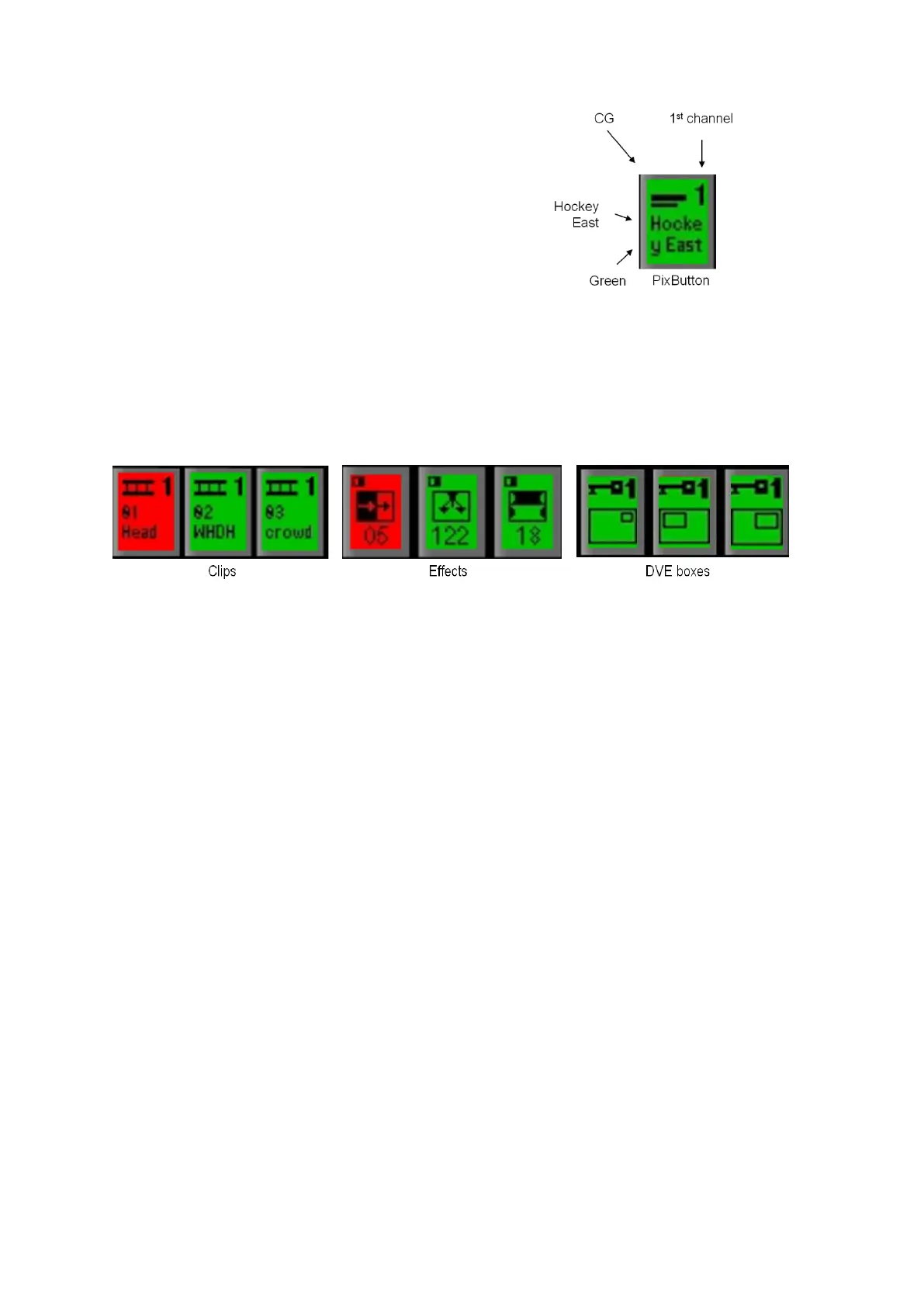
What Device is in here?
What channel of that device?
What is the Name of the currently
selected Content in the device?
Tally - Is this On-Air, Selected, or Off?
On-Air
Off-Air, but selected
Off-Air and not
selected
PixButtons Streamline Selection
PixButtons streamline the selection of content for all devices, such as the uses
illustrated below, plus CG, Logos, Stills, Effects or a Keyer.
Five Kinds of PixButtons on a 1000 Control Panel
A total of 28 PixButtons are used in 5 different areas of the Broadcast Pix control
panel:
To select content within a device, and for modifiers
To see what is on each source, and selection without
preview
To see what is in each keyer, and to take it on/off air
To see what is in each assignable device, and to select it.
To see the active effect, and to select the effects controls



 To Next Page