BPswitch Operators Manual
408 / 413
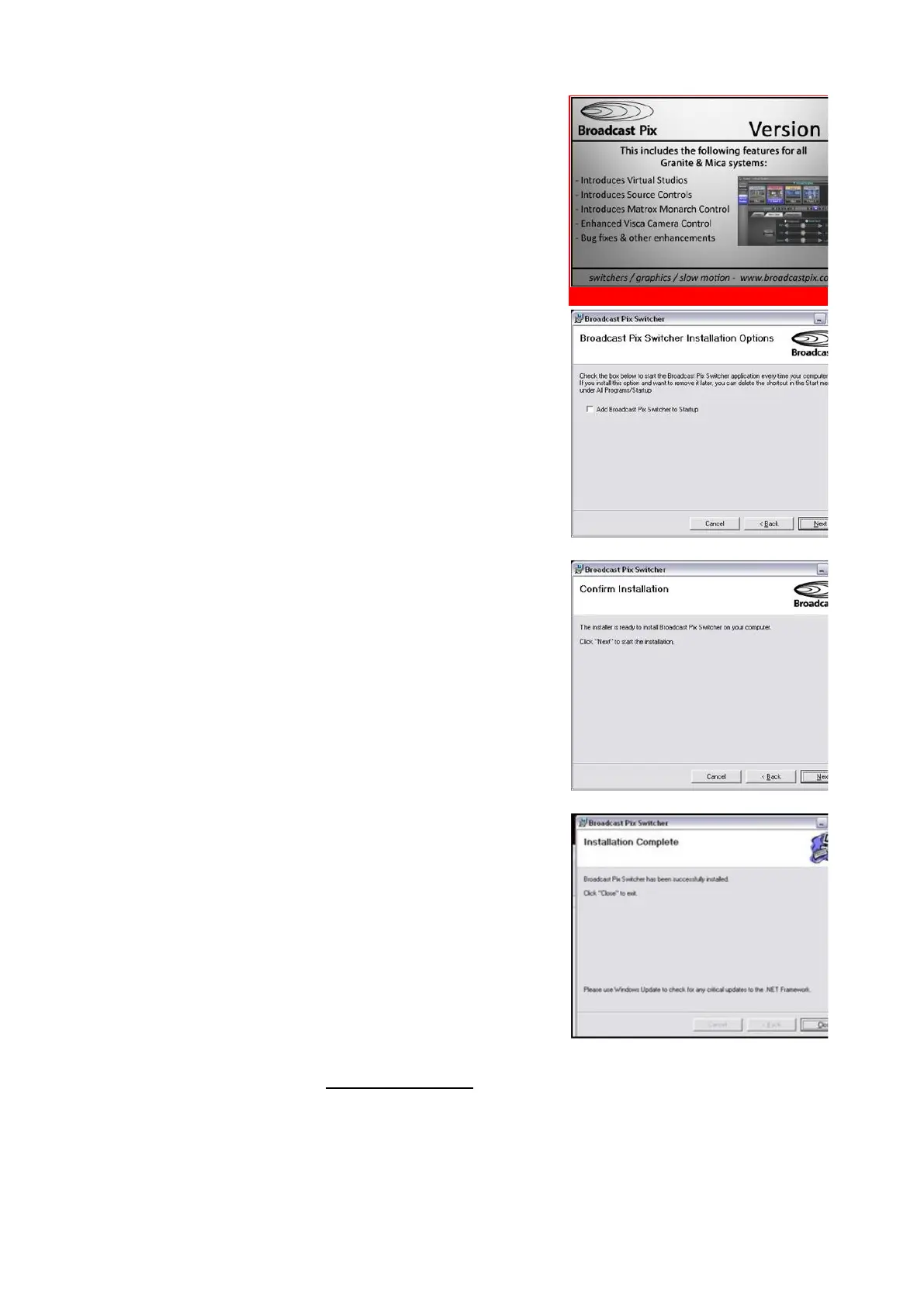
This will open the Broadcast Pix Software
Installation Wizard. Click on the Next button.
The next screen will ask to add the BPswitcher
application to the Startup menu, if desired check
the Add Broadcast Pix Switcher to Startup box
and click on the Next button.
Click on the Next button to confirm the
installation.
A progress bar will appear and the appropriate
files will be installed.
This process may take 2-5 minutes.
When complete, click on the Close button, as
shown on the right.
It is recommended to Shutdown and Restart the
System by selecting the Start Menu and
selecting Shutdown after each install.
Wait about 15 seconds and Power on the
system using the larger rocker switch.
Double-click on the BPswitcher icon and load a
show, as described in Running a Show.
If the control panel needs updating, it will
automatically be updated when the show is
loaded, a progress bar will appear.



 To Next Page