BPswitch Operators Manual
70 / 413
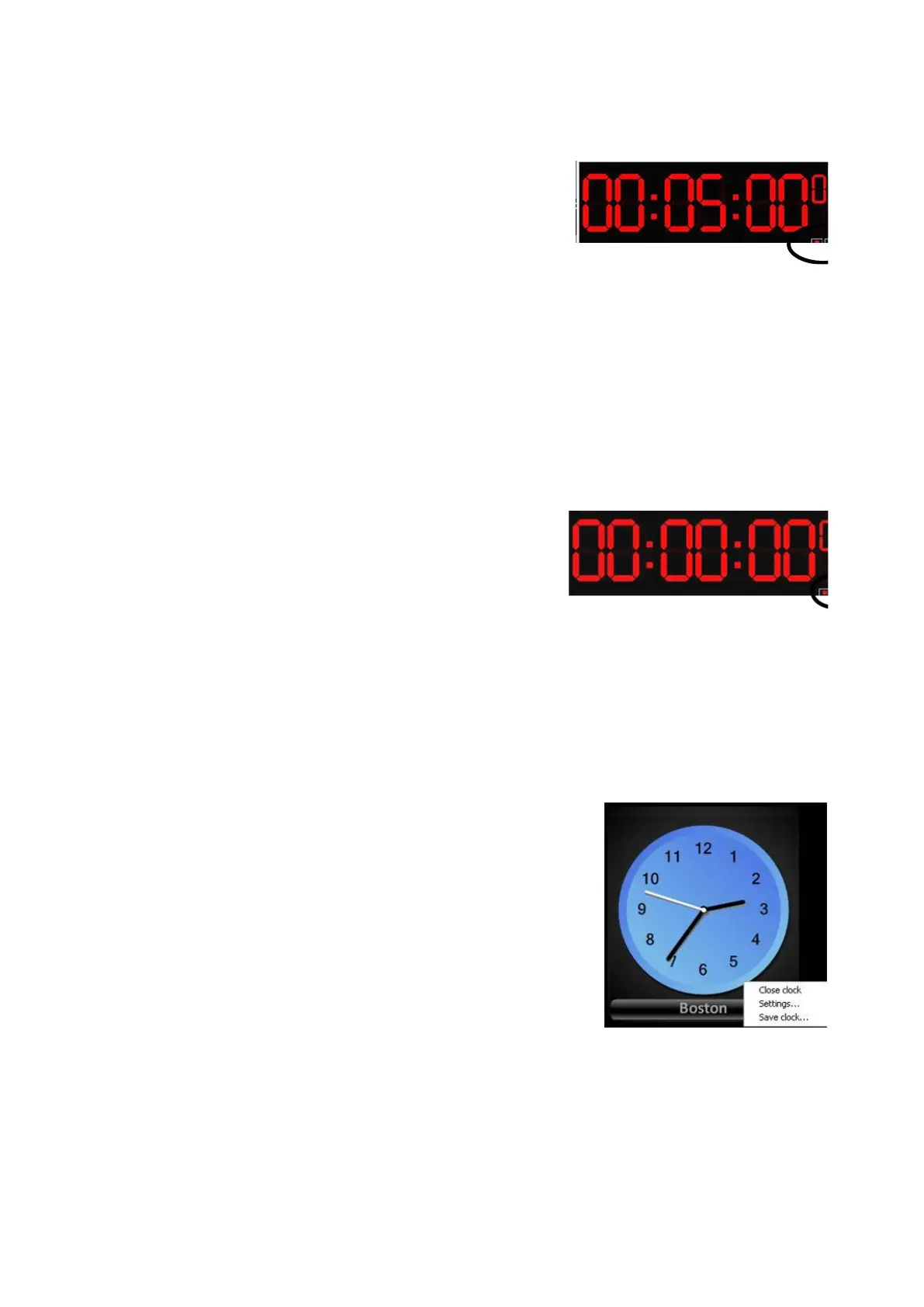
To start and pause the countdown, left-click on
the green play/triangle
button in the lower right
hand corner of the timer window. You may also
double-click in the middle of the timer to
start/pause the countdown.
To stop the countdown, left-click on the red
stop/square
button in the lower left hand corner
of the timer window.
To operate a Count Up (Stopwatch) Timer:
Activate the Timer window and it as Stopwatch
timer, as described on the previous page.
To start/pause the stopwatch, left-click on the
green play/triangle button in the lower right
hand corner of the timer window. You may also
double-click in the middle of the timer to
start/pause the countdown.
To stop and reset the stopwatch zero, left-click
on the red stop/square button in the lower left
hand corner of the timer window.
To customize an Analog Clock:
Float the Analog clock, as described above. A
blue analog clock window appear, drag and
resize to your liking.
Right-click on the clock, and a menu will appear
as shown to the right.
Click on Settings… and the Clock Setting
window will appear.
In the Clock settings window you may customize
each clock with the following attributes:
Caption: Assigns a custom name to the clock
Color: Changes the background/face of the
clock to either Blue, Green, Red, White or Gray



 To Next Page