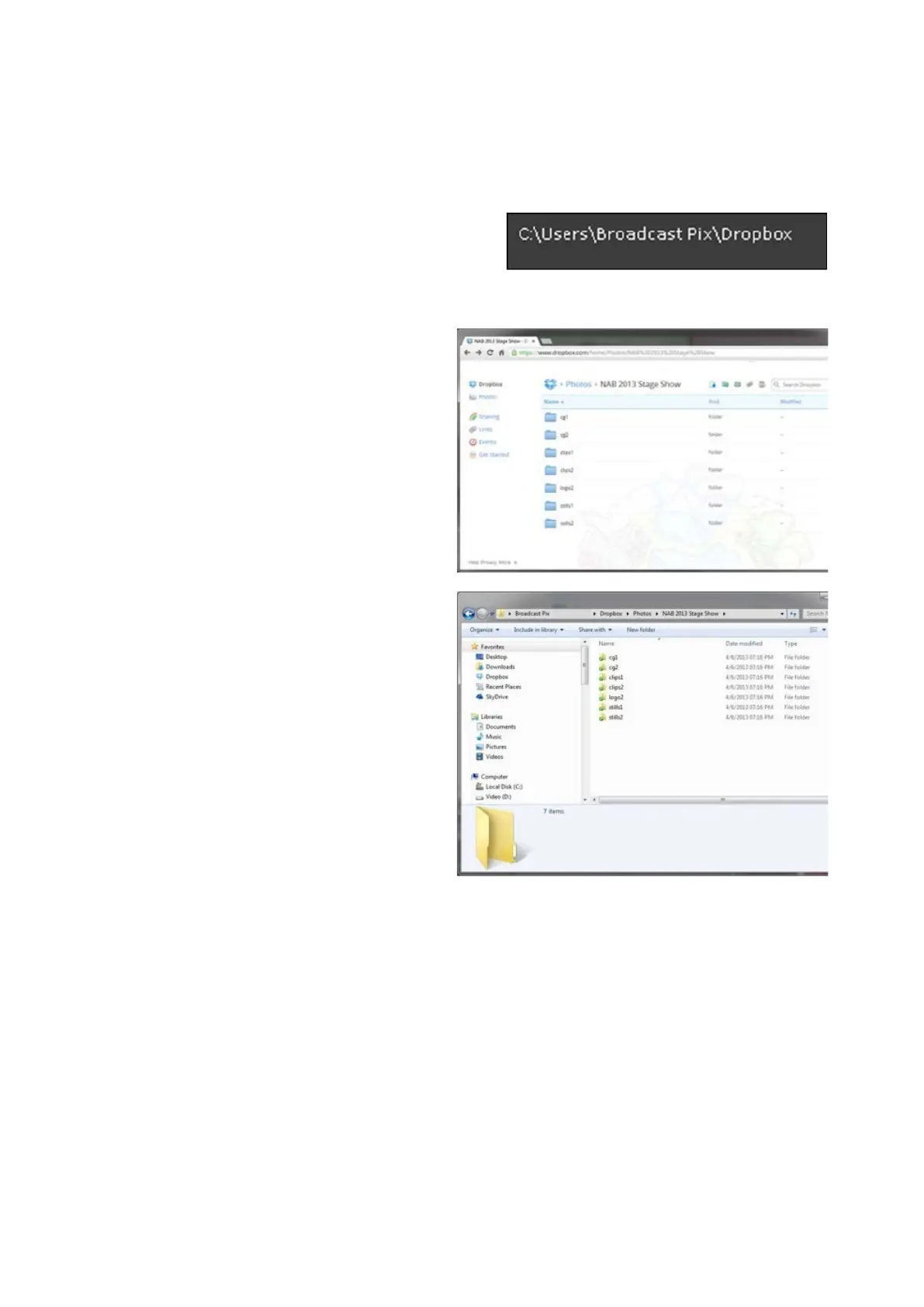
For every show that is opened and
for every device channel that is
enabled, folders will automatically
be populated to your account /
remote watch folder.
If you open your cloud-based
storage with a web browser it
should match with the folders on
the local system, as shown on the
right.
Now, when files are uploaded to the
service provider they will be copied
to the watch folder and then moved
out of it to the appropriate content
folder on the local Broadcast Pix
Server. Please refer to the
individual service providers on how
to upload content using their
application.
This allows you to upload content
from any web browser, from any
device, from anywhere in the world.
And for many providers a mobile
application can be installed on an
iPhone or Android device, which
provides instant access to your
Watch Folders.
In addition, since the final content
will be moved out of your service
provider, no additional space is
ever used, keeping your cloud-
based hard drive space preserved.



 To Next Page