BPswitch Operators Manual
169 / 413
Click on the Images: menu bar and
click on the Re-scan Virtual Sets
option.
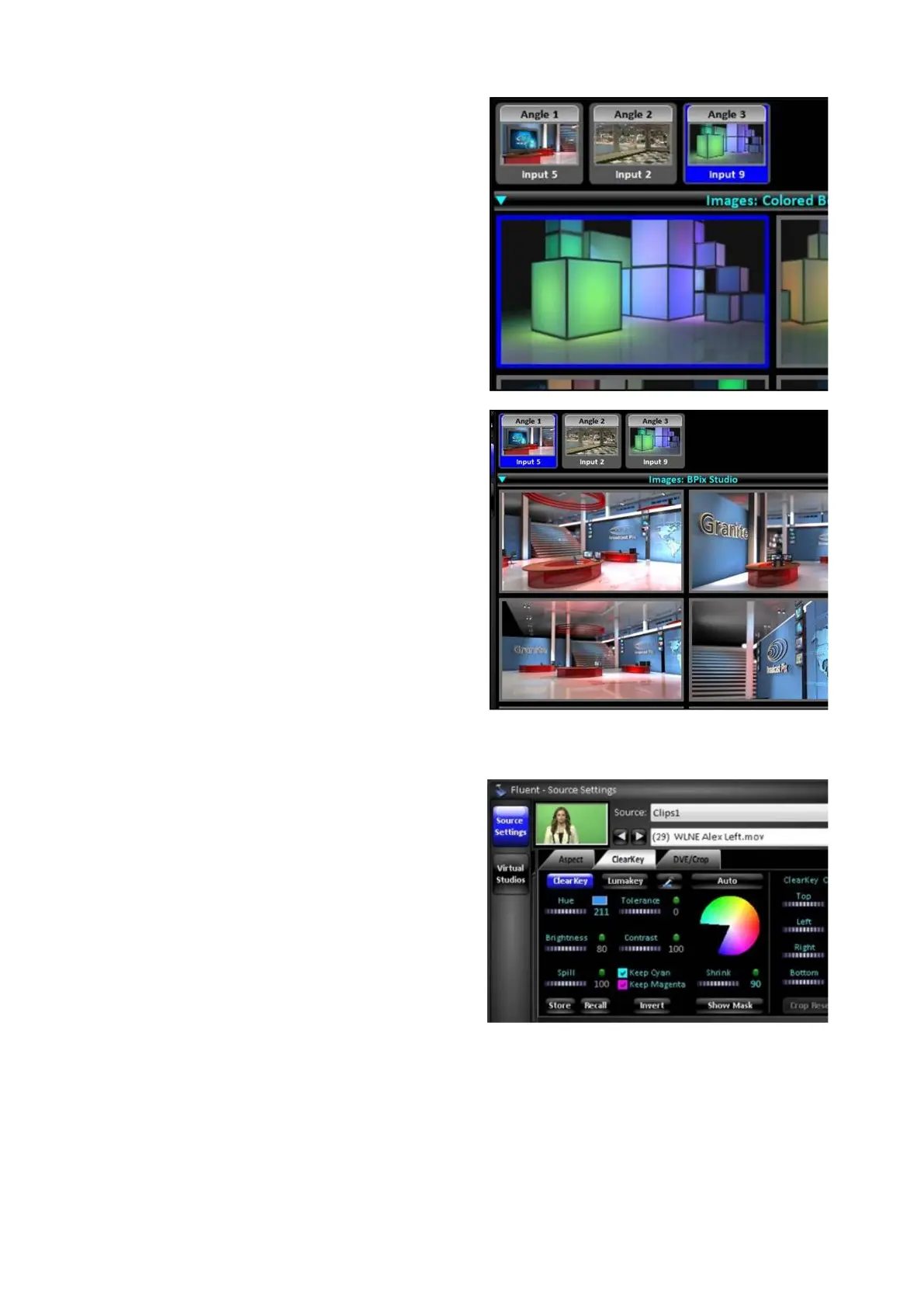
Click on the desired Angle in the Virtual
Angles pane, it will highlight blue, like
Angle 3 as shown on the right.
In the Images pane, select the desired
thumbnail
, a blue frame will appear, as
shown on the right.
The selected image will now be married
with assigned source.
Selecting another angle will not change
the Images pane, allowing for quick
selection of another background within
the same folder.
To select an image within the folder of
the selected angle, double-click
on the
angle thumbnail and the Images pane
will change, as shown on the right with
Angle 1.
To adjust the chromakey settings:
Once a background has been assigned
to an angle, all ClearKey controls can
be modified from the control panel or
Source Settings of the Fluent Controls
window, as described in previous
section.



 To Next Page