BPswitch Operators Manual
30 / 413
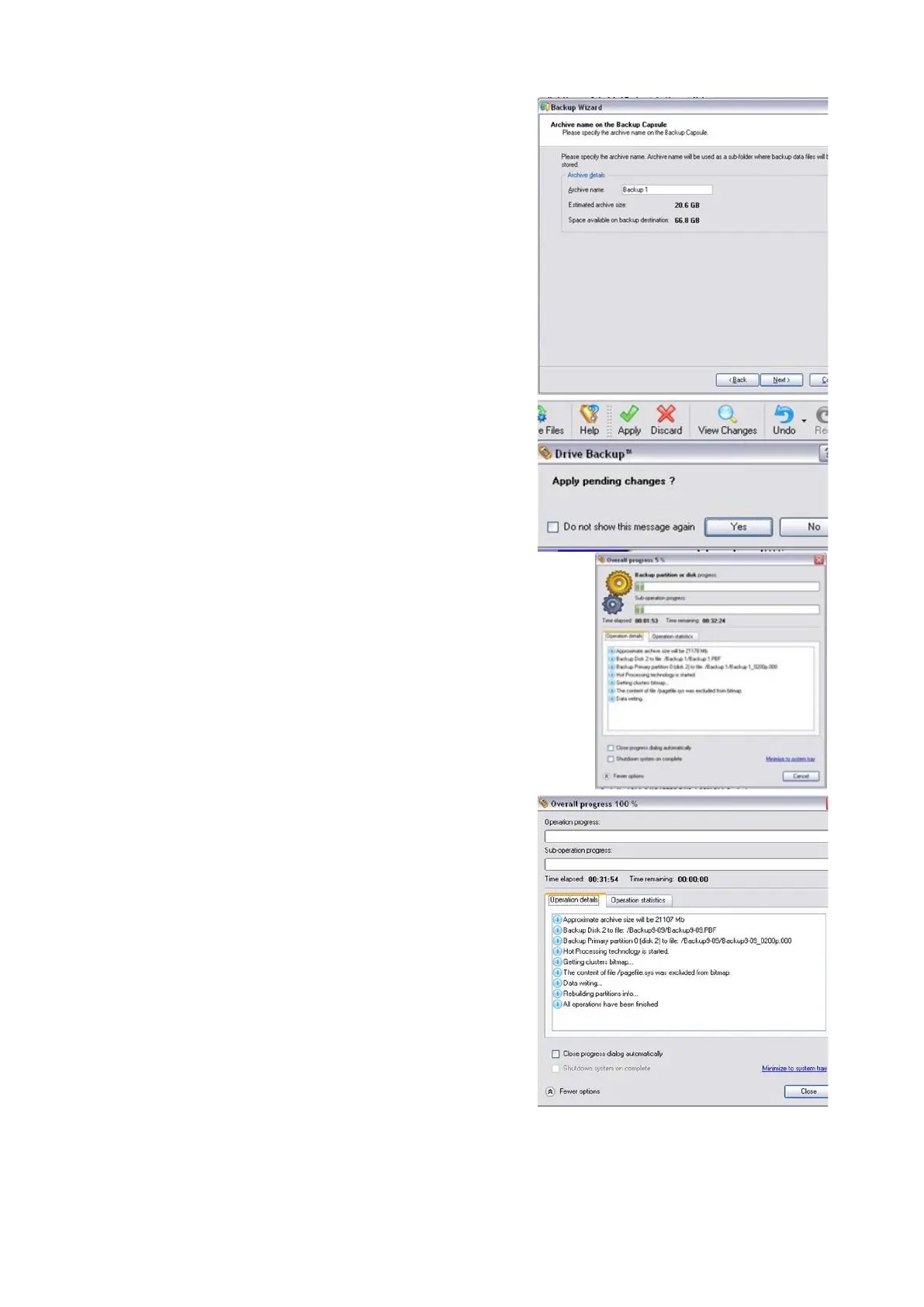
In the Completing the Backup Wizard
window, click on the Finish button.
The home screen on the application will
return.
At the top of menu bar, click on the green
Apply check mark button.
A confirmation screen will appear, click on
Yes, as shown on the right.
The Overall Progress window will appear,
as shown on the right. The backup is now
taking place. This process will take
anywhere from 20 to 40 minutes,
depending on the amount of files being
backed up. It is advised not to use the
system while the back up is occurring.
When the back is complete the Overall
Progress window will read out 100% and
report that All operations have been
finished.
Click on the Close button, as shown on the
right.
The backup point has been saved onto the
Backup Capsule. Close the home window
of Paragon by clicking the Red X at the top
right corner.
To restore a backup in Paragon:
Quit all applications, including



 To Next Page