BPswitch Operators Manual
333 / 413
If no gang has been created or desired, an individual
deck can be selected and the following steps will
continue to function.
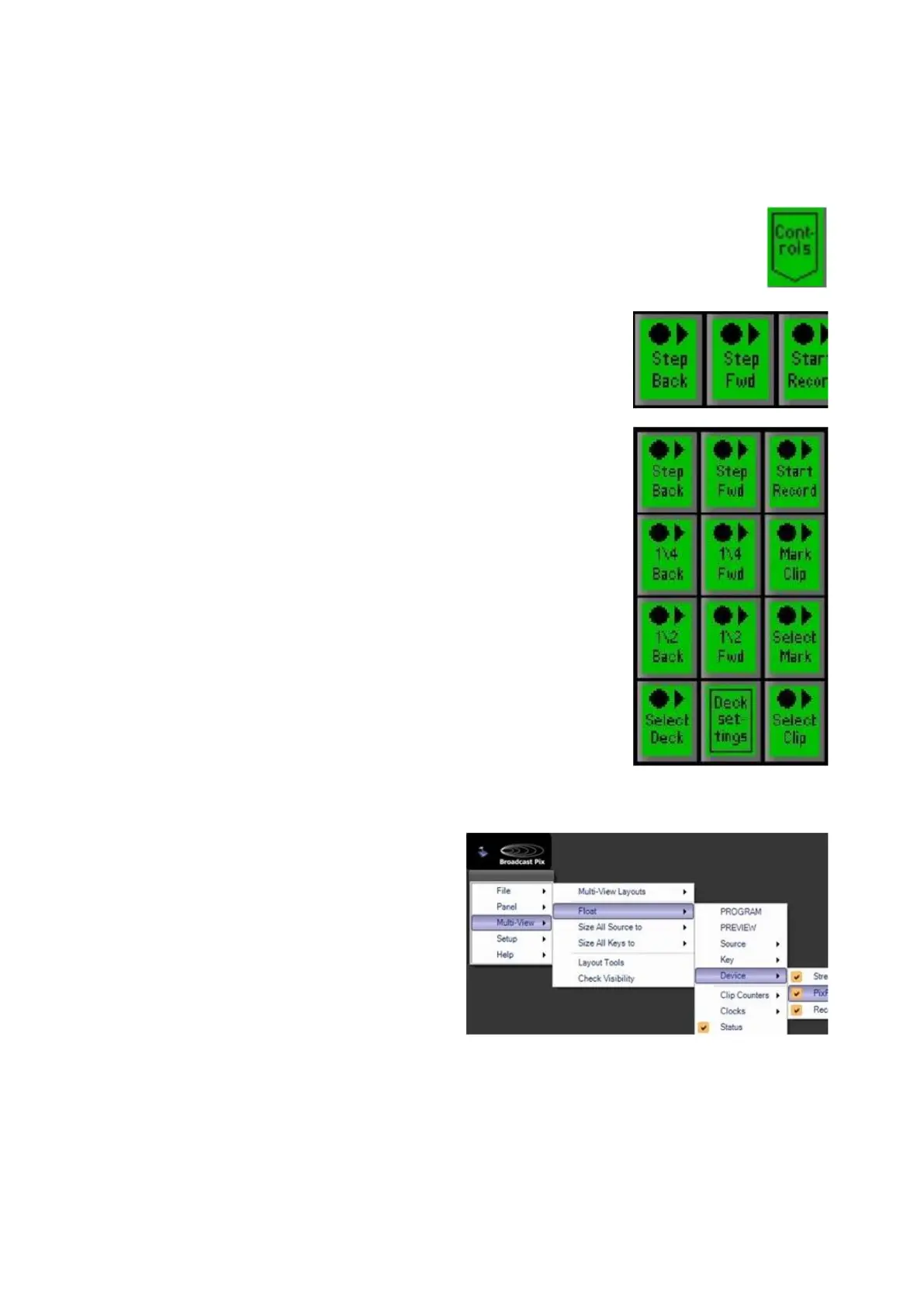
In the PixPad of available clips, select the [Controls]
PixButton, as shown on the right.
The PixPad will change showing the available controls.
Select the [Start Record] PixButton, as shown on the
right.
The display will update with the words Recording Clip
and the [>] motion control button will illuminate red. All
ganged decks will be recording.
As important play/actions start, markers can be entered
and named for later use.
In the PixPad click on the [Mark Clip] PixButton as
shown on the right.
The [Mark Clip] PixButton can be selected as many
times as an important action occurs. It can also be used
after a clip has been stopped and while it’s being
played back.
Viewing & Naming Marks:
If desired a graphical list of clips and
marks can be viewed for easy
selection and mark naming.
Navigate to the Broadcast Pix menu
and select the Multi-View – Float –
Device – PixPlay window, as shown
on the right.



 To Next Page