BPswitch Operators Manual
335 / 413
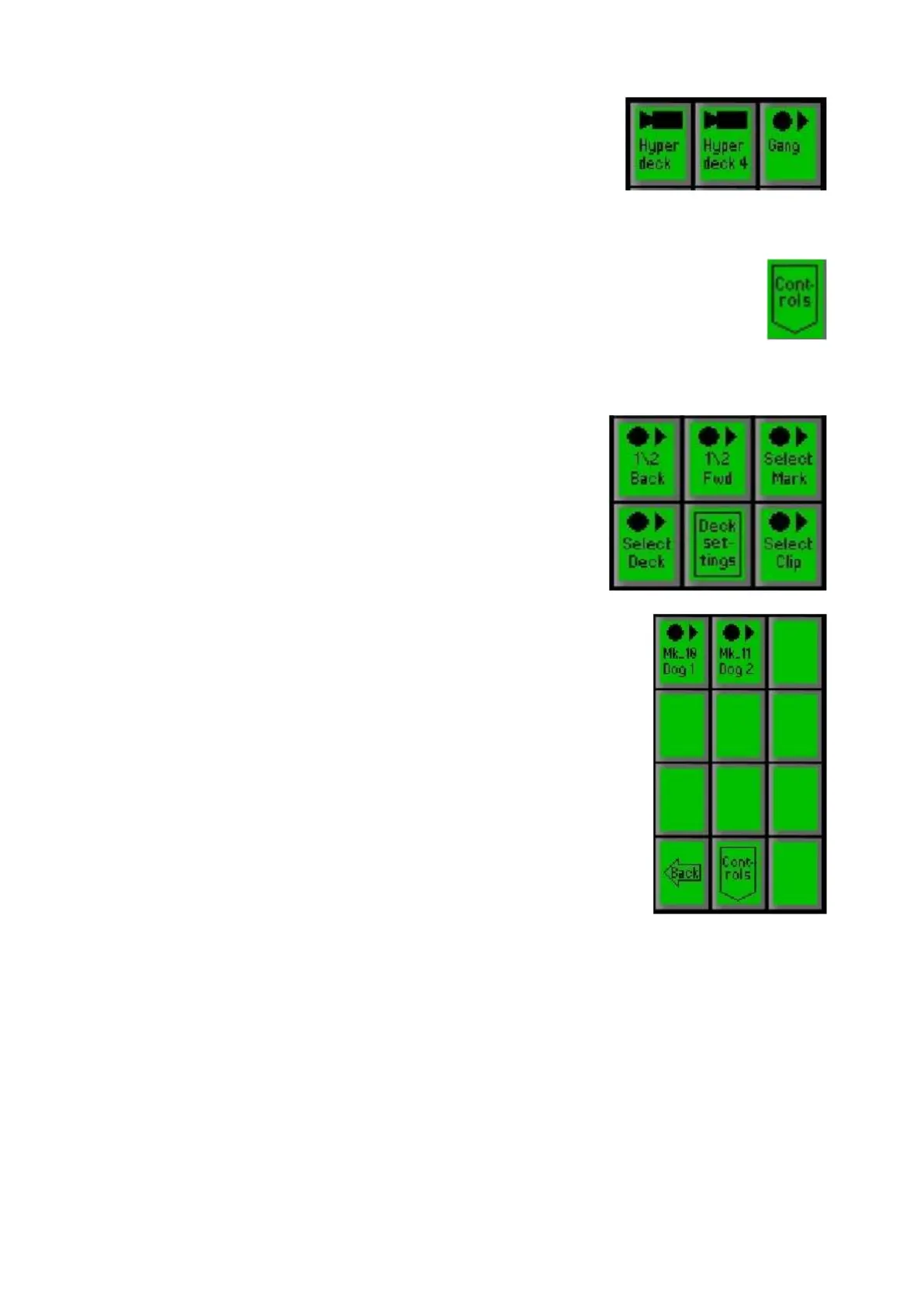
To move a gang of decks
simultaneously select the [Gang]
PixButton, or if just one deck is
desired to be controlled select an
individual [Deck Name]
PixButton, as
shown on the right.
The first level on the PixPad shows
the clips. On the Multi-View
thumbnails will appear along with the
clip name.
Select the [Control] PixButton.
In the Controls PixPad, select the
[Select Mark] PixButton, as shown
on the right.
The list of all marks on the disk will
appear in chronological order, as
shown on the right.
The Multi-View PixPad will show a
thumbnail of the mark as well as the
mark name in the upper left corner,
as shown on the right.
The [Back] and [Next] PixButtons can
be used to navigate to the desired
mark.
Select the [Mark Name] PixButton.
The deck(s) will jump to that specific
mark location.



 To Next Page