5-3
5
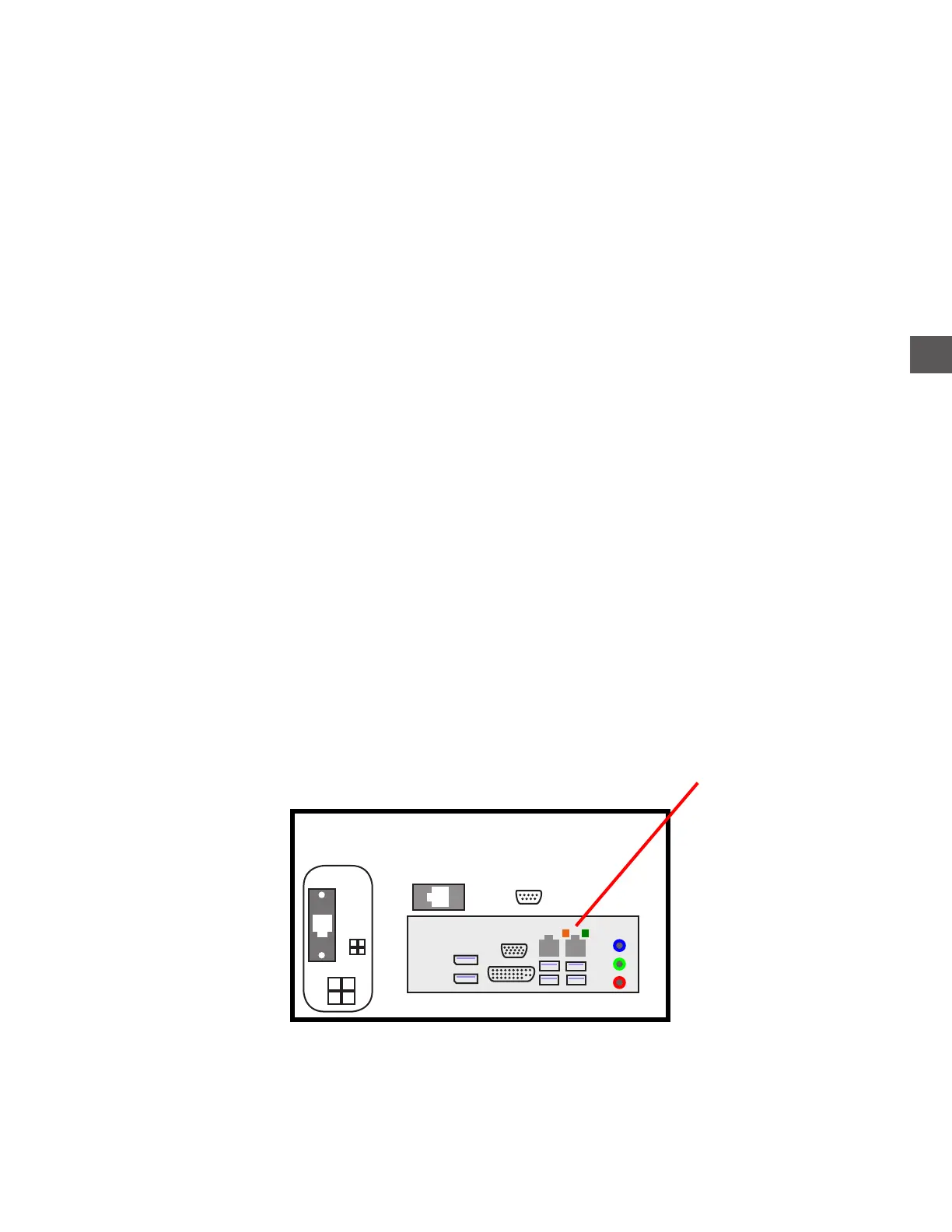
Network Port LEDs
GREEN
Indicates the Computer detects a working network connection (hub, switch, router).
If the LED is not illuminated:
a) Plug a known working CAT-5 cable into the network port and a working network device
If the LED does not illuminate, the Computer may be defective.
b) If the LED does illuminate, the problem may be the TR250 network cable or possibly the
hub, switch, router, etc...
AMBER
Indicates the Computer detects activity (blinking).
If the LED is not illuminated:
a) Insure the green LED is illuminated.
b) Perform a function that would generate activity (typically an End Of Day).
If the LED does not blink when the transaction is performed, the Computer may be
defective.
If the LED blinks when the transaction is performed, the cause of the network
connection problem may be due to a router/hub, site wiring or network security
Computer
AMBER = Activity
GREEN = Connectivity
Network Port



 To Next Page