5-32
5
Touchscreen is unresponsive or inaccurate
1) Inspect the Touchscreen for damage or debris.
2) Disconnect VAC power for a minimum of 30 seconds and re-apply VAC.
3) Check the Touchscreen USB connection on the front of the Computer.
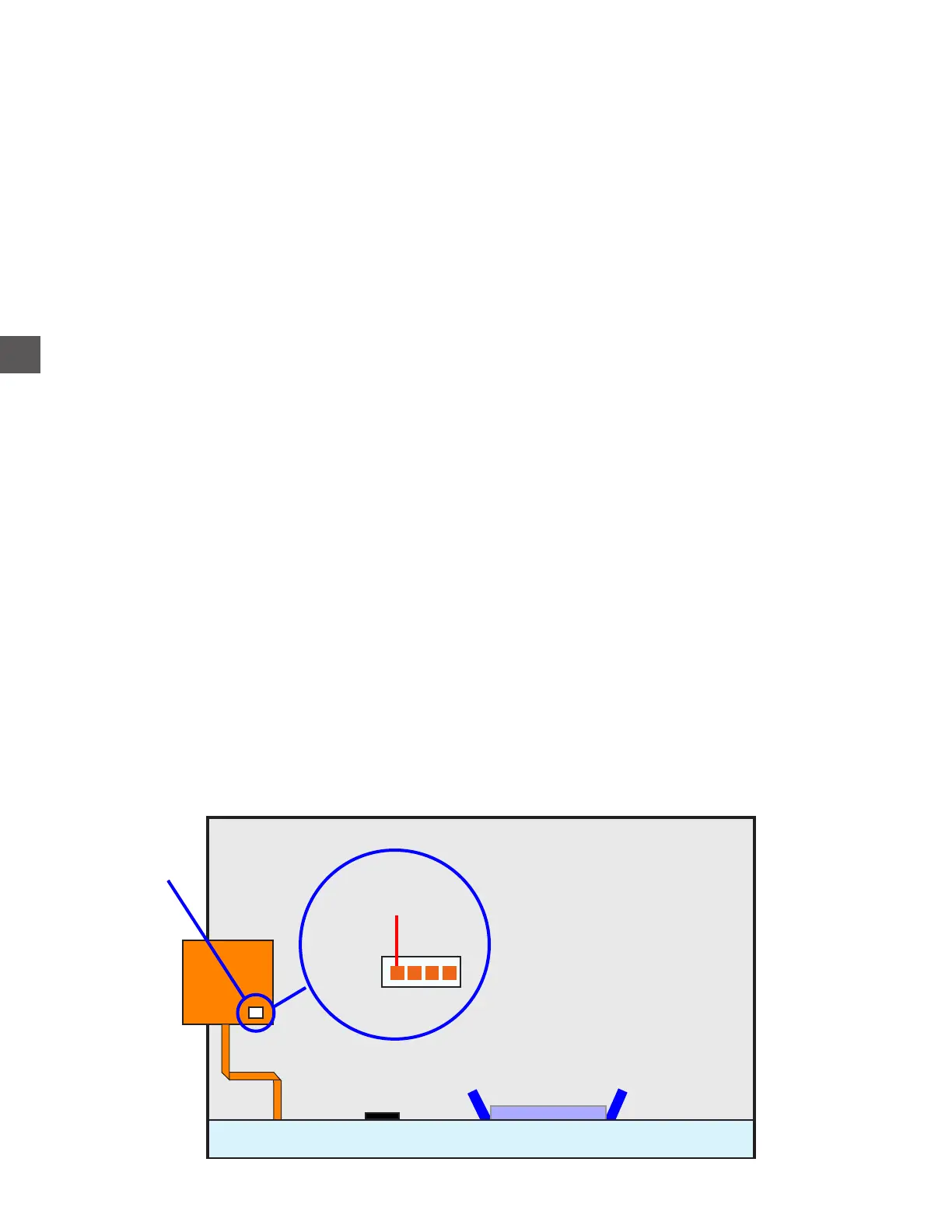
4) Check the Touchscreen cable connection at terminal J1 on the Touchscreen PCB.
5) Remove the backup thumbdrive and perform a power reset.
If the Touchscreen operates, replace the thumbdrive.
6) Check the +24 VDC Power Supply (lower), output voltages on the front of the Power Supply
Chassis.
If incorrect, the +24 VDC Power Supply may be defective/require adjustment.
7) If voltage is correct, check the +24 VDC input at the Computer.
If voltage is incorrect, the Distribution PCB may be defective.
8) Perform the following steps to isolate a defective component.
a) Disconnect VAC power.
b) Disconnect all components from the front of the Computer Chassis - EXCEPT the
incoming +24 VDC.
c) Re-apply VAC power.
If the display comes up normally, a faulty component may be the cause.
Identify the faulty component by reconnecting cables (one at a time with power
disconnected), until the faulty component is identified.
9) Check VDC voltages at terminal J1 on the Touchscreen PCB
If voltages are correct, replace the Display/Touchscreen assembly.
If voltages are incorrect, replace the Computer.
Touchscreen
J1
(Touchscreen)
Red +5



 To Next Page