7-17
7
Clearing the cleaning reminder
1) Navigate to the Coin Recycler Menu.
Log In > Status (bottom tool bar) > Coin Recycler > Perform Maintenance
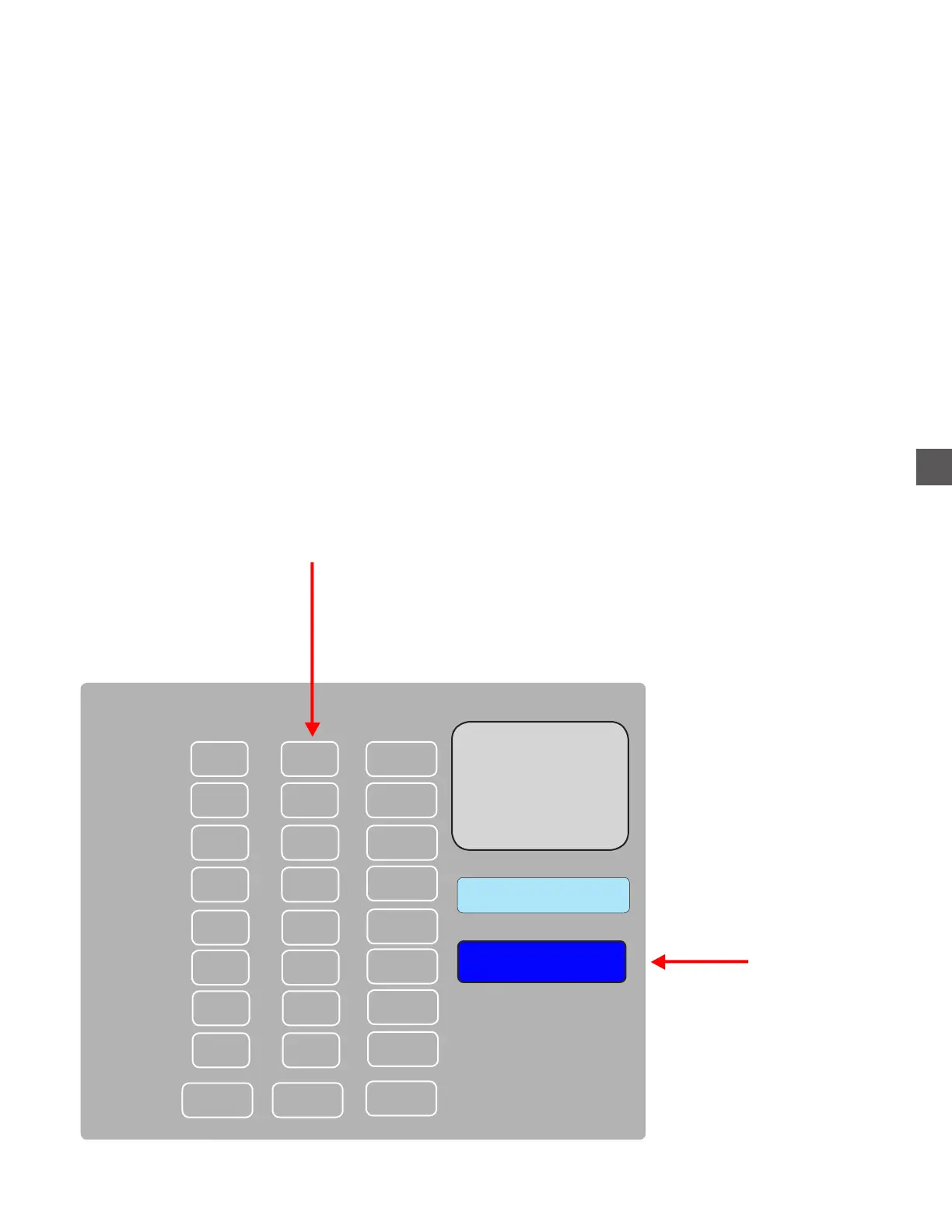
2) Select the desired Hopper and choose “CLEAN”.
3) Verify cleaning was performed - when prompted to reset the counter to “0”.
4) Repeat steps 2 & 3 to clear counters on cleaned Hoppers.
Cleaning reminders will no longer appear after counter has been cleared.
Coin Hopper Service
Select the appropriate Hopper
1
0
0
0
2
3
4
00
00
00
00
0
Acceptor
Clean
Replace
Device Lifetime Clean Maintenance
0
5
00
0
6
00
0
7
00
0
8
00
0 0
0
Choose CLEAN



 To Next Page