7-15
7
Coin Removal - Auditing
Hopper Coin Removal - Coin Auditing
The TR253 Coin Audit feature can be used to remove existing coins from each hopper and re-
introduce the coins through the Coin Sorter in order to verify coin counts.
Log In > Status (bottom tool bar) > Coin Recycler > Audit
1) Select the desired Hopper from the displayed menu.
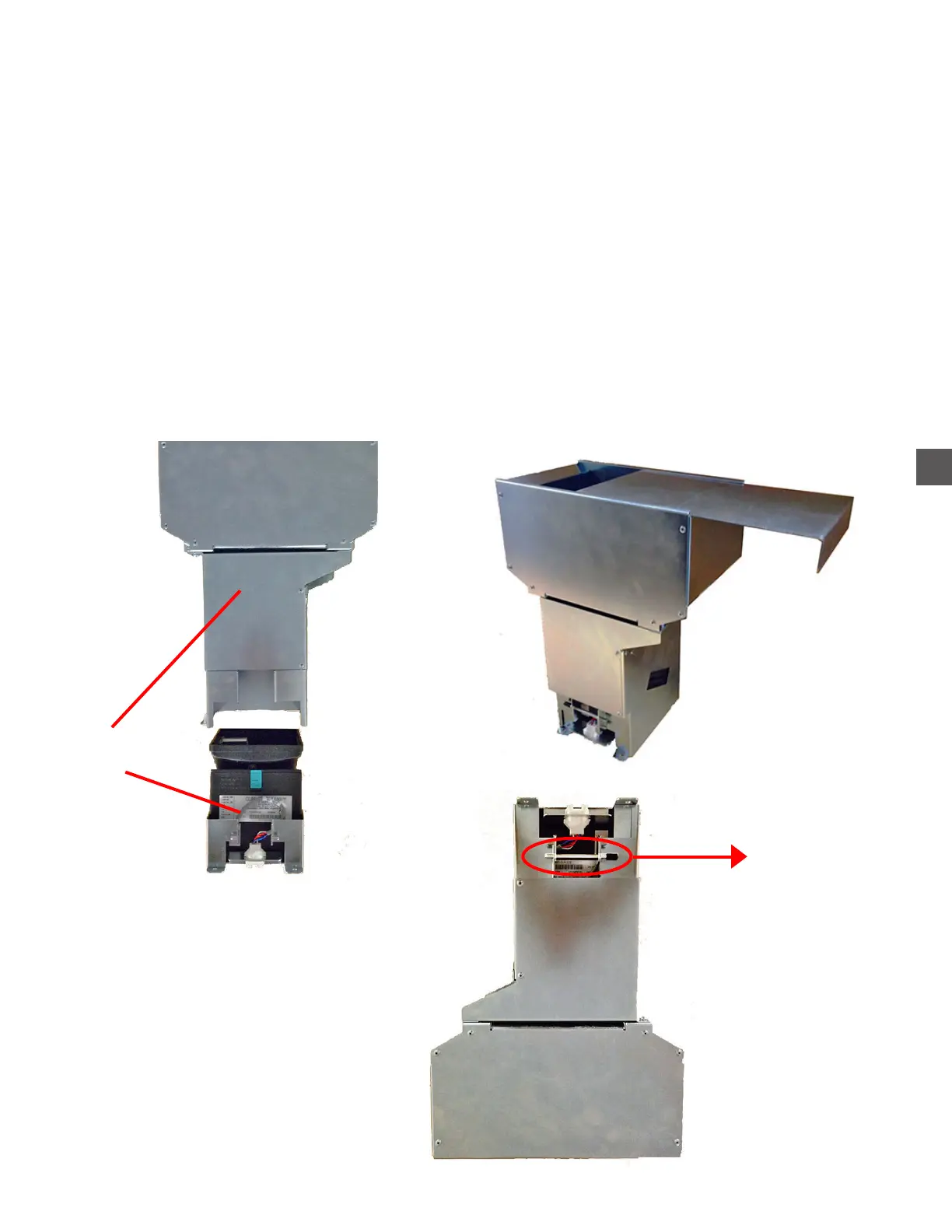
2) Remove the selected Hopper from the Hopper Rack and slide the Bin Lid (included with the
accessory kit), into the slots at the top of the Hopper Bin.
3) While holding the Bin Lid in place, turn the Hopper upside-down.
4) Remove the Hopper Base Retaining Retaining Pin and remove the Base from the Bin.
5) Place the Bin right-side up (over the Coin Sorter Loading Tray) to empty the coins.
Pull the retaining pin to
remove the Base from the Bin
Hopper Bin Lid
Base
Bin



 To Next Page