2-16
2
Creating Departments
Registers are grouped into DEPARTMENTS
Users linked to the Department can access all Registers within the Department
To create a DEPARTMENT:
Log In > Configuration Menu > Edit Groups, Mixes > Edit Departments
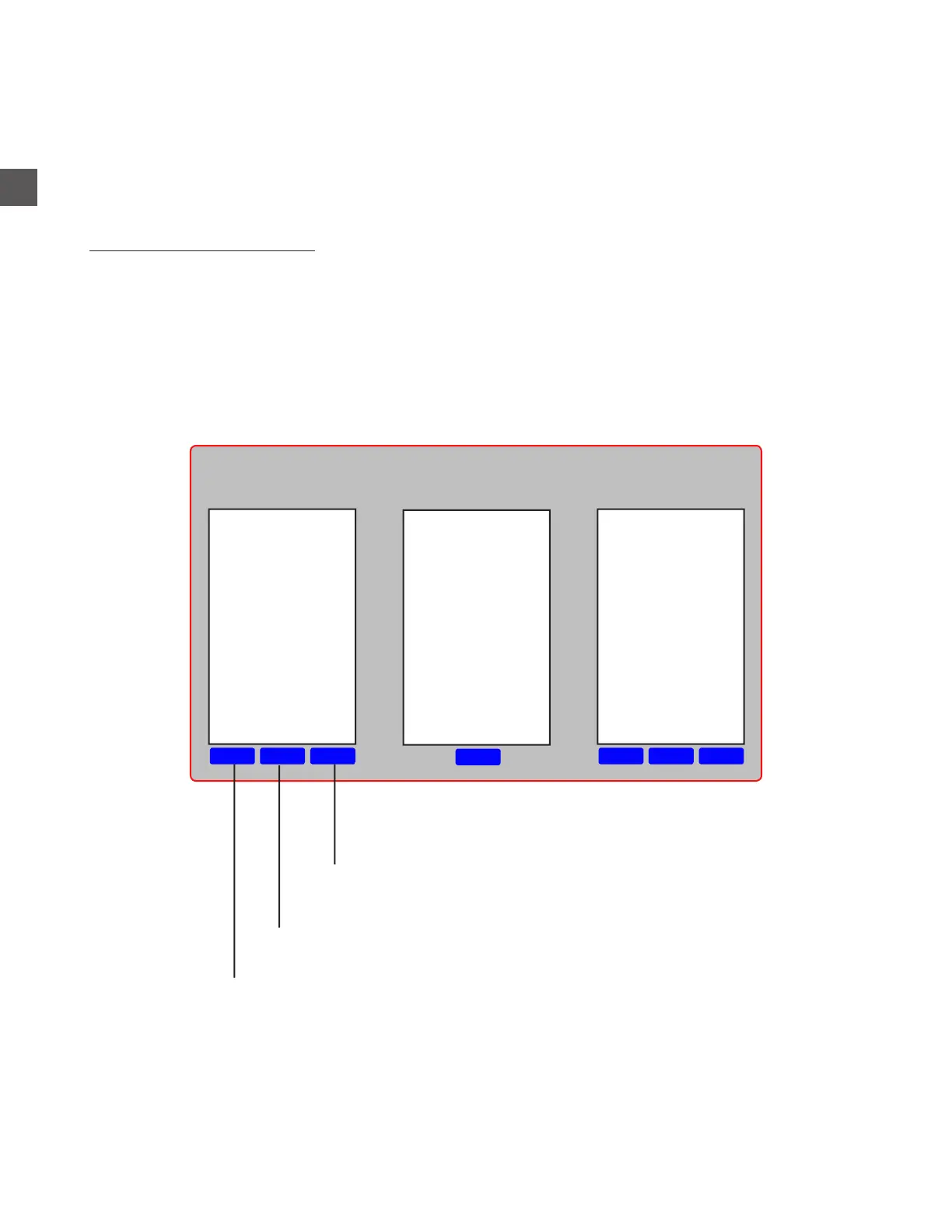
DeleteEditNew
Edit
DeleteEditNew
Registers
Department Contains
Registers
Departments
Users will be prompted to create a name for the Department
The name of the Department can be changed
Will delete the selected Department
Casino Dept
Food Dept
Hotel Dept



 To Next Page