2
2-37
Linking A Permission Level To A User Group
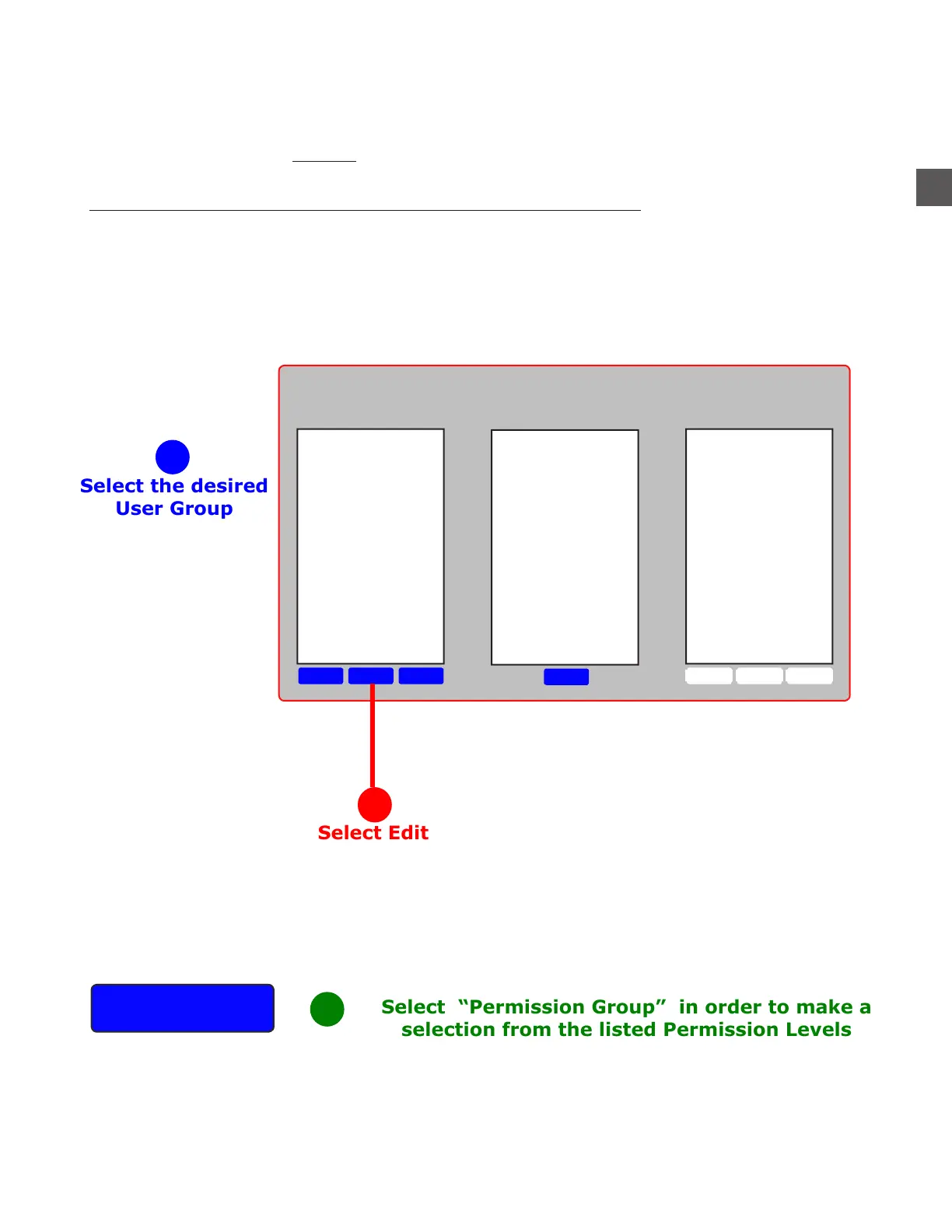
The Permission Level is typically assigned at the time User Group is created.
A NEW Permission Level cannot be created by following this process (See “To Create A Permission
Level” in this manual).
To assign or change the Permission Level assigned to a User Group:
Log In > Configuration Menu > Edit Groups, Mixes > Groups & Relationships
Permission
Group
DeleteEditNew
Edit
DeleteEditNew
Groups
Group Contains
Departments
Departments
Casino Cashiers
Common Cashiers
Executive
Food Cashiers
Hotel Cashiers
Managers
Select the desired
User Group
Select “Permission Group” in order to make a
selection from the listed Permission Levels
1
2
3



 To Next Page