2
2-45
Loading Note Recycler Cassettes (Using Note Recycler)
Notes that are added using this method will be deposited in the recycling cassettes for future
dispensing.
Cassette Counts will automatically be adjusted to reflect the notes added.
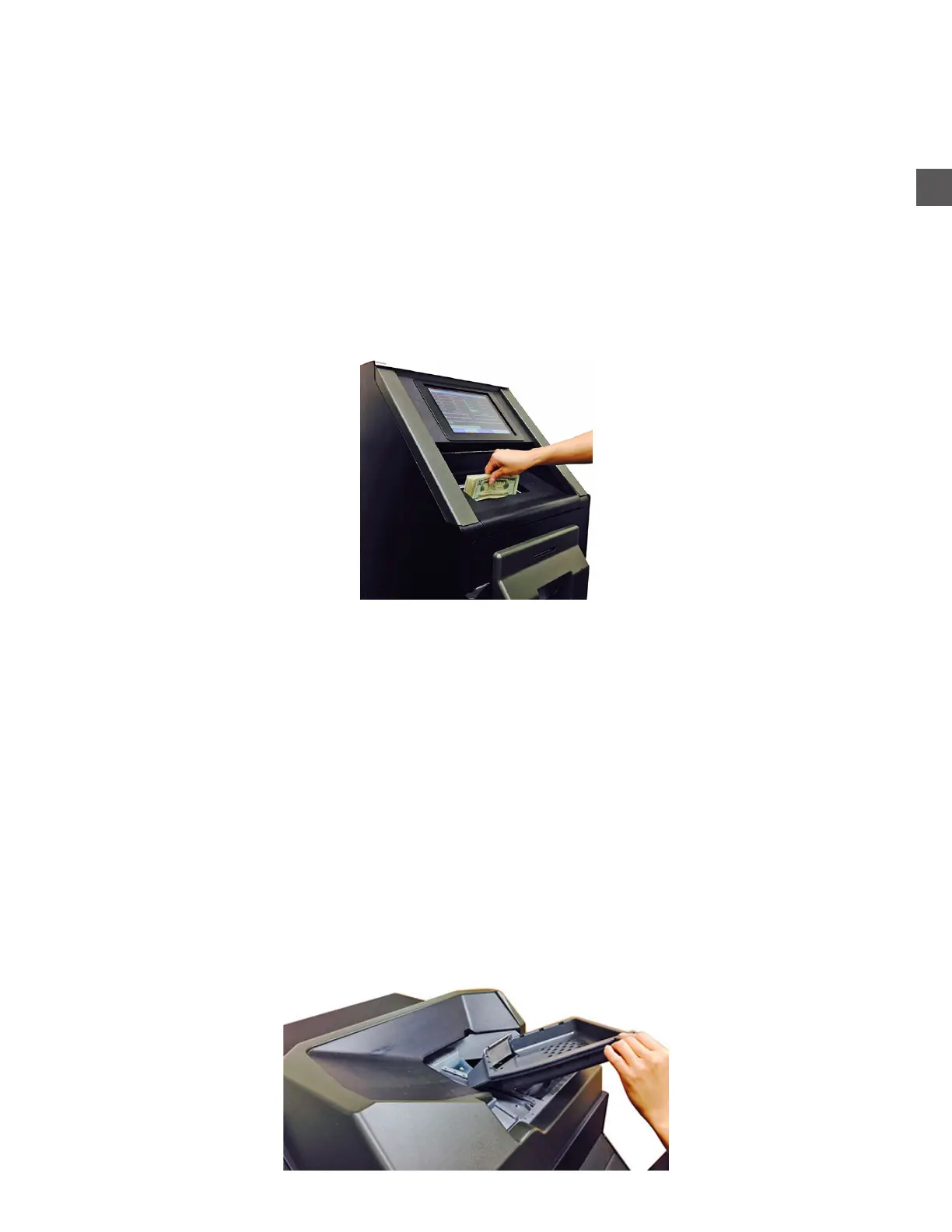
To insert notes using the Note Recycler:
Log In > Add Cash
When prompted, place notes in the Note Collection Door
** Maximum 100 notes per load recommended **
Loading Coins Hoppers (Using Coin Sorter)
Coins processed through the Coin Sorter will be deposited in the appropriate Coin Hopper.
Hopper Counts will automatically be adjusted to reflect coins added.
To insert coins using the Coin Sorter:
Log In > Add Cash (Start Coin Acceptance)
a) Place coins on the Coin Sorter Loading Tray
(Remove any foreign objects)
b) Raise the Loading Tray
** Maximum 3000 coins per transaction recommended **



 To Next Page