7-19
7
Diagnostic Menus
Log In > Maintenance Menu
Coin Hopper Diagnostics
Hopper
Statistics
Hopper
Reset
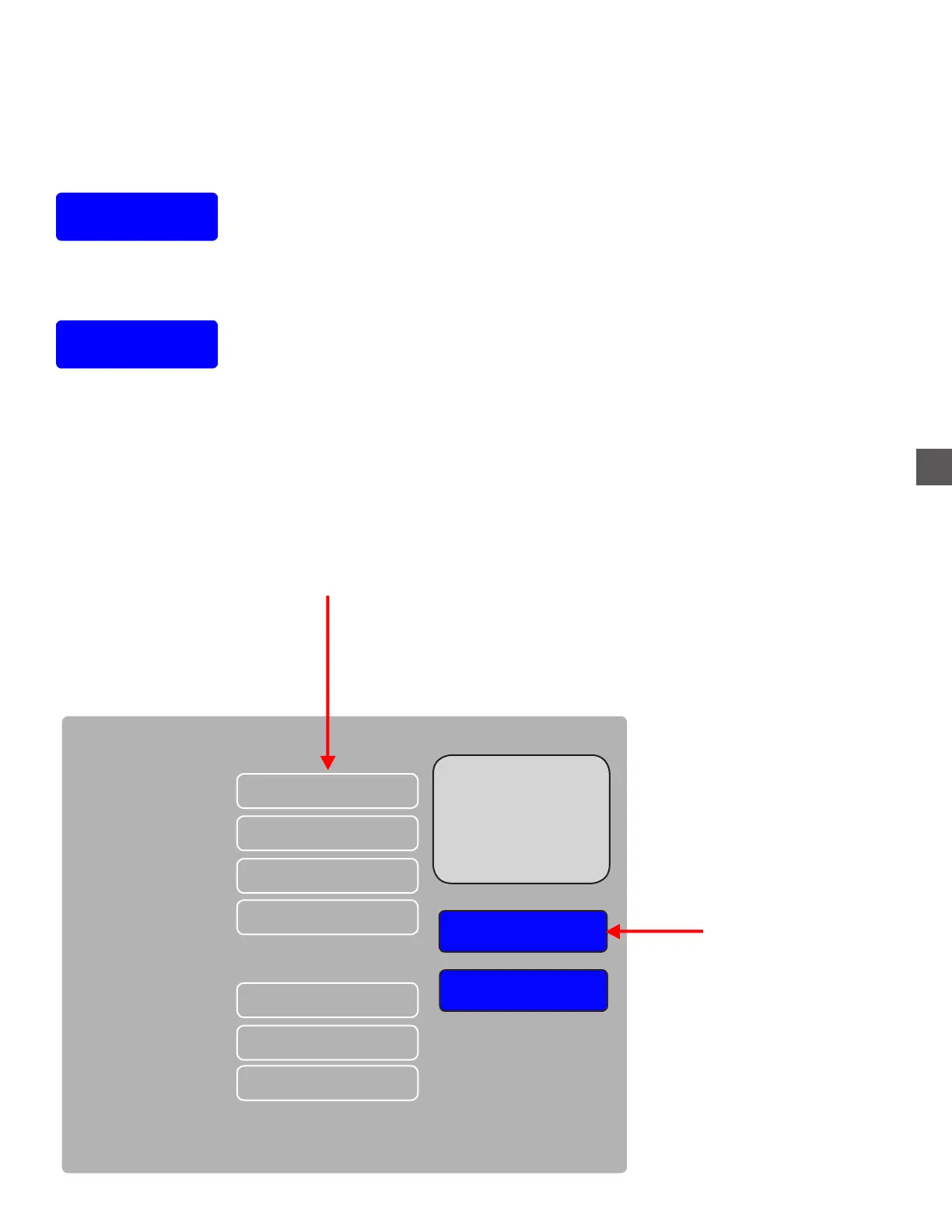
Selecting Hopper Reset may clear existing errors and will reset the “Statistics” menu count.
The display will show the number request is sent and an acknowledgement is received for each Coin
Hopper.
Allow the request and acknowledgements to cycle for a minimum of 250 responses.
Note: A Coin Hopper with more than a 3% failure rate will indicate a possible problem.
Displays current Hopper Status
Hopper 1 (0.01)
Reset
Hopper Status
Resets Hopper
Not Communicating
Hopper 2 (0.05)
Hopper 3 (0.10)
Hopper 4 (0.25)
Hopper 6 (0.25)
Hopper 7 (1.00)
Hopper 8 (2.00)
Empty
OK
OK
OK
OK
OK
Reboot



 To Next Page