2-44
2
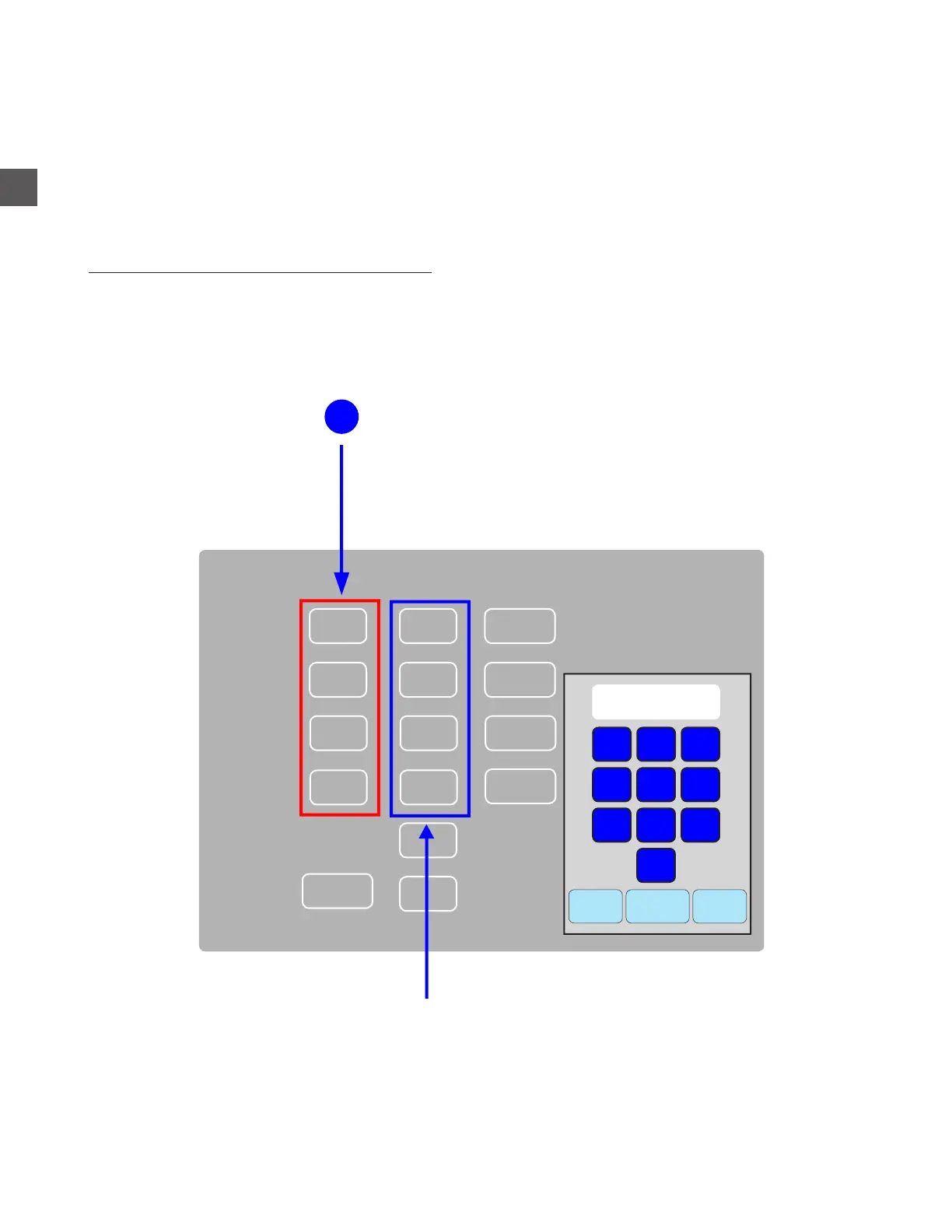
Note Recycler Manual Cassette Count Entry
If notes were placed into the Recycle Cassettes Manually, the Cassette count must be entered
manually.
If Cassette denominations were changed from the default settings, Cassette denominations can
be re-assigned in this menu.
Check the Cassette denomination setup:
Log In > Status (bottom tool bar) > Note Recycler > Configure Recycler
Cancel
Clear
Enter
1
2
3
4
5
6
7
8
9
0
Cassette Denom Count Value
1
$0
$0
$0
Reject
2
3
4
A
020
010
05
01
$0
0
0
$0
$0
Denom
ensure the correct denomination is assigned to the appropriate Cassette
If not, select the denomination and
make corrections with the number pad
Select the appropriate Cassette Count and enter the
TOTAL number of notes that exist in each Cassette
1



 To Next Page