5-5
5
The Touchscreen, Display and DVI Controller are integrated and must be replaced at the same time.
DO NOT attempt to separate the Display and Touchscreen
The 10.4” Display is lit by a bulb which cannot be replaced separately.
f The Display cable connections are fragile and care should be taken when disconnecting and
reconnecting cables
f A 6” X 12” foam pad (approximately 1.5” thick) or folded soft, clean towel is recommended for
component protection when folding the Display/Touchscreen assembly over for access.
Replacement of the Display/Touchscreen assembly requires access to the Electronics Bay.
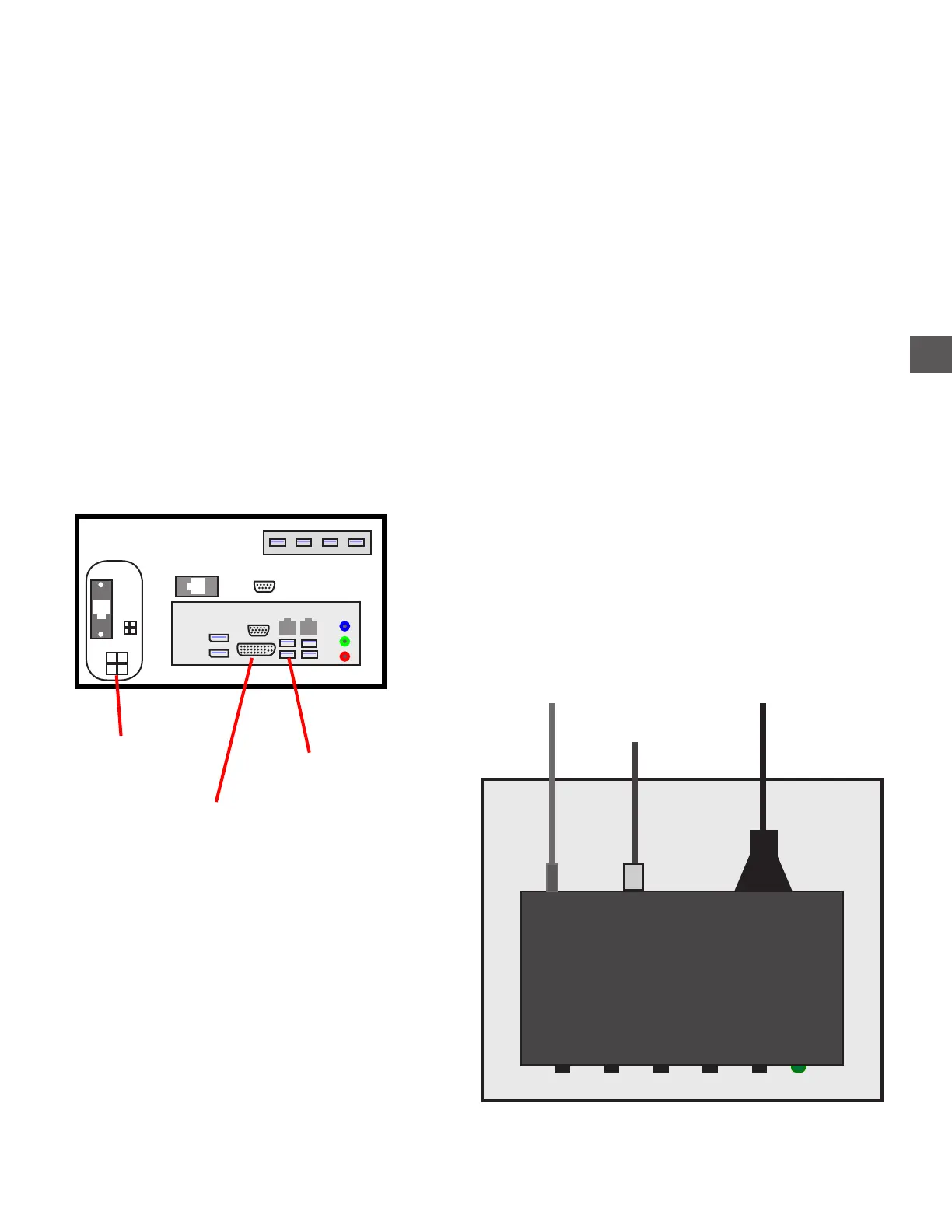
The Digital Visual Interface (DVI) Controller is powered by +12 VDC.
The +12vdc to the DVI controller is supplied from the Conrtol Computer VDC input cable (from the
Distribution PCB)..
Display
Display for TR250 Series
+12 VDC input
DVI Display input
Touchscreen USB
Computer
VDC Input
(+12 to DVI)
DVI Display output
Touchscreen



 To Next Page