2-42
2
Opening Doors
Opening a door can be accomplished by using EITHER of the 2 methods listed below.
Combination Lock method:
f From the factory, the default combination is 1-2-3-4-5-6 this combination may have been
changed at installation/start-up.
a) Enter the current combination on the keypad and rotate the entire dial (clockwise), to
the unlock the door.
b) Turn the Door Handle to open the door.
NOTE: Using the combination lock does not require Log In and does not provide an audit trail
Log In method:
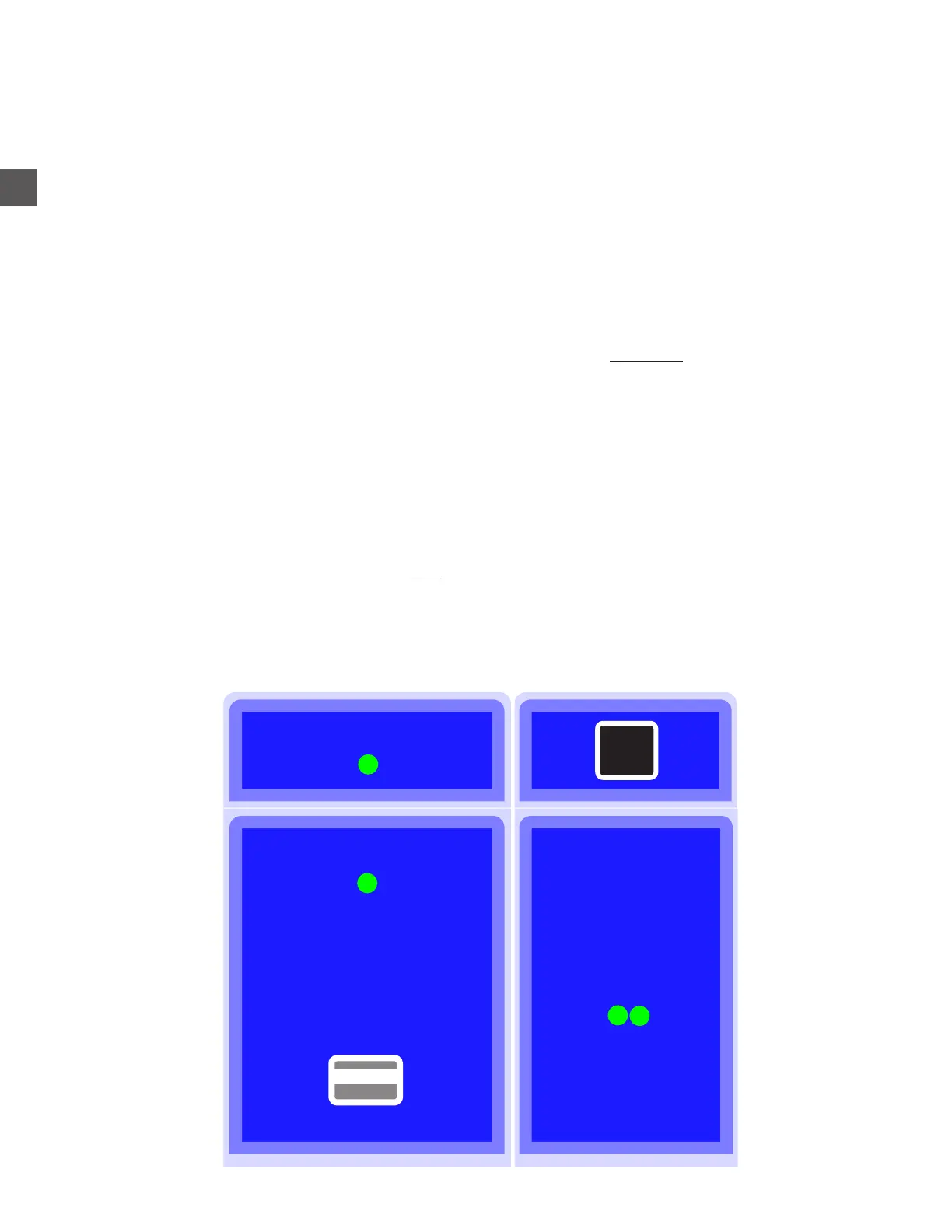
a) Navigate to the Open Door Menu.
Log In > Open Doors
b) Select the appropriate door to open from the displayed diagram.
c) Turn the Door Handle to open the door.
NOTE: Using the Log In method does not require the use of the Combination Lock, and a record
of which User opened the door will be logged in the system.
Coin Recycler (Top Cover)
Coin Dispenser Note Recycler
PC
Tap the screen area of the desired door to open



 To Next Page