2
2-51
Status Screen Menus
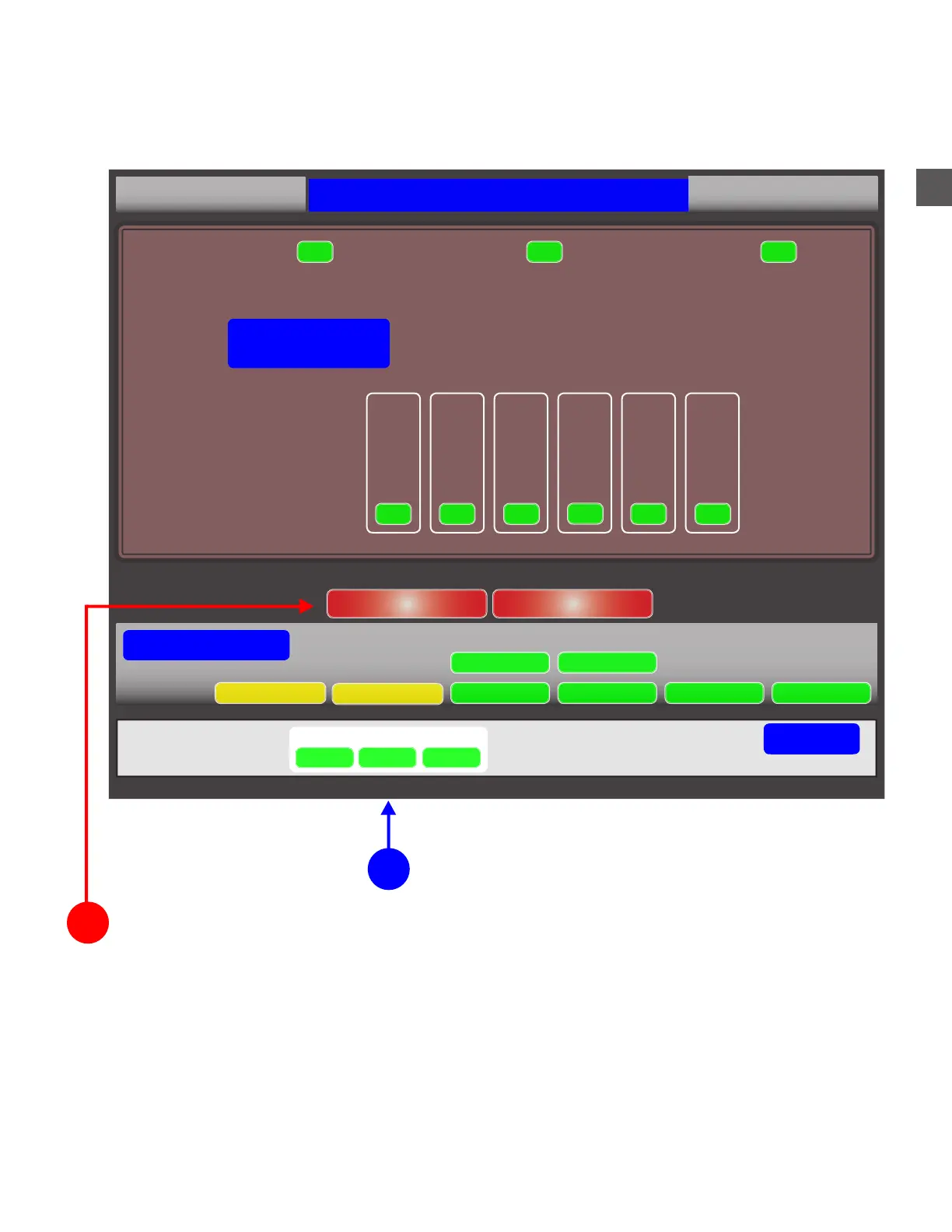
Selecting “STATUS” (bottom of screen), after Log In will allow access to menus which can
perform corrective functions.
Select COIN or NOTE RECYCLER to access function
2
1
After Log In, select STATUS
SN: TF01000
Tidel TR250 Status
1.1.0.0
Acceptor:Device:
Dispenser:
Hopper 5 Hopper 6Hopper 1 Hopper 2 Hopper 3 Hopper 4
OK
OK OK
OK
OK OK
Coin Recycler
Error Code: NONE
OK
OK OK
System Status
Note Recycler Coin Recycler
Accounting period (06/29/17) Out $525.00
Device Monitor Maintenance Software DataBase Accounting
Backup
Printer
Go Back
System
Coins
Notes
Status
SEE THE FOLLOWING PAGES FOR ERROR RESOLUTION INFORMATION
UPS



 To Next Page