14
14-17
(D) Overow Bin Area
1) Place the Coin Hoppers back into the Coin Hopper Rack.
NOTE: Coin Hoppers are “keyed” and must be placed in the proper rack position.
2) Place the Coin Hopper Rack fully into the Coin Handler.
3) Depress the Coin Collection Tray Rack Release Lever and place the rack back fully in.
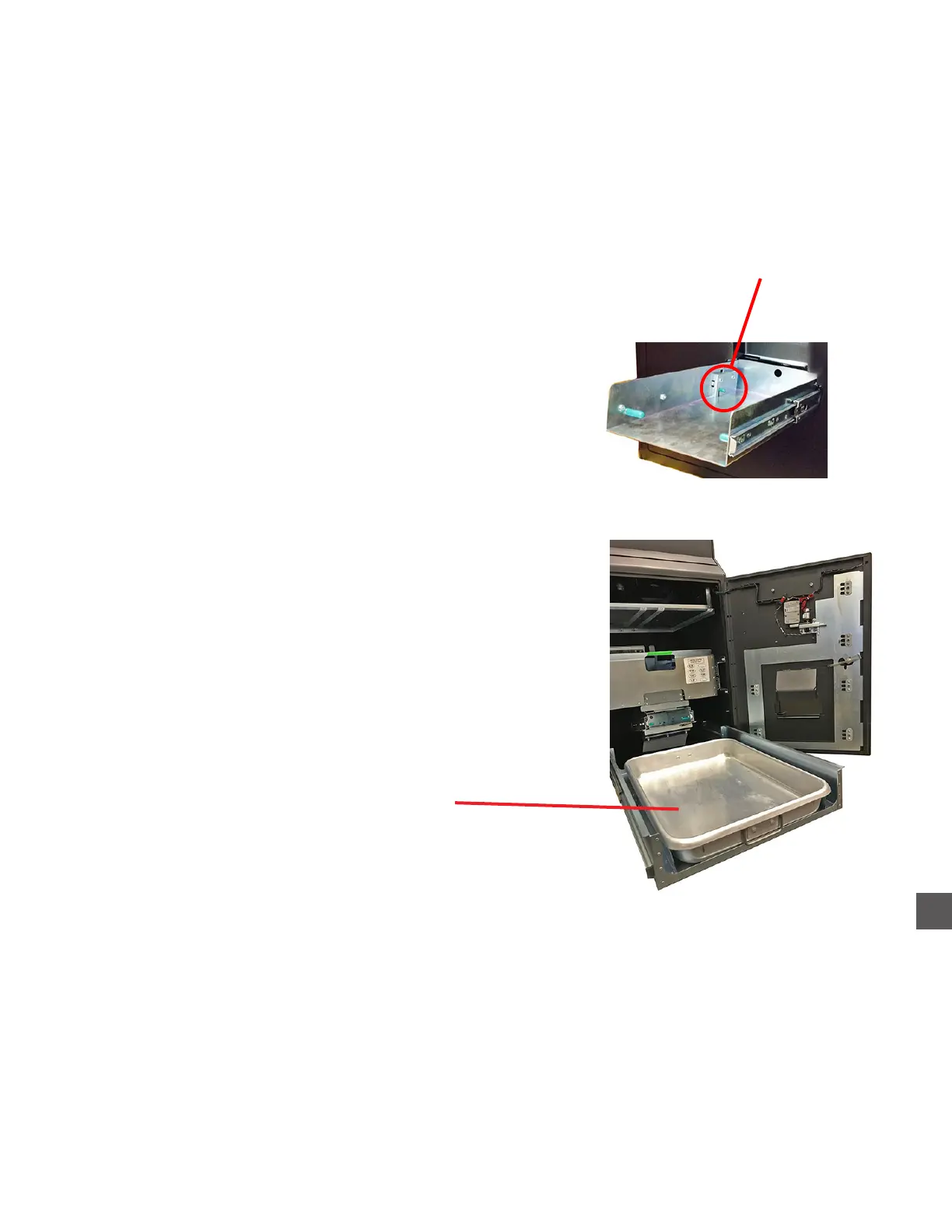
1) Place the Overflow Bin back into the Coin Handler.
2) Close and lock the Coin Handler door.
3) Perform an “Accept Coins”.
Log In > Status (bottom tool bar) > Coin Recycler > Dump/Accept > Accept Coins
X Load coins into the Coin Sorter when prompted.
#9 - Vacuum/wipe entire Overflow Bin bed area
Press Rack Release Lever DOWN
1) Extend the Overflow Bin Rack fully from the Coin Handler.
2) Remove the Overflow Bin (pan).
Coin Hopper Overflow Area
#10 - Transfer any coins in the Overflow Bin to
a suitable container and wipe the Overflow Bin
with a damp cloth
(while Overflow Bin is removed)
(E) Coin Hopper Closing



 To Next Page