5-26
5
To test a Solenoid:
1) Insure the Vault Door is open and the Combination Lock is in the locked position.
2) Use the Maintenance Menu to activate and deactivate the Solenoid.
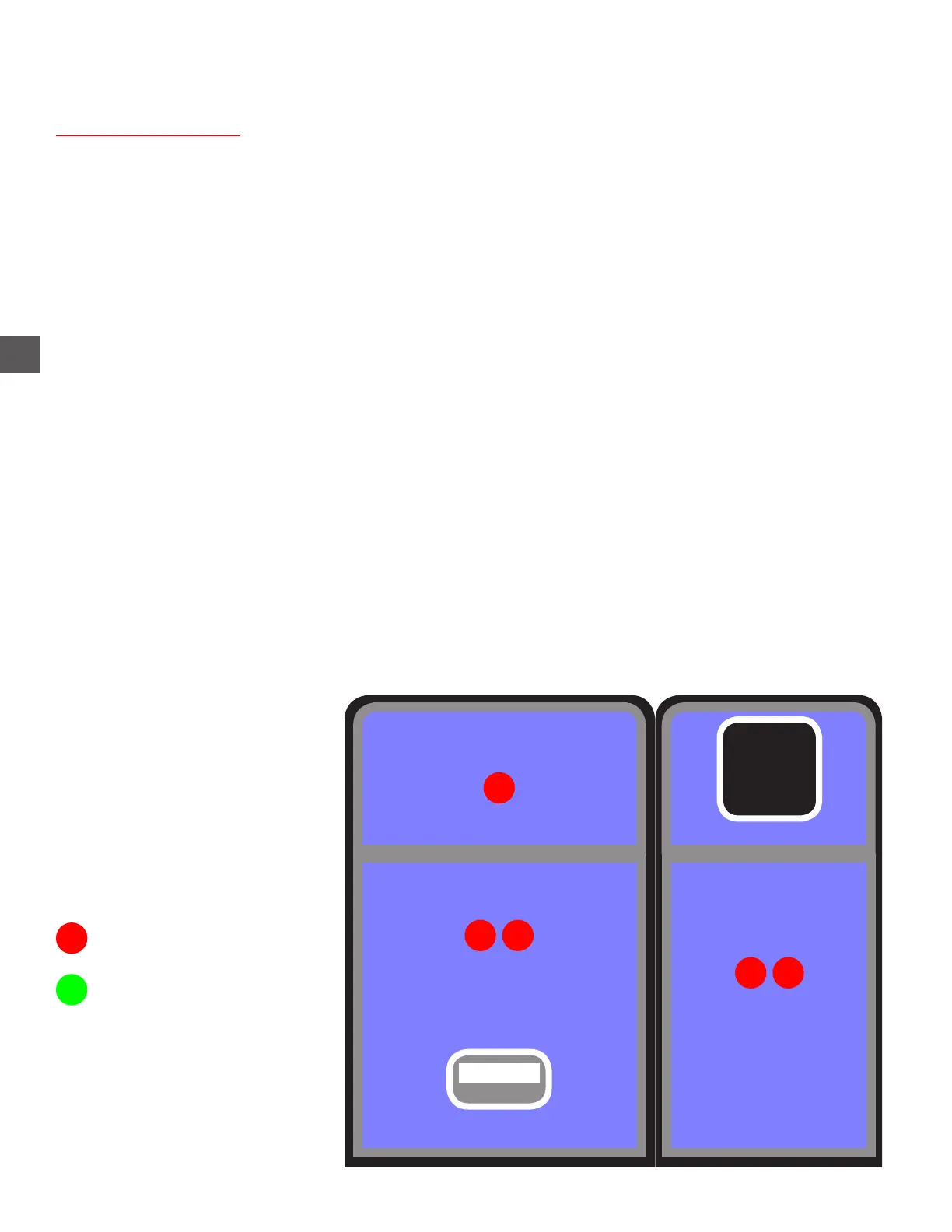
Login > Maintenance Menu > Door Solenoids and Sensors
X Activate the Solenoid by tapping the displayed door area.
If the Solenoid does not activate:
a) Check voltage at the “quick connect” on the Solenoid cable.
If voltage behavior is correct (see previous page), the Solenoid may be
defective or the plunger may be binding.
b) Check the wiring condition in the “quick connect” on the Solenoid cable.
c) Check the connection at the Distribution PCB.
Sensors and Solenoids (Doors)
PC
Note Recycler
L D
Coin Recycler (Top Cover)
Coin Dispenser
D
L D
Coin Collection Tray Inserted
D = Door Position Sensor
L = Lock Position Sensor
= Unblocked
= Blocked



 To Next Page