7-11
7
Dispensing Coins To e Overow Bin
Step 1: Ensure the Coin Handler Vault door is closed and locked.
Step 2: Remove the Coin Collection Tray.and pull the Coin Collection Tray Rack fully outward.
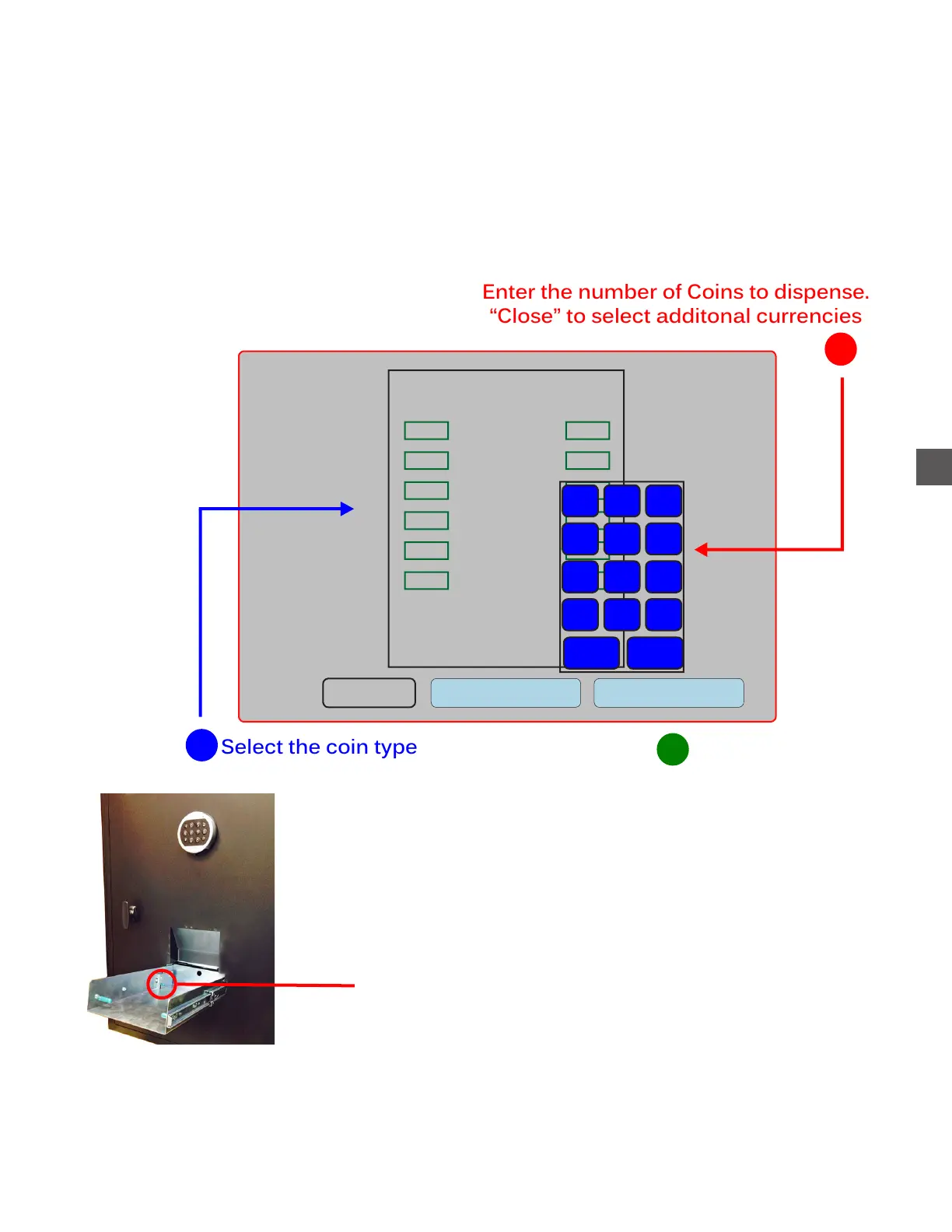
Step 3: Perform a “Dispense To Overflow”.
Log In > Status > Coin Recycler > Dispense Coins To Overflow
Repeat steps 1-3 (below) for all desired coin denominations.
Pennies
Nickels
Dimes
Quarters
Half
Dollars
Dollars
Coins
1
Enter the number of Coins to dispense.
“Close” to select additonal currencies
2
Count
Value
Clear all Dispense
Total:
$0.00
1
2
3
4
5
6
7
8
9
. 0
Del
Back
Close
Select “Dispense” when the
desired disbursment is displayed
3
Press the release lever down to place the
rack back into the normal operating position
NOTE: Coins dispensed using this function will be reported as remaining in the Overflow Bin until
an “Empty Bin” is performed
Log In > Status > Coin Recycler > Empty Bin > Overflow Bin



 To Next Page